Ever thought about launching your own website but felt overwhelmed by the technical details? You're not alone. Many solopreneurs dream of having a stunning online presence but hesitate because they think it requires coding skills or a hefty budget. The good news? With an AI web design generator, you can create a professional-looking website without breaking a sweat. Let’s dive into how this tool can transform your online journey.
What is an AI Web Design Generator?
In simple terms, an AI web design generator is a tool that uses artificial intelligence to help you create a website. It takes your ideas and turns them into a beautiful, functional site in just a few clicks. No design experience? No problem! These generators are designed to be user-friendly, making it easy for anyone to get started.
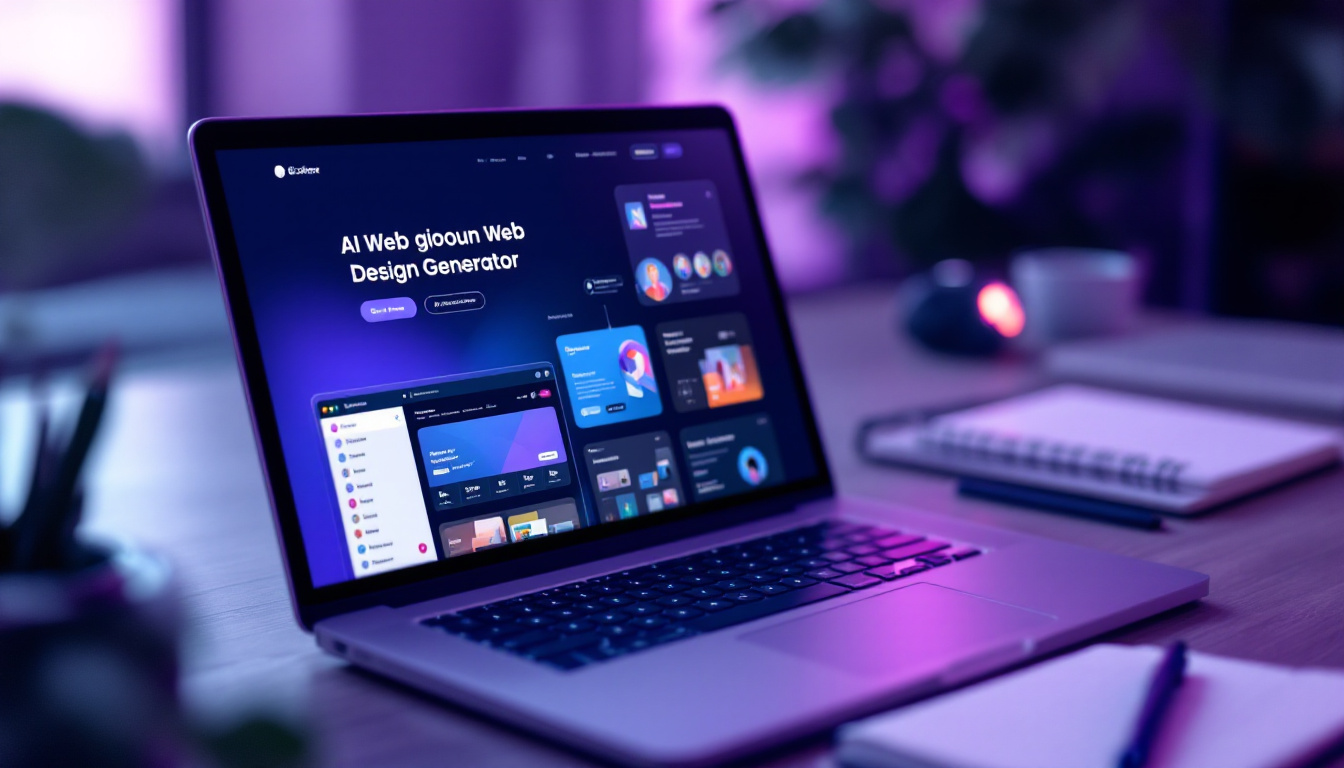
Why You Should Consider Using One
Imagine having a website that reflects your brand perfectly, without spending hours on design. Here are a few reasons why an AI web design generator is a game-changer:
- Time-Saving: You can have a website up and running in no time.
- Cost-Effective: Many generators, like Solo AI, offer free plans, so you can create without spending a dime.
- Custom Domains: Use your own domain name for a professional touch.
- Mobile-Friendly: Your site will look great on any device, ensuring you reach more visitors.
- SEO-Optimized: Built-in tools help your site rank better on search engines.
Getting Started with Solo AI
Ready to take the plunge? Here’s how to get started with Solo AI, a fantastic free website creator that’s perfect for solopreneurs.

Step 1: Sign Up for Free
First things first, head over to the Solo AI website and sign up for a free account. It’s quick and easy, and you’ll be on your way to creating your dream site in no time.
Step 2: Choose Your Template
Once you’re signed up, you’ll have access to a variety of templates. Browse through them and pick one that resonates with your brand. Remember, this is your chance to showcase your personality!
Step 3: Customize Your Site
Now comes the fun part! Use the intuitive drag-and-drop interface to customize your site. Add your logo, change colors, and tweak layouts until it feels just right. Don’t be afraid to experiment!
Step 4: Add Content
content is king! Start adding your text, images, and any other media that represents your business. Keep it clear and engaging. Remember, you want to connect with your audience.
Step 5: Publish and Share
Once you’re happy with your site, hit that publish button! Share your new website with friends, family, and potential customers. You’ve worked hard, and it’s time to show it off!
Tips for Making the Most of Your Website
Now that your website is live, how do you ensure it stands out? Here are some tips to keep in mind:
Keep It Updated
Regularly update your content to keep it fresh. This not only helps with SEO but also keeps your audience engaged. Share your latest projects, blog posts, or any news related to your business.
Engage with Your Audience
Don’t just let your website sit there. Use it as a platform to connect with your audience. Encourage comments, feedback, and questions. The more you engage, the more loyal your visitors will become.
Utilize Social Media
Promote your website on social media platforms. Share links to your latest blog posts or updates. This drives traffic to your site and helps you reach a wider audience.
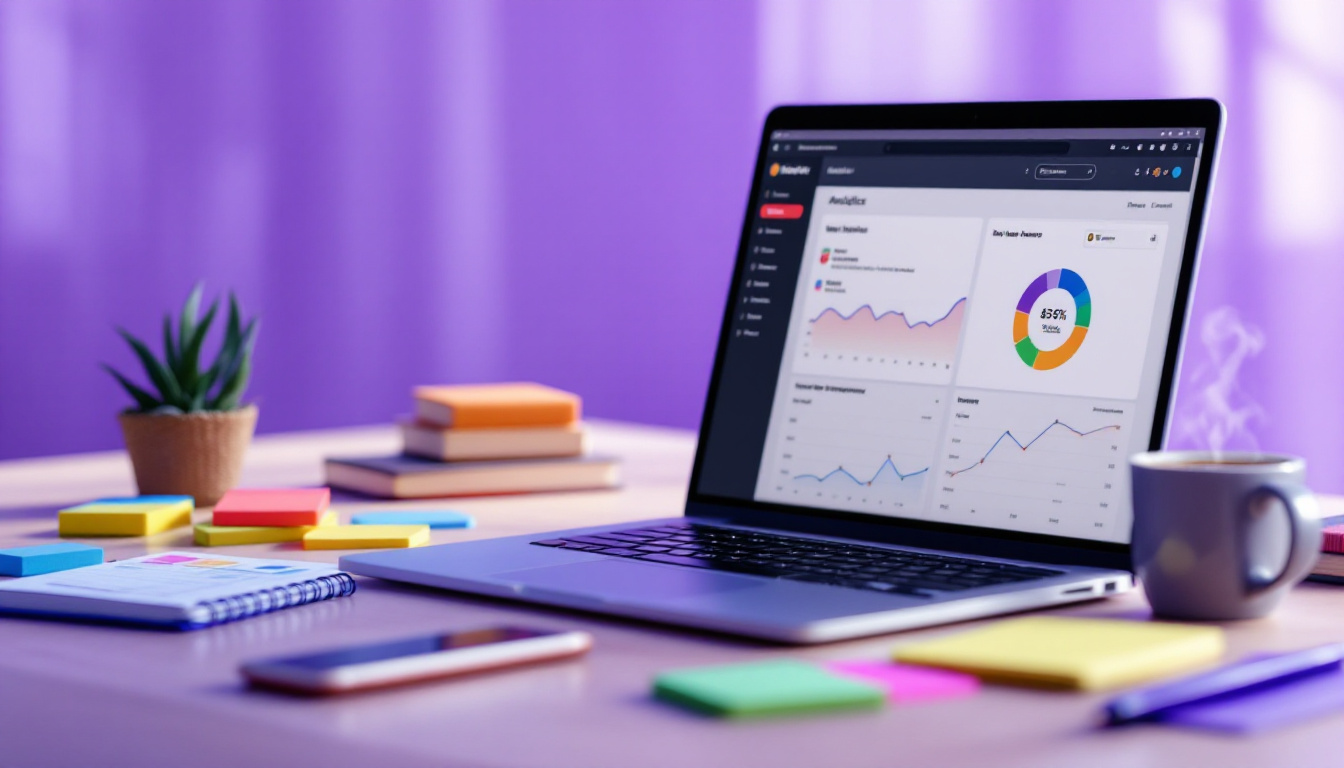
Analyze Your Traffic
Use analytics tools to track your website’s performance. Understanding where your visitors come from and what they like can help you make informed decisions about your content and marketing strategies.
Final Thoughts
Creating a website doesn’t have to be a daunting task. With an AI web design generator like Solo AI, you can build a stunning site that showcases your brand and connects with your audience. Remember, the hardest part is just getting started. So, take that first step today, and watch your online presence flourish!
Ready to create your website? Dive into the world of AI web design and unlock your potential as a solopreneur. Your dream website is just a few clicks away!
Start Building Your Dream Website with Solo Today
Why wait any longer to make your mark on the digital world? With Solo, you're just minutes away from launching a website that's not only visually appealing but also optimized for success. Say goodbye to the complexities of web design and hello to a seamless, AI-powered experience that takes your online presence to the next level. Whether you need to import social media reviews, link your booking calendar, or track your site's performance, Solo has you covered. Create your website now and join the community of entrepreneurs who are already thriving with Solo's intuitive website builder.
What does an AI web design generator do?
It uses artificial intelligence to turn your ideas into a functional website in just a few clicks. It is designed to be user-friendly, so you can build a site even if you have no design experience or coding skills.
Why would a solopreneur use Solo AI instead of building a site manually?
Solo AI saves time and can reduce costs by letting you create a website quickly on a free plan. It also supports custom domains, mobile-friendly layouts, and SEO-friendly setup, which helps you launch a more professional online presence with less effort.
How do you get started with Solo AI?
Start by signing up for a free account, then choose a template that fits your brand. After that, customize the design with the drag-and-drop interface, add your text and images, and publish the site when it looks right.
What should you add when customizing your website?
Add elements that reflect your brand, such as your logo, color choices, layout preferences, text, images, and other media tied to your business. Keeping the content clear and engaging helps you connect with your audience more effectively.
How can you keep your website effective after it goes live?
Update your content regularly so it stays fresh for both visitors and search engines. You should also engage with your audience, promote the site on social media, and analyze traffic so you can make better decisions about content and marketing.