
The 12 Best Free CRM for Small Business in 2025
This article was assisted with AI. We may include links to partners.
Managing customer relationships is the foundation of business growth, but software subscriptions can strain a small business budget. A Customer Relationship Management (CRM) system is a central hub for all your customer information. It organizes every contact detail, sales lead, and client conversation in one place, so you never miss a follow-up or lose a lead buried in spreadsheets or sticky notes.
The good news is that powerful CRM tools are no longer expensive. We've done the research for you, identifying the best free CRM for small business available today. This guide gets straight to the point, showing you what "free forever" really means. We provide actionable, no-fluff breakdowns of each platform's features, limits, and who it's best for.
This resource will help you choose the right tool without endless trial and error. You'll find a detailed analysis of the top free CRM options, including:
- Honest Pros and Cons: A clear look at the strengths and weaknesses of each platform's free version.
- Feature Limitations: An exact breakdown of user, contact, and storage limits so you know when you might need to upgrade.
- Ideal Use Cases: We identify which CRM is best suited for freelancers, service-based businesses, e-commerce stores, and more.
- Screenshots and Direct Links: See how the platform looks and get started with a single click.
Our goal is to help you find a system that not only organizes your contacts but actively helps you build stronger customer relationships and drive sales, all without costing a dime. Let's get started.
1. HubSpot CRM
HubSpot CRM is an all-in-one platform, making it a top contender for the best free CRM for small business owners who want a powerful and easy-to-use starting point. It offers a full set of free tools for sales, marketing, and customer service, not just contact management. This means you can manage the entire customer journey—from first contact to loyal client—from one single dashboard, which simplifies your work.
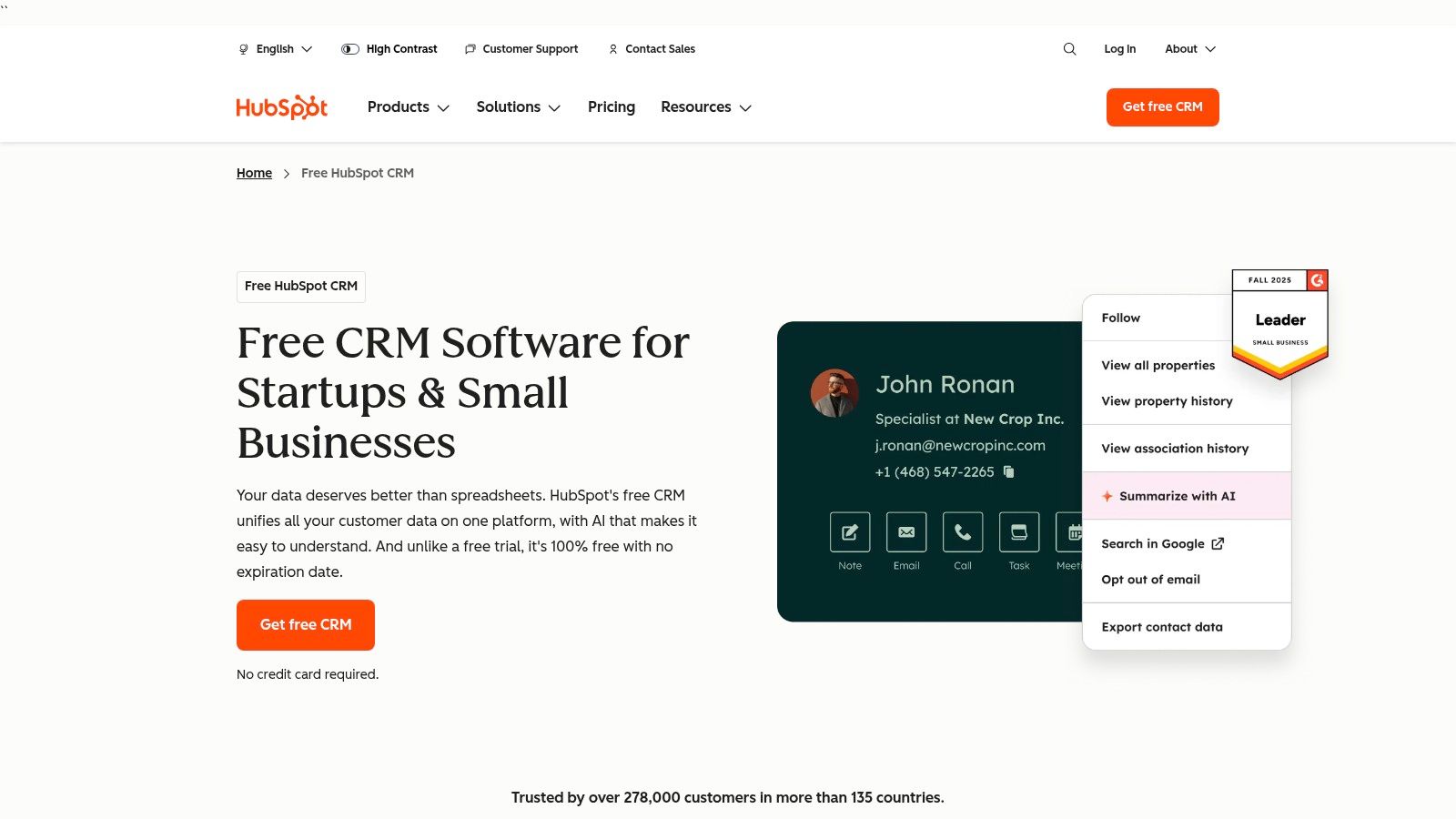
The free plan is surprisingly generous, giving you tools that other platforms charge for. Its simple, clean design makes it easy to set up and use, even if you're not tech-savvy. The platform is built to grow with your business; you can start with the free essentials and add paid "Hubs" for more advanced features as your company expands. This saves you the future headache of moving all your data to a new system.
Key Features and Limitations
HubSpot's free tier provides core tools perfect for getting started.
- Contact & Deal Management: Organize contacts and track sales opportunities on a visual pipeline board.
- Meeting Scheduler: Let potential customers book meetings directly on your calendar, eliminating back-and-forth emails.
- Email & Live Chat: Use basic email templates, see who opens your emails, and talk to website visitors with live chat and simple chatbots.
- Website Forms: Create and add forms to your site to capture new leads directly into your CRM.
The main limitation is on advanced features. The free plan limits how many reporting dashboards you can have, adds HubSpot branding to your forms and emails, and restricts automation. For detailed reports and complex automated marketing, you'll need a paid subscription.
Best For and Setup Tip
Ideal User: Startups and small businesses that want a powerful, user-friendly, all-in-one solution that can grow with them.
Actionable Tip: Connect your business email (like Google Workspace or Outlook) during setup. This unlocks email tracking, so you can log sales emails and see when leads open your messages directly in their contact record.
Website: https://www.hubspot.com/products/crm
2. Zoho CRM
Zoho CRM offers a powerful free edition, making it a great choice for small businesses that need a complete solution right away. Zoho’s "Free for Three" plan gives surprisingly advanced features for up to three users, unlike many competitors who offer very basic free versions. This makes it a perfect option for solo business owners or very small teams looking for a mature platform without paying upfront.
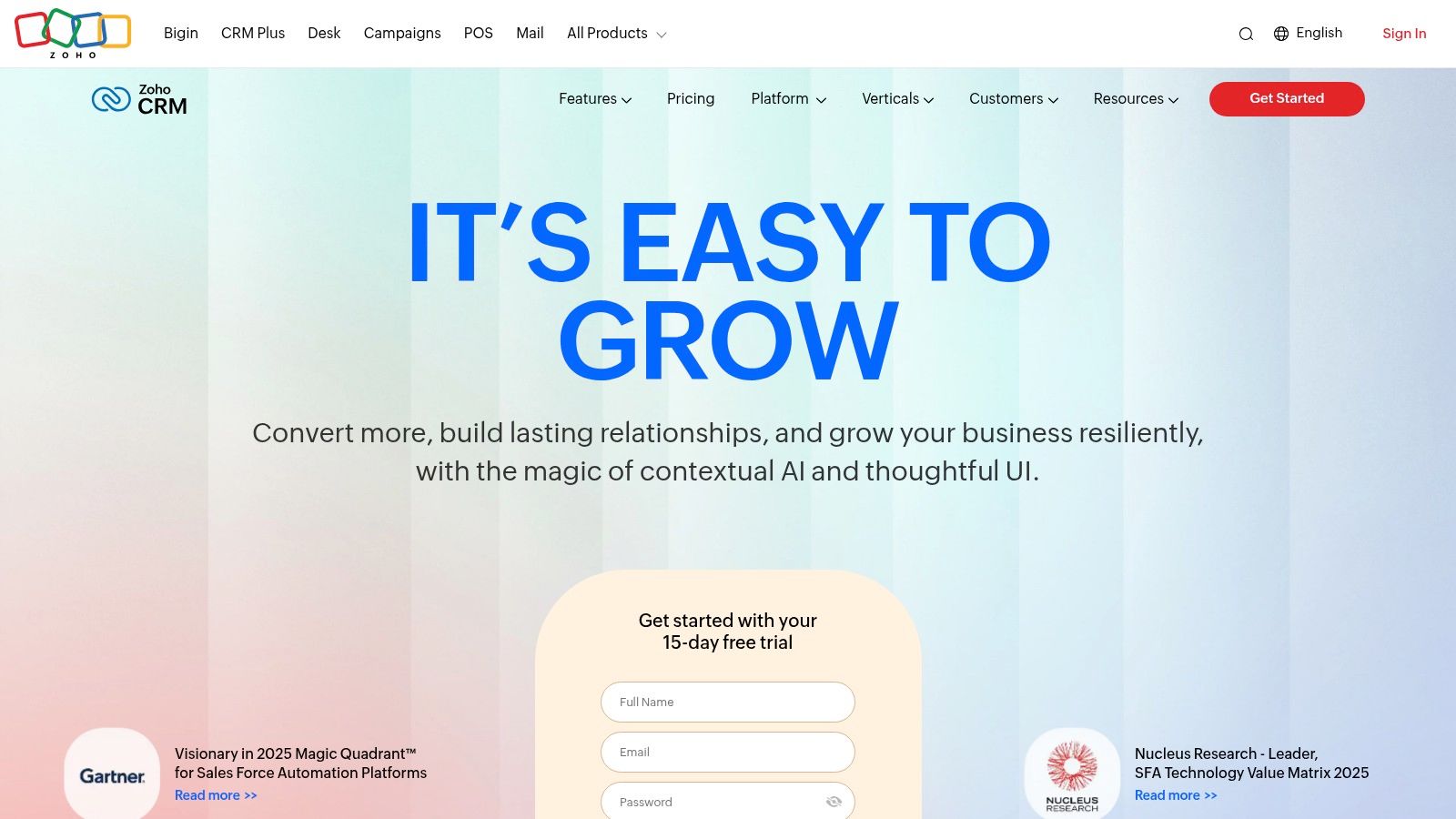
The platform is part of a large family of business apps, offering a clear path to add more tools as your company grows. While the interface can feel a bit more traditional than some newer tools, you get access to a wider set of features for managing sales, marketing, and support. This makes Zoho CRM a practical choice for businesses that expect to need more advanced tools in the future and want to avoid the hassle of switching systems later.
Key Features and Limitations
Zoho's free plan is robust, offering tools that cover the full sales cycle.
- Lead & Contact Management: Keep all your lead, contact, and account information in one place with standard reports.
- Workflow Automation: Create simple rules to automate routine tasks, like sending a follow-up email to a new lead.
- Document Management: Store and manage files like proposals and contracts directly within the CRM.
- Mobile Apps: Access your CRM data and perform key actions on the go with dedicated iOS and Android apps.
The main limitation of the free plan is the three-user cap. Advanced features like sending emails to a large list, detailed sales forecasting, and deep customization are only available in paid plans. The interface can also take a bit longer to learn for users new to CRM software.
Best For and Setup Tip
Ideal User: Small teams of up to three people who need a full-featured CRM with basic automation and are comfortable with a more traditional, data-heavy interface.
Actionable Tip: Use the workflow automation feature right away. Set up a simple rule to automatically create a follow-up task for your team whenever a new lead is added. This ensures no lead gets forgotten and helps build solid sales habits from the start.
Website: https://www.zoho.com/crm/
3. Bigin by Zoho
Bigin by Zoho is a CRM focused on managing your sales pipeline, designed for small businesses that find traditional CRM systems too complicated. It simplifies the sales process with a clean, visual interface, making it a top contender for the best free crm for small business if your main goal is to track deals easily. Unlike its bigger, more complex sibling, Zoho CRM, Bigin helps you get started quickly with very little training.
The free-forever plan is perfect for one person or a tiny team just starting to organize their sales activities. Its main benefit is its simplicity in managing leads and deals as they move through your sales stages. While it’s part of the Zoho family of apps, it works great as a standalone tool, offering a simple user experience that focuses on core sales functions rather than overwhelming you with features you don't need.
Key Features and Limitations
Bigin's free plan provides the essentials for effective pipeline management.
- Single Sales Pipeline: Manage up to 500 contacts and deals with customizable stages to track your progress from first contact to closing a sale.
- Contact Management: Store and organize contact information, notes, and activity history in a central location.
- Basic Integrations: Connect with essential tools like Zoho Desk, Zoho Campaigns, and phone services for basic communication.
- Mobile Apps: Access and manage your sales pipeline on the go with fully functional iOS and Android apps.
The main limitations of the free plan are the caps on records (500), users (1), and pipelines (1). Advanced features like custom dashboards, sending mass emails, and more sophisticated automation are reserved for the affordable paid plans, which are a logical next step for growing teams.
Best For and Setup Tip
Ideal User: Solopreneurs and micro-businesses who need a simple, visual, and mobile-friendly tool to manage a sales pipeline without complexity.
Actionable Tip: Use the "Activities" feature to schedule follow-up tasks, calls, and meetings for each deal in your pipeline. This ensures no lead gets forgotten and helps you build a repeatable sales process from day one. You can get leads from your website forms, which can be made with one of the best free website builders for small business.
Website: https://www.zoho.com/bigin/
4. Freshsales (Freshworks CRM)
Freshsales, part of the Freshworks family of products, offers a sales-focused platform that makes it a great choice as a best free crm for small business concentrated on direct sales. Its best feature is the built-in communication tools, which let your team call, email, and chat with leads directly from the CRM. This stops you from constantly switching between different apps, making the sales process more efficient.
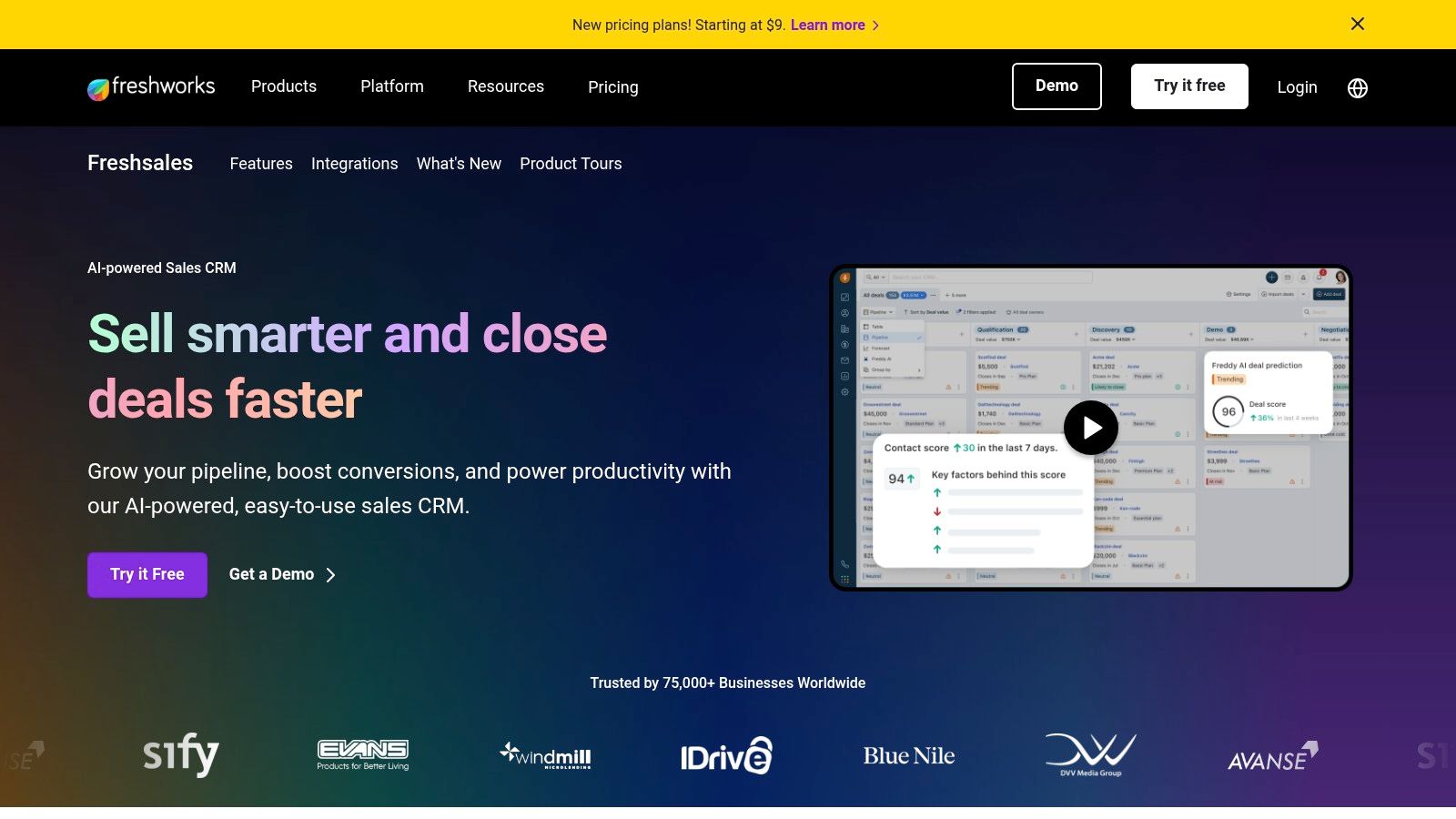
The free plan is designed for small teams (up to three users) and provides a solid base for managing sales pipelines. With a clean, modern design, Freshsales is easy to use, which helps new users learn it quickly. While the free version is generous for organizing contacts and deals, it’s designed to be an entry point into the wider Freshworks suite of products, encouraging upgrades for more advanced automation and reporting as a business grows.
Key Features and Limitations
Freshsales' free tier focuses on core communication and sales organization tools.
- Contact, Account, & Deal Management: Use visual, drag-and-drop pipelines to track the progress of leads and deals.
- Built-in Communication Suite: Place calls, send emails, and chat with contacts without leaving the CRM.
- Mobile App Access: Manage your sales activities on the go with a fully-featured mobile app.
- 24×5 Support: Access to email, phone, and chat support, which is a rare and valuable feature for a free plan.
The main limitations are the features it leaves out. The free version excludes key sales automation tools like automated workflows and email sequences, provides only basic reports, and lacks the advanced AI-powered insights available in paid plans.
Best For and Setup Tip
Ideal User: Small sales teams (1-3 people) who want built-in communication tools and a straightforward, mobile-friendly CRM.
Actionable Tip: Immediately upon setup, connect your business email account. Then, create at least two email templates for common situations (like a first contact email and a follow-up). This simple step saves a lot of time and makes sure your team's messaging is consistent.
Website: https://www.freshworks.com/crm/
5. Bitrix24
Bitrix24 is more than just a CRM; it's a complete collaboration workspace. For small businesses looking for more than just contact management, it's a strong contender for the best free crm for small business because it combines project management, team chat, and even a website creator into one platform. This all-in-one approach can replace several different software subscriptions, putting all your core business tools in one place.
The platform's free plan is very generous with its user count, offering access for unlimited users, which is hard to find. This makes it a great choice for growing teams that need to give access to everyone without paying more. While the interface can feel busy because of all the features, it offers an unmatched range of tools for free, combining sales, marketing, and internal team collaboration.
Key Features and Limitations
Bitrix24's free tier packs a powerful punch with tools that extend well beyond a standard CRM.
- Integrated CRM: Manage leads, deals, contacts, quotes, and invoices within a customizable sales pipeline.
- Collaboration Suite: Includes team chat, video calls (up to 48 users), and powerful task and project management boards.
- Website & Form Builder: Create simple websites, landing pages, and web forms to capture leads directly into the CRM.
- Contact Center: Gathers messages from different channels like email, web forms, and social media messengers into one place.
The main limitations of the free plan are the 5 GB storage cap and the restrictions on advanced CRM features like sales automation and detailed reports. For businesses with a lot of data or those that need complex, automated sales processes, upgrading to a paid plan will be necessary.
Best For and Setup Tip
Ideal User: Small businesses and teams that need an all-in-one platform combining CRM with project management and internal communication tools.
Actionable Tip: During setup, immediately explore the "Tasks and Projects" section. Create a project template for new client onboarding. This allows you to automatically generate a checklist of tasks (e.g., "Send welcome email," "Schedule kickoff call") the moment a deal is marked as "Won" in the CRM, seamlessly connecting your sales and service delivery.
Website: https://www.bitrix24.com/
6. EngageBay
EngageBay positions itself as an affordable all-in-one alternative to more expensive platforms, and its free tier is a great option for startups. It combines sales, marketing, and customer service tools into one place, giving you a complete view of the customer's journey. For a small business just starting out, this unified approach ensures that lead capture and sales activities are connected from the beginning, preventing customer information from getting scattered across different systems.

The platform is recognized as a strong best free crm for small business because it includes features that are often sold separately. The free plan offers a solid foundation for managing your first customer relationships, combining contact management with essential marketing tools. While there are clear limits, the value provided makes it an excellent starting point for businesses that need more than just a contact list. Its clean design and clear upgrade paths make it easy to scale up as your business grows.
Key Features and Limitations
EngageBay's free plan packs a surprising amount of utility for sales and marketing alignment.
- Contact Management: Manage up to 250 contacts and companies with a complete view of all interactions.
- Appointment Scheduling: Create scheduling pages to let leads book appointments with you directly.
- Email Tracking & Live Chat: Send and track up to 1,000 branded emails per month and engage website visitors with a live chat widget.
- Deal Management: Visually track sales opportunities on a customizable pipeline board to monitor progress.
The main constraint is the 250-contact limit, which growing businesses will outgrow quickly. Advanced automation, custom reporting, and removing EngageBay branding are only available in paid plans.
Best For and Setup Tip
Ideal User: Solopreneurs and small teams who need a combined sales and marketing tool to manage their first few hundred contacts without any upfront cost.
Actionable Tip: Use the built-in lead capture forms on your website's contact or landing pages. This automatically sends new leads directly into your EngageBay CRM, tagging them and making them immediately ready for your sales pipeline. This saves you from having to enter data manually.
Website: https://www.engagebay.com/crm/free-crm-software
7. Capsule CRM
Capsule CRM offers a refreshingly simple and clean approach, making it an excellent choice for individuals or very small teams who find other platforms overwhelming. Its strength is its focus on the core CRM functions: managing contacts, tracking sales opportunities, and organizing tasks. By avoiding extra features you don't need, Capsule provides a simple and intuitive experience, which is a major benefit for businesses that want a tool that's easy to learn and use.
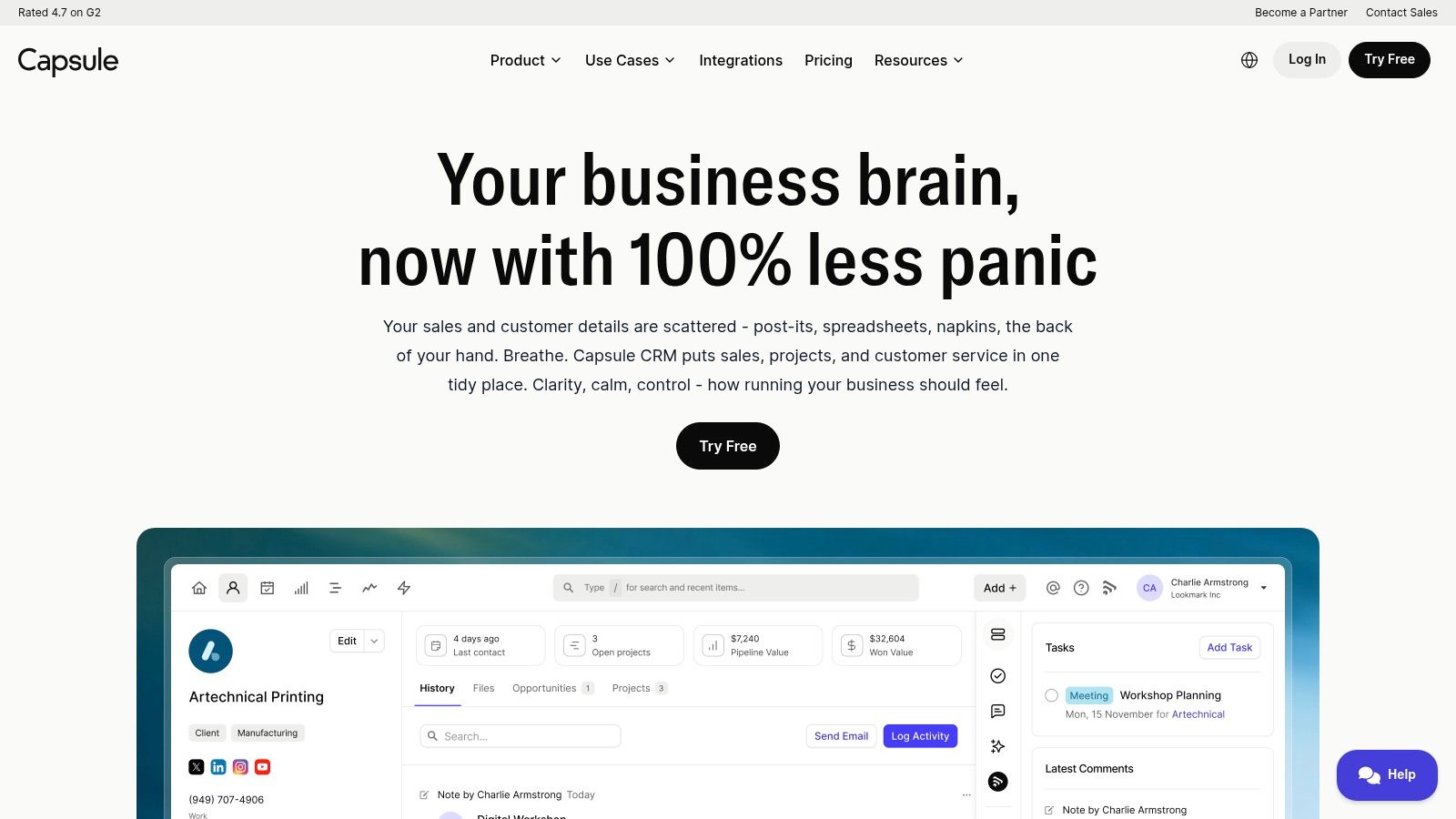
The free plan is designed as a permanent starting point, not just a temporary trial, making it a sustainable best free CRM for small business users with modest needs. The platform's direct connections with tools like Google Workspace and Microsoft 365 mean it can fit into your existing workflow easily. It’s built for clarity, allowing you to see a complete history of interactions—from emails to notes and files—for every contact.
Key Features and Limitations
Capsule's free tier covers the absolute essentials for relationship management.
- Contact & Sales Pipeline: Manage up to 250 contacts and track deals on a single sales pipeline.
- Task Management: Create and assign tasks to keep track of follow-ups and important to-dos.
- Gmail & Outlook Add-ins: Save contacts and store email conversations directly from your inbox to the CRM.
- Mobile App: Access and update your contact information and sales opportunities on the go.
The biggest limitations of the free plan are the caps on contacts (250), users (2), and storage (50 MB). It also limits you to one sales pipeline and a small number of custom fields, making it unsuitable for businesses that need to segment their contacts in complex ways or have a larger database.
Best For and Setup Tip
Ideal User: Freelancers and small service-based businesses that need a straightforward, no-frills system for contact and deal management.
Actionable Tip: Immediately install the free Gmail or Outlook add-in after signing up. This is Capsule's superpower. It lets you add new contacts, save important emails to their record, and create follow-up tasks without ever leaving your email client, which makes your work much more efficient.
Website: https://capsulecrm.com/
8. Odoo (CRM module)
Odoo is different because it offers its CRM as a single free app within a much larger ecosystem of business management tools. Its "One App Free" plan makes it a great choice for the best free CRM for small business owners who expect to grow. This model lets you use the complete CRM application for free with unlimited users, which is a rare and major benefit for growing teams. The platform is designed to be a single source for all business operations, not just customer relationships.
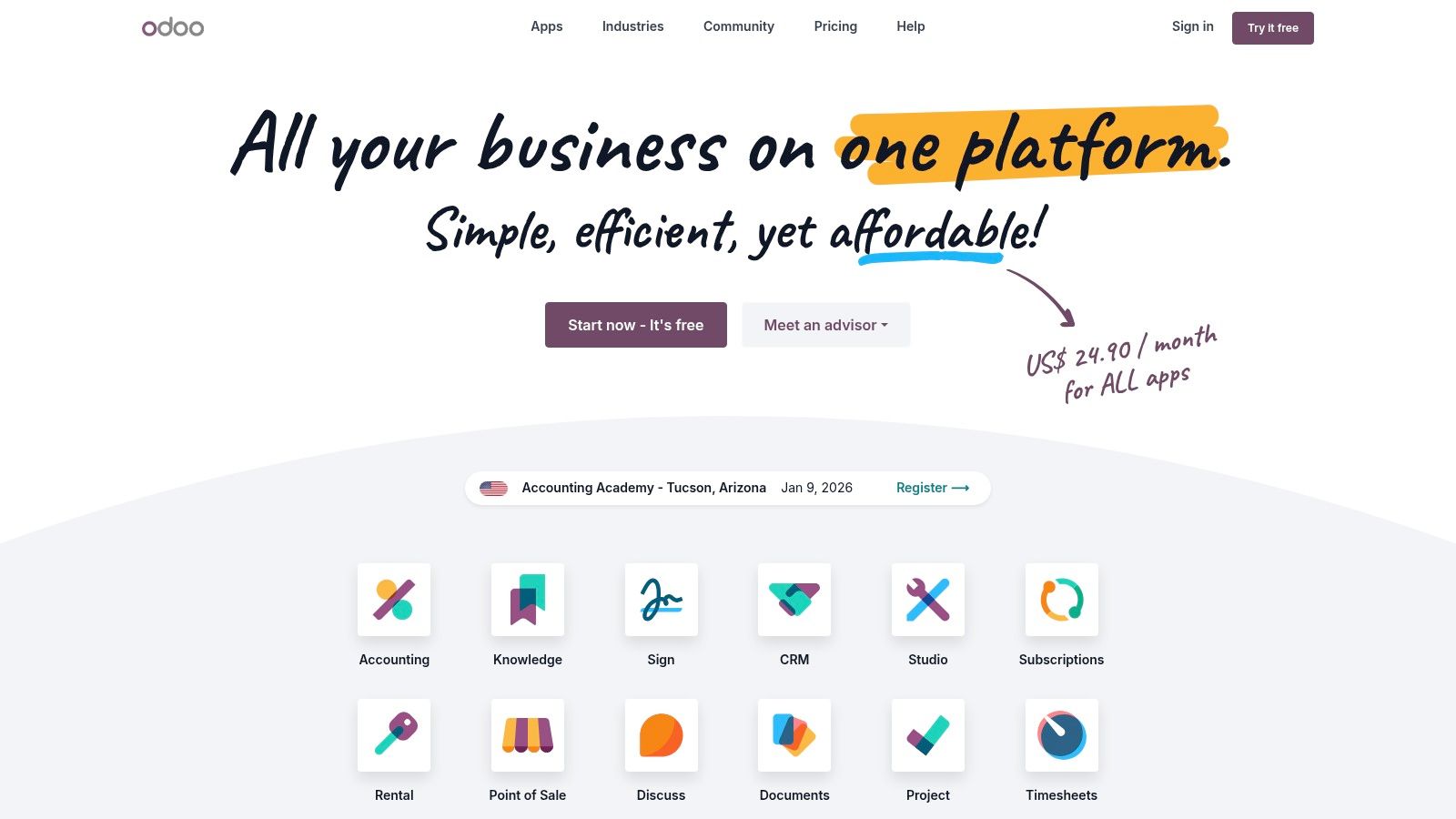
The main idea behind Odoo is that it's made of building blocks (modules). You can start with a powerful, free CRM and later add other Odoo apps like Accounting, Sales, or Website Creator as your business needs grow. This solves the common problem of outgrowing a simple CRM and having to do a complicated data transfer to a new system. While the interface can feel more complex than single-purpose CRMs, its power is in this ability to expand into a complete business management system.
Key Features and Limitations
Odoo’s free CRM app is feature-rich for a no-cost solution.
- Lead & Opportunity Management: Track leads from start to finish with a customizable, visual pipeline view.
- Activity Scheduling: Schedule calls, meetings, and to-do tasks directly on a contact's or deal's record.
- Basic Automation: Set up simple automated actions to streamline your sales process.
- Integrated Communication: Log emails and calls to maintain a complete history of conversations with each contact.
The main limitation is the "One App Free" model itself. As soon as you want to add a second app, such as invoicing or project management, you have to upgrade to a paid plan. This means you must be sure the CRM alone meets your current needs.
Best For and Setup Tip
Ideal User: Small businesses with plans for rapid growth that want a CRM that can evolve into an all-in-one business management suite.
Actionable Tip: During setup, focus only on configuring the CRM module. Resist the urge to explore and add other apps right away, as doing so will require a paid subscription. Master the CRM's pipeline, lead scoring, and activity scheduling first to get the most value from the free plan before deciding if you need to expand.
Website: https://www.odoo.com/
9. Vtiger CRM
Vtiger offers a compelling free "Pilot" edition that bundles core sales, marketing, and help desk features into one platform, making it a versatile choice for small teams. It provides a structured environment for managing the entire customer journey, from lead capture to after-sale support. This all-in-one approach is a significant benefit for businesses looking to use fewer tools and create a single, complete view of customer interactions without paying upfront.
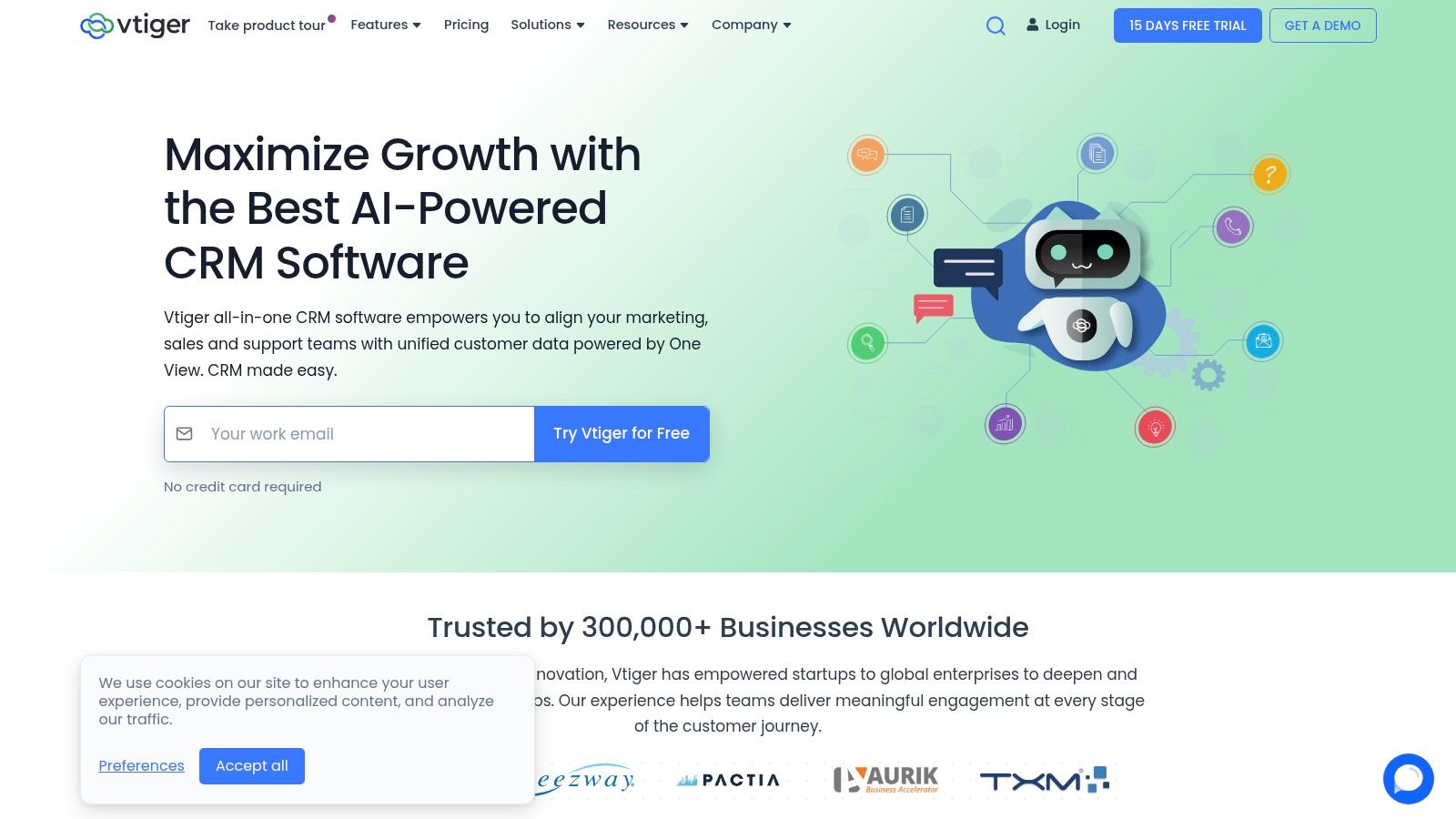
The free plan is designed to be a practical starting point, with reasonable limits for a small operation. What sets Vtiger apart is its clear upgrade path; you can add paid "Booster Packs" for specific features or switch to a full paid plan as your business grows. This flexible approach allows you to pay only for the advanced tools you need, which is a key consideration when searching for the best free CRM for small business scalability.
Key Features and Limitations
Vtiger’s Pilot edition covers the essentials for sales, marketing, and support.
- Unified Contact Management: Manage leads, contacts, and deals in a central database with a clear pipeline view.
- Email Marketing: Send targeted email campaigns directly from the CRM, though the free plan has a monthly send limit.
- Project & Case Management: Includes basic project management with visual boards and a simple ticketing system for customer support.
- Mobile App: Access and manage your CRM data on the go with free mobile apps for both iOS and Android.
The main limitations are the caps on the free plan, which include a maximum of 3 users, 1,000 contacts, and 1 GB of storage. Advanced features like automation, social media integration, and in-depth reporting are only available in paid plans.
Best For and Setup Tip
Ideal User: Small businesses and teams that need a combination of sales, marketing, and customer service tools in a single, free platform with flexible upgrade options.
Actionable Tip: When setting up, explore the Case Management module, even if you don't have a formal support team. You can use it to track any post-sale client requests, issues, or follow-up tasks. This ensures nothing gets missed and helps improve customer satisfaction.
Website: https://www.vtiger.com/
10. SuiteCRM
SuiteCRM is unique because it's completely open-source, making it a powerful choice for the best free CRM for small business if you have technical skills or help. Unlike cloud-based tools that you pay a subscription for, SuiteCRM is software you download for free and install on your own server. This gives you complete ownership of your data and total control over how the software works, with no fees per user.
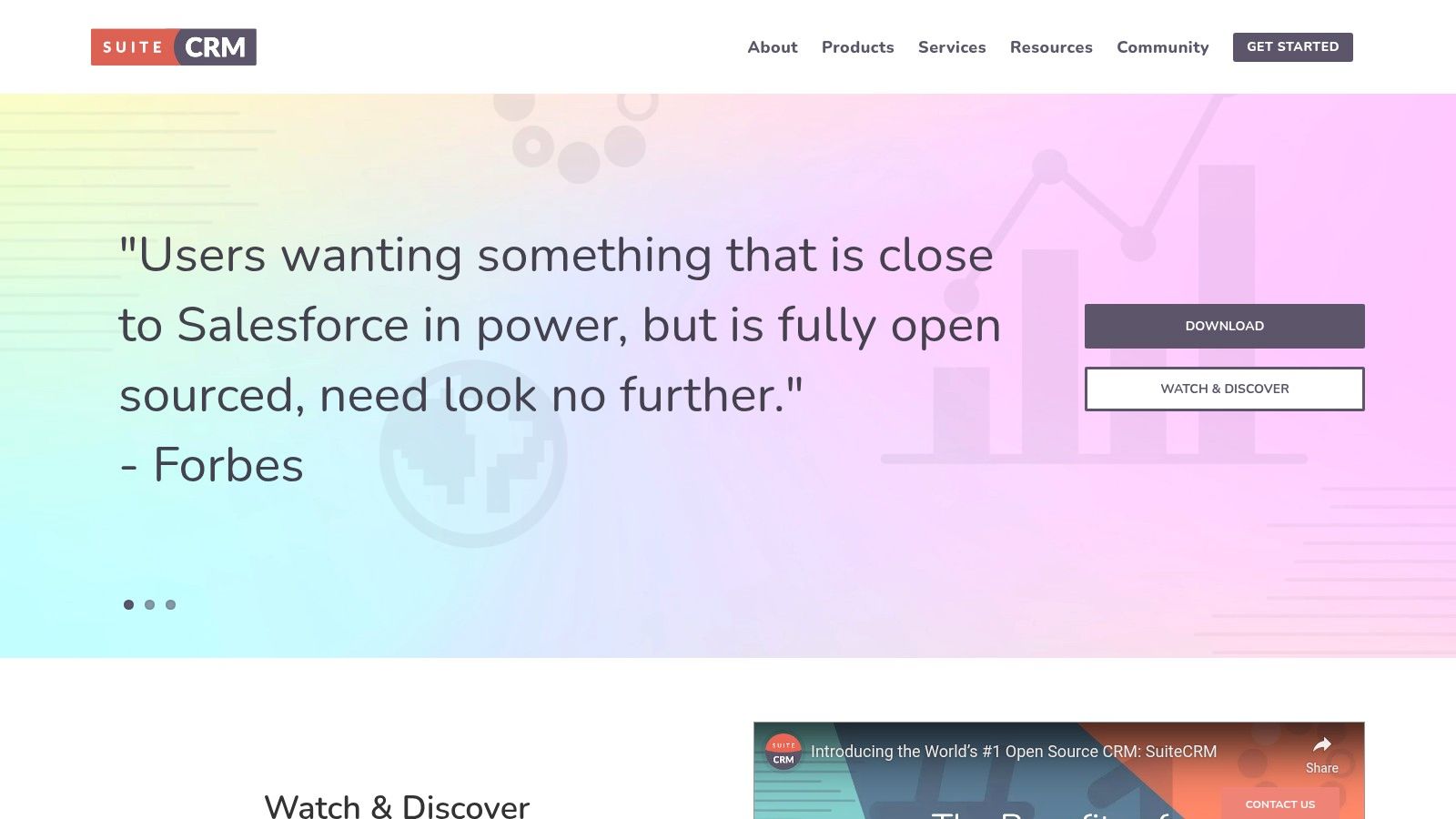
This approach removes common limitations of free plans like caps on users, contacts, or storage, as these are only limited by your server's capacity. It's a robust solution for businesses that want to customize their CRM to match their specific ways of working without being tied to a vendor's feature updates. The trade-off for this freedom is that you are responsible for setup, maintenance, security, and updates, which requires technical knowledge.
Key Features and Limitations
SuiteCRM's open-source nature means you get a full-featured platform without cost.
- Unlimited Users & Records: Your only limits are those of your hosting server, making it highly scalable for growing teams.
- Complete Customization: As open-source software, you have full access to the code to modify and extend the platform to your exact needs.
- Comprehensive Modules: Includes robust modules for sales (quotes, contracts), marketing (campaigns), and customer service (cases).
- Workflow Automation: Build complex, automated workflows to streamline business processes without paying for premium tiers.
The main limitation is the work involved. You are responsible for all hosting costs, setup, security patches, and ongoing maintenance. There is no central customer support team; instead, you rely on community forums or paid third-party consultants for help.
Best For and Setup Tip
Ideal User: Tech-savvy small businesses or companies with an in-house IT team that require deep customization and want to avoid per-user fees.
Actionable Tip: Before committing to hosting it yourself, look for hosting providers that are compatible with SuiteCRM. Many offer "one-click" installers that can make the initial setup much easier by handling the server configuration and database connection for you. This can save hours of technical work and reduce errors.
Website: https://suitecrm.com/
11. Capterra (Free CRM Category)
Capterra isn't a CRM itself but a huge software directory, making it a vital research tool in the search for the best free CRM for small business. Instead of offering a single solution, it provides a marketplace where you can compare dozens of free and free-trial CRM platforms side-by-side. This empowers you to create a shortlist of potential tools based on your specific needs, user ratings, and features before you spend time signing up for trials.
The platform gathers verified user reviews and presents key information in a standardized way, simplifying the comparison process. For small businesses with unique needs, Capterra's powerful filters allow you to narrow down options by specifics, such as integrations, software type, and business size. It serves as an essential first step to survey the market efficiently and make a more informed decision.
Key Features and Limitations
Capterra's strength lies in its research and comparison tools.
- Free Software Filter: Separate platforms that offer a "forever-free" plan from those that only provide a limited-time free trial.
- Feature Filtering: Sift through hundreds of options by selecting must-have features, like lead management or email marketing, to narrow your search.
- Side-by-Side Comparison: Select a few top contenders and compare their features, pricing, and user ratings in a clean, organized table.
- Verified User Reviews: Get insights from real users about the pros and cons of each platform, providing a realistic view beyond marketing claims.
The main limitation is that Capterra is a directory, not the software provider. You must always click through to the provider's website to verify the most current pricing and free plan details, as these can change. Listings may also occasionally mix free-trial options with truly free plans, so you need to double-check.
Best For and Setup Tip
Ideal User: Small business owners in the initial research phase who want to efficiently survey and compare a wide range of free CRM options before committing to one.
Actionable Tip: Use the "Compare" feature for your top 2-3 choices. Once you have your comparison table, pay close attention to the "Top Features" and the "Ratings" sections. Look for patterns in the user reviews to identify common strengths and weaknesses that might impact your specific business workflow.
Website: https://www.capterra.com/customer-relationship-management-software/s/free/
12. G2 (Free CRM category)
While not a CRM itself, G2’s dedicated category for free CRM software is an invaluable research tool for finding the best free CRM for small business needs. It acts as a comprehensive, buyer-focused directory that gathers dozens of platforms, ranking them based on a massive number of verified, real-user reviews. This allows you to check the options you've shortlisted and discover new ones you might have missed.
The platform gives you a transparent look at what actual users think about a CRM's features, ease of use, and customer support. Instead of relying only on a company's marketing promises, you get unbiased pros and cons from people in similar business situations. This peer-review system is essential for checking claims and understanding the real-world performance of a free CRM plan before you commit your time and data to it.
Key Features and Limitations
G2 provides powerful tools to filter and compare potential CRM solutions.
- User-Driven Rankings: See which free CRMs are rated highest by the community based on satisfaction and market presence.
- Verified Reviews: Read detailed pros and cons from verified users, offering authentic insights into day-to-day use.
- Advanced Filtering: Narrow down options by specific features, company size, industry, and user satisfaction scores to find a perfect match.
- Product Comparisons: Place CRM platforms side-by-side to directly compare their features, ratings, and pricing structures.
The main limitation is that G2 is a review site, not the source. You must always click through to the vendor’s website to verify the specifics of their free plan, as offerings can change. It also sometimes mixes "forever-free" plans with limited-time "free trials," which requires careful attention.
Best For and Setup Tip
Ideal User: Small business owners who have a shortlist of CRMs and want to validate their choices with real-world, unbiased user feedback before making a final decision.
Actionable Tip: Use the filter for company size and select "Small-Business (50 or fewer emp.)" to see reviews and ratings specifically from your peers. This ensures the feedback you're reading is relevant to the unique challenges and resource constraints of a small-scale operation.
Website: https://www.g2.com/categories/crm/free
Top 12 Free CRMs for Small Business — Quick Comparison
| Product | Key features | Best for | Free plan / Price | Usability | Unique selling point |
|---|---|---|---|---|---|
| HubSpot CRM | Contact & deal management, meeting scheduler, email tracking, live chat, HubSpot integrations | Small businesses wanting an all‑in‑one starter toolkit | Free CRM; paid Hubs for advanced features | Easy to launch; intuitive UI | Large ecosystem + extensive learning resources |
| Zoho CRM | Lead/contact mgmt, dashboards, workflows, mobile apps, wide integrations | Very small teams needing full‑featured CRM and upgrade path | Free Edition (up to 3 users); paid tiers for advanced features | Feature‑rich but can feel dense | Broad functionality on free plan within Zoho ecosystem |
| Bigin by Zoho | Single pipeline (free), basic workflows, telephony/email, mobile apps | Micro businesses focused on simple pipeline management | Free plan with single pipeline; low‑cost upgrades | Fast to learn; low friction onboarding | Pipeline‑centric simplicity from Zoho |
| Freshsales (Freshworks CRM) | Kanban views, built‑in chat/email/phone, templates, basic analytics | Small sales teams needing native communication tools | Free plan (small teams); paid for advanced automation | Clean UI; easy onboarding | Native communication stack in CRM |
| Bitrix24 | CRM + tasks/projects/chat/video + website/landing page builder | Teams wanting CRM + collaboration + basic web tools | Generous free plan; limited storage (5 GB) | Powerful but can be complex to configure | All‑in‑one suite with unlimited users on free plan |
| EngageBay | 360° contact view, email tracking, scheduling, live chat, integrations | Startups and small teams needing marketing+sales combo | Free tier (contact limits); paid tiers increase limits | Moderate; straightforward upgrade path | Marketing + sales tools bundled in free plan |
| Capsule CRM | Contact & deal mgmt, activity timeline, tasks, Gmail/Outlook add‑ins | Small teams wanting a simple, lightweight CRM | Free plan (2 users, up to 250 contacts); paid for more | Simple UI; easy onboarding | Lightweight, easy integration with email clients |
| Odoo (CRM module) | Lead/opportunity mgmt, activity scheduling, modular apps (accounting, website) | Businesses planning to extend into accounting/e‑commerce | One App Free (CRM) unlimited users; adding apps paid | Modular; setup varies by modules chosen | Extensible into a full business suite |
| Vtiger CRM | Leads/contacts/deals, email campaigns, project tasks, case management | Small teams needing sales, marketing and help‑desk basics | Free Pilot plan with caps; paid tiers/add‑ons available | Moderate; clear upgrade paths | Free Pilot plan + modular add‑on packs |
| SuiteCRM | Sales/marketing/service modules, automation, APIs, customization | Organizations comfortable self‑hosting and customizing | Open‑source, no licensing fees (self‑hosting costs apply) | Requires technical setup and maintenance | Unlimited users/records and deep customization |
| Capterra (Free CRM category) | Filter free vs trial, side‑by‑side comparisons, verified reviews | Shortlisting free CRM options by features, ratings & budget | Free to use; vendor pricing varies | Easy to browse; must verify vendor details | Quick survey of many free CRM options with reviews |
| G2 (Free CRM category) | Free CRM category, user reviews, rankings, product filters | Validating shortlists with real‑user feedback and rankings | Free to use; vendor pricing varies | User‑driven insights; frequent updates | Large volume of real‑user reviews and comparative rankings |
Making Your Final Choice and Getting Started
Navigating the world of free software can be tricky, but finding the best free CRM for your small business is a smart move for growth. You don’t need a huge budget to start organizing contacts, tracking deals, and building stronger customer relationships. The main takeaway is that "free" doesn't mean one-size-fits-all. Each tool offers a different set of features, limitations, and is best for different types of businesses.
From HubSpot’s incredibly generous, marketing-focused free plan to Zoho CRM’s powerful, all-in-one approach, the options are diverse. If simplicity is your top priority, a tool like Bigin by Zoho or Capsule CRM might be the perfect fit, offering a clean interface without overwhelming you. For teams needing project management alongside their sales pipeline, Bitrix24 and Odoo present compelling, integrated solutions, though they have a steeper learning curve.
Ultimately, the right choice depends on understanding your own business needs and future goals. Don't get distracted by a long list of features you'll never use. Focus on what truly matters to your business today and where you see yourself in the next six to twelve months.
A Practical Framework for Your Decision
Before you commit, run through this final checklist. This isn't about finding a perfect CRM; it's about finding the right-fit CRM for you.
- Identify Your Core Need: What is the main problem you're trying to solve? Is it disorganized contacts, a messy sales process, or managing client projects after a sale? Your biggest challenge should guide your choice. A freelancer might just need a digital contact list, while a small agency needs to track deal stages and tasks.
- Acknowledge the Limits: Every free plan has limitations. Re-evaluate the critical restrictions of your top choices. Is it the user limit (like Capsule's two-user cap), the contact limit (common across many platforms), or a crucial missing feature (like advanced automation) that will force you to upgrade soon? Be honest about these trade-offs.
- Test Drive Your Top Two: Reading reviews is great, but hands-on experience is better. Choose two platforms that seem like the best fit and actively use them for a week.
- Import a small list of 10-15 real contacts.
- Create a sample deal and move it through your sales stages.
- Log a call or send a test email from within the CRM.
- Try setting up one key integration, like connecting your email inbox.
This hands-on test will tell you more about a tool's usability than any review ever could.
Implementation: Connecting Your CRM for Maximum Impact
Choosing a CRM is only the first step. The real power comes from integrating it into your workflow, especially your website. Your website is often the first place a new lead finds you, and manually transferring that information is a recipe for mistakes and lost opportunities.
This is where automation becomes your best friend. Make sure your chosen CRM can connect with your website's contact forms. For instance, if you've built your online presence with a platform like the Solo AI Website Creator, you can easily embed forms that automatically send new lead data directly into CRMs like HubSpot or Zoho. This simple connection creates a seamless pipeline, capturing every inquiry and placing it right where your sales process begins. This single step saves hours of administrative work and ensures no potential customer ever gets forgotten, setting a solid foundation for organized growth.
Ready to turn your website visitors into organized, trackable leads? The Solo AI Website Creator makes it easy to build a professional website and connect it seamlessly to your new CRM. Create stunning contact forms that feed directly into your sales pipeline, automating your lead capture from day one. Get started and build your growth engine today at Solo AI Website Creator.