
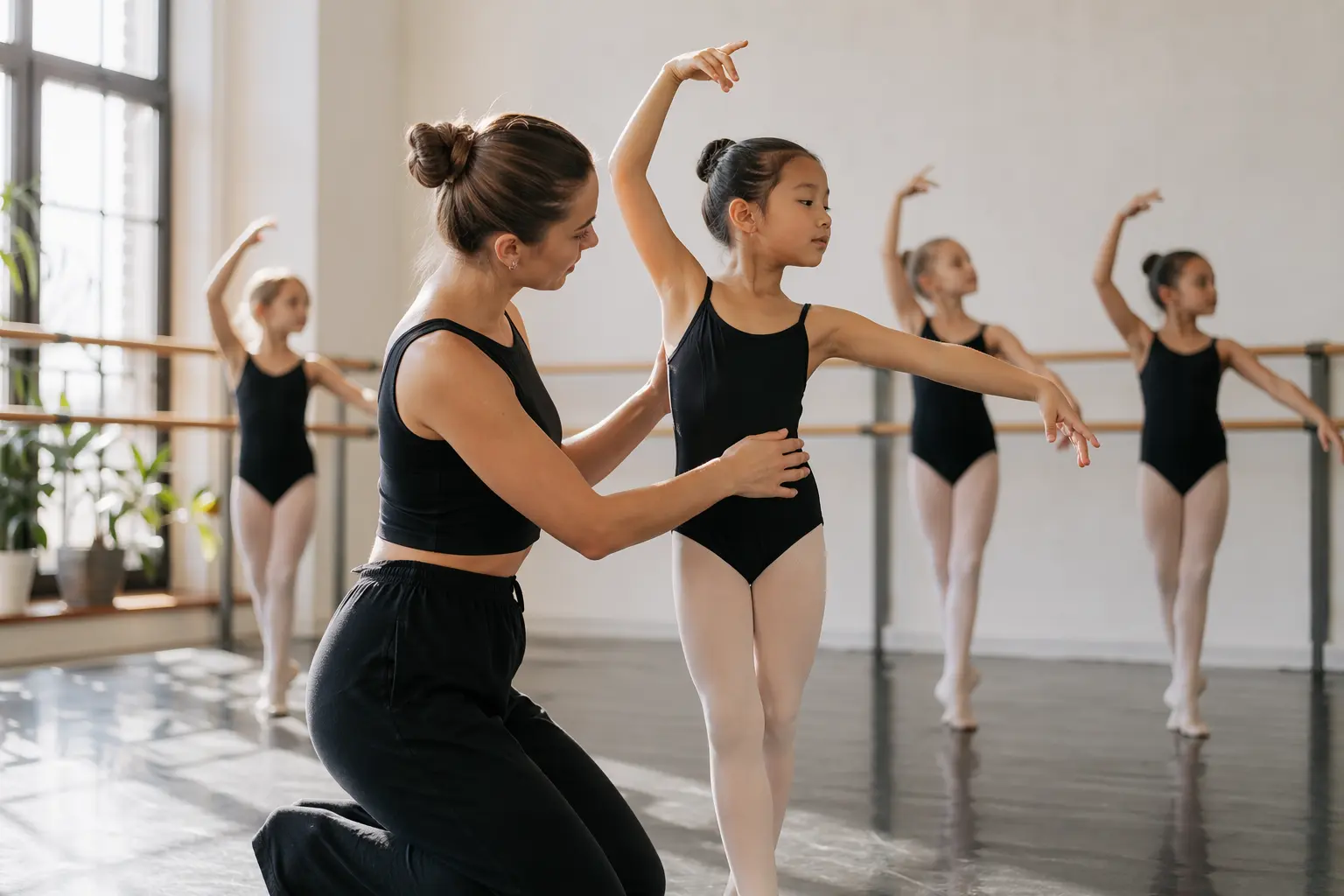
Website Builder for Dance Instructors & Studios
TL;DR
Dance instructors and small studios (1-5 people) who need a professional website without the technical hassle will find this breakdown useful. It covers what features matter most for dance businesses in 2026, from showcasing classes with dynamic visuals to integrating with studio management software. Bottom line: Solo gets you from zero to a working dance studio website fast with AI-powered setup, though you'll need third-party tools for class booking and payment processing. At $20 annually, it's a practical choice for studios prioritizing speed and simplicity over all-in-one functionality.
Why Dance Instructors & Studios Websites Have Specific Challenges
Dance studio websites face demands that generic business sites don't. Unlike a consultant who can get by with static service descriptions, dance studios need to convey movement, energy, and atmosphere through their digital presence. Research shows that high-quality images and videos showcasing classes are essential—potential students want to see the studio space, watch instructors in action, and understand the vibe before committing to their first class.
Beyond visual storytelling, dance studios juggle complex operational needs. You're managing multiple class schedules that change seasonally, tracking student registrations across different skill levels, and integrating with specialized software like Dance Studio Pro or JackRabbit. Add in the growing expectation for accessible, shareable content that makes dance approachable to beginners, and you've got a website that needs to work harder than most small business sites.

What a Dance Instructors & Studios Website Needs in 2026
| Must-Haves | Nice-to-Haves | Dance-Specific Requirements |
|---|---|---|
| • Mobile-responsive design • Class schedule display • Instructor profiles • Contact forms • Location/directions • High-quality photo galleries | • Video showcases • Student testimonials • Blog for recital updates • Social media integration • Email newsletter signup • FAQ section | • Studio management software integration • Online registration portal • Secure payment links • Recital ticket sales • Class capacity indicators • Age-appropriate class filters |
Current best practices emphasize that your website should integrate with dance studio management software for real-time schedule updates. This prevents the nightmare scenario of students showing up to canceled classes or missing out on new offerings because your website wasn't updated.
Studio Management Integration: The Make-or-Break Feature
For dance studios, connecting your website with studio management software isn't just convenient—it's what prevents double-booking disasters and keeps parents informed. Modern dance websites need to pull live data from platforms like Dance Studio Pro, JackRabbit, or MindBody to display current schedules, availability, and even waitlists.
Here's where Solo's limitations become relevant: Solo doesn't offer native booking or direct integrations with dance-specific management platforms. What Solo does provide is the ability to embed custom code (on Pro plans and above), which means you can add booking widgets from your existing software. You'll paste scheduling links into Solo's link fields, directing students to your external booking system. It's not as tightly connected as purpose-built dance studio platforms, but for instructors who already use and love their management software, Solo serves as an attractive, professional front door that funnels students to your existing systems.
Why Solo Works for Solo Dance Instructors & Studios Practices
Solo's strength for dance studios lies in its speed to launch and visual-first approach. The AI-powered onboarding takes your studio description, say "Contemporary dance studio in Austin specializing in adult beginners and teen competitive teams," and generates a complete website with relevant sections, service descriptions, and appropriate imagery from Unsplash (or Pexels on Pro plans).
For a dance instructor juggling classes, Solo's AI-seeded section creation means you can add a "Class Schedule" section and get intelligently drafted content based on your studio's context, not generic filler. At $20 billed annually, you're paying less than most dance studio management software while getting a professional web presence. The visual editor lets you swap in photos from your latest recital without touching code, and the responsive design ensures parents can check schedules on their phones while rushing between activities.
Solo won't replace your JackRabbit subscription or handle payment processing, but it does what most dance instructors actually need: a good-looking, professional website up and running fast, with minimal technical fuss. Managed hosting with SSL and custom domain support means one less technical headache, letting you focus on choreography rather than server management.
Comparison with Alternatives
| Feature | Solo ($20/mo annual) | Wix ($27/mo annual) | Dance Studio Pro Website Add-on (~$50/mo) |
|---|---|---|---|
| Initial Setup Time | Under 1 hour with AI generation | 2-4 hours with templates | Requires existing DSP subscription |
| Native Booking | No (links to external tools) | Yes, with Wix Bookings | Yes, fully integrated |
| Studio Software Integration | Via embed codes only | Limited third-party apps | Native (it's the same system) |
| Photo Galleries | Yes, with Unsplash/Pexels access | Yes, more layout options | Basic galleries |
| Custom Domain | Included | Included | Included with most DSP plans |
| Learning Curve | Minimal, AI does heavy lifting | Moderate, many options | Depends on DSP familiarity |
| Best For | Solo instructors, quick launch | Studios wanting all-in-one | Existing DSP users |

Getting Started: A 5-Step Checklist
- Gather your studio essentials before starting Solo's onboarding: Write a clear description of your studio's focus (e.g., "Classical ballet and contemporary dance for ages 4-18 with competition teams"), list your main class types, and have high-quality photos ready. The AI generates better initial content when you provide specific details about your teaching philosophy and target students.
- Set up your class schedule structure: Since Solo doesn't have native booking, decide how you'll handle registrations. If you use JackRabbit or similar, get your booking page URL ready. Create a clear class categorization (by age, level, or style) that you'll mirror on your Solo site for easy navigation.
- Create compelling instructor profiles: Use Solo's AI-seeded section creation for team pages, then customize with each instructor's training, performance background, and teaching specialties. Research indicates that detailed instructor profiles build trust with parents evaluating studios.
- Optimize for local search: Add your studio's complete address, phone number, and hours to every relevant page. Include neighborhood names and nearby landmarks in your content. Create dedicated pages for each dance style you offer, using terms like "ballet classes in [your neighborhood]" naturally in the text. Local SEO strategies recommend maintaining consistent NAP (Name, Address, Phone) information across your website and Google Business Profile.
- Plan your visual content strategy: Upload photos from recent recitals and classes to replace stock images, focusing on authentic moments that show your studio's culture. Add video showcases using Solo's embed features—even iPhone footage of rehearsals can be more compelling than polished stock content. The 2026 trend toward "practice culture" favors authenticity over perfection, so don't wait until you have a professional shoot scheduled.
Can Solo handle online class registration and payment?
Solo doesn't include native booking or payment processing. You'll need to use external tools like JackRabbit, MindBody, or even simple solutions like Calendly for scheduling. Solo's scheduling feature lets you add links to these external booking systems. On Pro plans ($20 annually), you can also embed booking widgets using custom code.
How much does Solo cost for a dance studio website?
Solo offers a free plan for basic sites, but most dance studios will want the Pro plan at $20 per month (billed annually) or $25 monthly. This includes custom domain, unlimited pages, and access to Pexels images—helpful for studios that need diverse stock photos. The Grow plan at $90 monthly (annual) adds more storage and features for larger studios.
Can I integrate Solo with my existing dance studio management software?
Solo doesn't have direct integrations with Dance Studio Pro, JackRabbit, or similar platforms. However, you can link to your management software's student portal and embed scheduling widgets using Solo's custom code feature (available on Pro plans). This means students can view your beautiful Solo website, then click through to register in your existing system.
Is Solo ADA compliant for accessibility requirements?
While Solo produces clean, responsive websites with good foundational accessibility features, no website builder can guarantee full ADA compliance—that depends on how you use it. By April 24, 2026, digital accessibility standards become more important for all businesses. Solo's simple structure and professional templates provide a good starting point, but you should still review your content for alt text, color contrast, and clear navigation.
How long does it take to build a dance studio website with Solo?
Most dance instructors can go from sign-up to published website in under an hour. Solo's AI-powered onboarding generates your initial site structure based on your studio description. You'll spend additional time customizing content, uploading photos from your classes, and adding instructor bios, but the heavy lifting of creating pages and sections happens automatically.
Can I showcase videos of dance performances on Solo?
Yes, Solo supports video embedding from YouTube or Vimeo. You can create gallery sections featuring recital highlights, class demonstrations, or instructor introductions. While Solo doesn't host videos directly, the embed feature works well for dance studios that already post videos on social platforms.
Will Solo work for a multi-location dance studio?
Solo is designed for single-location businesses. If you have multiple studios, you'd need separate websites for each location or create a single site with dedicated pages for each venue. For truly multi-location operations with complex scheduling across sites, purpose-built dance studio platforms might be a better fit.
Can I sell recital tickets or merchandise through Solo?
Solo doesn't include e-commerce features. For ticket sales, you'll need to link to external platforms like Eventbrite or your studio management software's ticketing system. Some studios embed third-party shopping carts using Solo's custom code feature, but this requires technical setup and isn't native to the platform.


