
How to Change a Domain Name Without Losing SEO
This article was assisted with AI. We may include links to partners.
Changing a domain name means registering a new web address, pointing your website's files to it, and redirecting all traffic and search engine authority from the old domain to the new one. This guide will walk you through how to do it correctly so you don't lose the search rankings you've worked hard to earn.
Deciding if a Domain Change Is Right for You

Before making any technical changes, you must be sure this move is necessary. A domain name change is a major strategic decision that impacts your brand, marketing, and SEO. Be clear about why you are doing it.
Common Reasons for a Domain Switch
Your reason for changing domains will guide your entire strategy. Here are the most common reasons businesses make the switch:
- Brand Evolution: Your business has changed direction. For example, your old name (
BobsBudgetWidgets.com) no longer reflects your new premium product line. - Improved Memorability: You are replacing a long or hyphenated domain with something shorter and easier to remember.
- Securing a Better TLD: You might move from a
.bizto a more trusted.comor an industry-specific extension like.techor.store. A TLD, or Top-Level Domain, is the part of the domain that comes after the final dot (e.g., .com, .org, .net).
Cost is also a factor. With .com prices increasing by around 28% since 2021, many businesses are choosing newer top-level domains (ngTLDs) to save money. While registrations for .com have slightly decreased, ngTLDs grew by 13.5%, adding 4.5 million new registrations.
Actionable Tip: A domain change is a business strategy, not just a technical update. Weigh the benefit of a stronger brand against the risk of a temporary traffic dip. Ensure the new domain will support your long-term goals.
If you need more guidance, learning how to choose a domain name can help you select an address that supports your business.
Your Essential Pre-Migration Checklist
A successful domain change requires careful preparation. Rushing the process can lead to lost traffic and technical errors. This checklist ensures you cover all critical steps before you begin.
The first and most important step is to create a complete backup of your website. This includes all files, databases, images, and themes. This backup is your safety net, allowing you to restore your site quickly if anything goes wrong.
Secure Your New Domain and Audit Your Old One
Once your backup is secure, purchase your new domain name. After buying it, you must configure it to work with your website host. Many platforms, including the Solo AI Website Creator, guide you through this process in your account settings.
Next, create a complete list of every URL on your current website. A simple spreadsheet is perfect for this. This URL audit is essential for setting up redirects, ensuring every old page points to its new equivalent. You can use a website crawler tool to automate this process and save time.
Actionable Tip: Do not let your old domain expire immediately after switching. Keep it registered for at least one year. This ensures your redirects continue to function and prevents others from registering your old domain and harming your brand.
Follow this checklist to make sure you don’t miss any critical steps.
Pre-Migration Task Checklist
| Task | Purpose | Priority |
|---|---|---|
| Full Website Backup | Creates a safety net to restore your site if anything goes wrong. | High |
| Purchase New Domain | Secures your new online address and brand identity. | High |
| URL Audit | Creates a complete list of all pages for setting up 301 redirects. | High |
| Analytics Review | Establishes a baseline of your current traffic and performance. | Medium |
| Plan Communications | Prepares announcements to inform your audience about the change. | Medium |
This checklist helps you confirm all preparations are complete before you start the technical migration.
Prepare Your Analytics and Communications
Your website analytics provide essential data on your site's performance. Before making changes, document your current metrics. If you need help with setup, our guide on how to add your site to Google Analytics provides a clear walkthrough.
Finally, plan how you will communicate the change to your audience. Draft announcements for customers, prepare social media posts, and update your email signatures. Proactive communication minimizes confusion and maintains customer trust.
Executing the Domain Change with Confidence
With your preparation complete, it's time to execute the technical switch. The main goal is to update your website's address on the internet by changing its Domain Name System (DNS) records. DNS acts like the internet's address book, connecting domain names to the servers where websites are stored.
This step involves pointing your new domain to your web host. Whether you use WordPress or a platform like the Solo AI Website Creator, the process is similar. You'll log into your domain registrar (where you bought the domain) and update the records to connect to your website's server. Your hosting provider will give you the specific information needed for this change.
Implementing Your Redirect Strategy
After your new domain is live, the most critical step for SEO is setting up 301 redirects.
A 301 redirect is a permanent "change of address" instruction for search engines and users. It automatically sends anyone visiting a URL on your old domain to the corresponding page on your new domain. Crucially, it also tells search engines like Google to transfer all the ranking authority from your old pages to your new ones.
This must be done for every single page—not just the homepage. Every blog post, product page, and contact page needs its own 301 redirect. Failing to do this will result in lost traffic and broken links.
The infographic below highlights the key pre-migration tasks that pave the way for a successful technical switch.
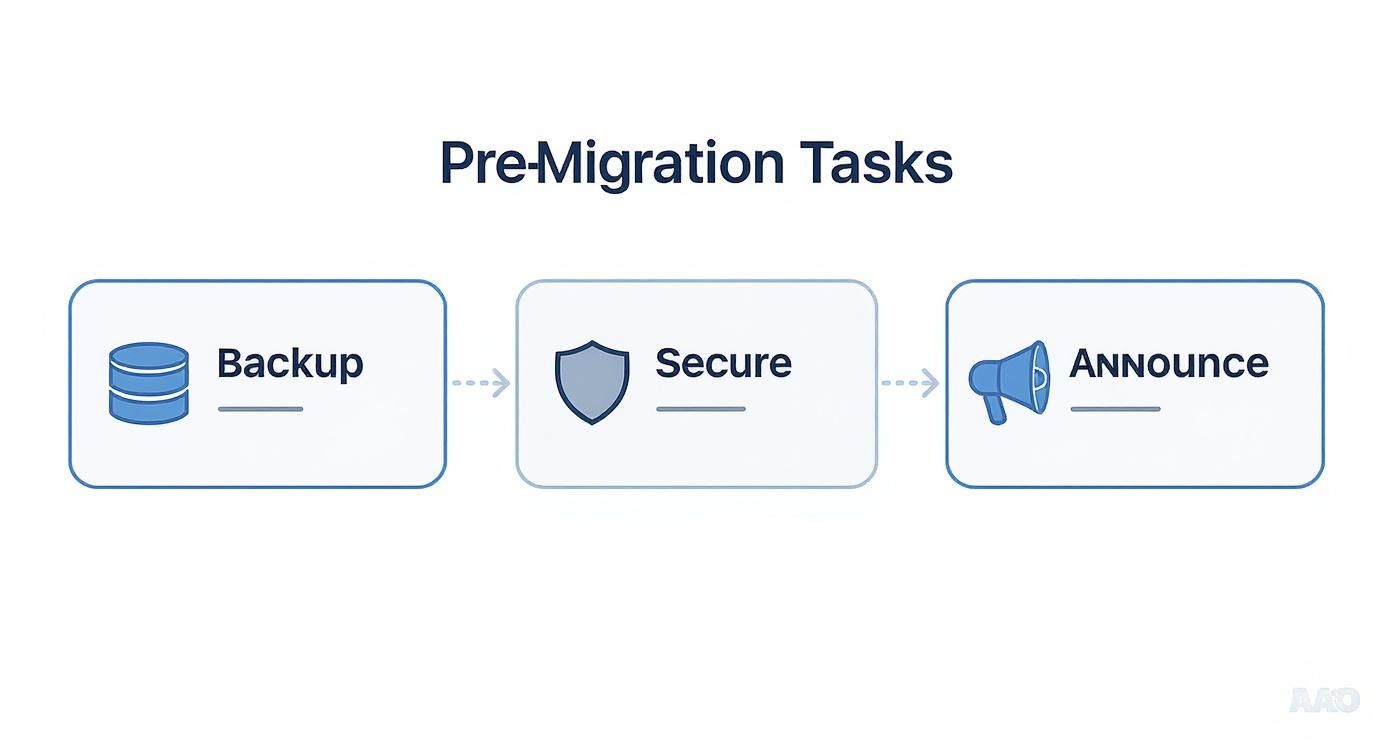
As shown, a successful domain change is built on backing up data, securing your new domain, and planning your communications.
Finalizing the On-Site Updates
With redirects in place, your final task is to find and replace any internal links on your website that still point to the old domain. Check your content, headers, footers, and sidebars to update old URLs. This ensures a seamless user experience and helps search engines crawl your new site more effectively.
Actionable Tip: Use a find-and-replace tool for efficiency, but always perform a manual check afterward. Automated tools can miss hard-coded links hidden in custom themes or plugins.
This final cleanup is essential for a clean migration. With over 33,000 new domains registered daily, a well-managed change is what separates a smooth transition from a frustrating one. For more context, you can review these domain registration statistics.
Protecting Your SEO After the Switch

Your new domain is live, but the process isn't finished. The actions you take immediately after the switch are vital for protecting your search engine rankings. Your primary goal now is to clearly signal the move to search engines and inform your audience.
Your first stop is Google Search Console, the tool for communicating directly with Google. Submit your new sitemap immediately. A sitemap is a file that lists all the pages on your website, acting as a roadmap for search engines. This prompts Google to begin crawling and indexing your new domain.
Notifying Google and Monitoring Performance
After submitting your sitemap, use Google Search Console's "Change of Address" tool. This is the official method for informing Google that your site has permanently moved. Using this tool helps accelerate the transfer of your old domain's SEO value to the new one.
Once Google is notified, your role shifts to monitoring. Keep a close watch on your Search Console reports, focusing on these key areas:
- Crawl Errors: Identify any issues Google's bots encounter when trying to access your new pages.
- 404 Pages: Find and fix any "Page Not Found" errors, which usually indicate broken links.
- Indexing Status: Monitor how quickly your new pages are being added to Google's search index.
Staying on top of this data allows you to fix small issues before they impact your SEO. Throughout this process, adhering to SEO optimization best practices will help ensure a smooth transition.
Spreading the Word and Updating Your Presence
Don't forget to communicate the change to your audience. Announce your new domain on all your channels, including social media and email newsletters. This prevents confusion and helps your audience get used to your new address.
This is also the time for digital housekeeping. Systematically update your domain name everywhere it appears online. Use a checklist:
- All social media profiles (LinkedIn, X, Instagram, Facebook, etc.)
- Your Google Business Profile and other local directories.
- Any industry-specific directory listings.
- Email signatures for you and your team.
A domain change is a significant undertaking. With 368.4 million domain registrations worldwide as of early 2025, ensuring your migration is seamless is vital to avoid losing traffic and search visibility. Read more about the dynamics of the domain name industry.
As a final step, reach out to websites that link to your old domain and ask them to update those links to your new address. While your 301 redirects will capture the traffic, a direct link from another website is always better for SEO. Taking these post-launch steps is crucial if you want to improve SEO and boost your website's Google ranking.
Common Mistakes to Avoid When Changing Domains
Changing a domain name is a complex process where small mistakes can cause major problems. Here are the most common pitfalls and how to avoid them.
The single most damaging mistake is failing to correctly implement 301 redirects. Some people only redirect their homepage, which leaves all other pages—blog posts, service pages, etc.—leading to "404 Not Found" errors. This will severely damage your SEO and frustrate users.
Actionable Tip: Every single URL from your old site must have a corresponding 301 redirect to its new location. This is the most important step for preserving your search engine rankings.
Don't Forget the Small Stuff
Once redirects are in place, a few other oversights can cause issues:
- Letting the Old Domain Expire: Do not let your old domain registration lapse after the switch. You must keep it for at least one year, but longer is better. This ensures your redirects continue working and prevents someone else from buying it and capitalizing on your old traffic.
- Neglecting Your Tracking Codes: Analytics and advertising scripts, from tools like Google Analytics or Facebook, are often tied to your old domain. If you forget to update these on your new site, you will lose all traffic data and your ad campaigns will stop working.
By being aware of these potential mistakes, you can navigate the process confidently. A methodical approach ensures a smooth transition for both your audience and the search engines.
Answering Your Top Domain Change Questions
Even with a detailed plan, questions often arise during a domain change. Here are answers to the most common ones.
How Long Until My New Domain Is Live Everywhere?
After you update your domain settings, it can take time for the change to be recognized globally. This process is called DNS propagation and can take anywhere from a few hours up to 48 hours.
While the technical change may be quick, remember that Google works on its own schedule. It needs additional time to crawl, process, and fully index your site under its new address.
Will I Automatically Lose My Google Rankings?
A small, temporary dip in traffic is normal, but a permanent drop in rankings is preventable. The key is to implement 301 redirects for every page.
A 301 redirect tells Google to transfer all the SEO authority and link value you've built over years from the old domain to the new one. This is how you preserve your ranking power.
A domain change does not mean starting from scratch with SEO. Your 301 redirects are the bridge that ensures a smooth transfer of ranking authority.
Should I Let My Old Domain Name Expire?
No, you should not. This is a common and costly mistake. You must keep your old domain registered for at least one year, but it's best to keep it indefinitely.
Keeping the old domain active ensures your redirects continue to work, captures any remaining traffic, and most importantly, prevents someone else from registering it and potentially using it to damage your brand's reputation.
Ready to build or rebrand your online presence without the technical headaches? The Solo AI Website Creator makes it easy to launch a professional, SEO-optimized website in minutes. Start for free and bring your vision to life at https://soloist.ai.