
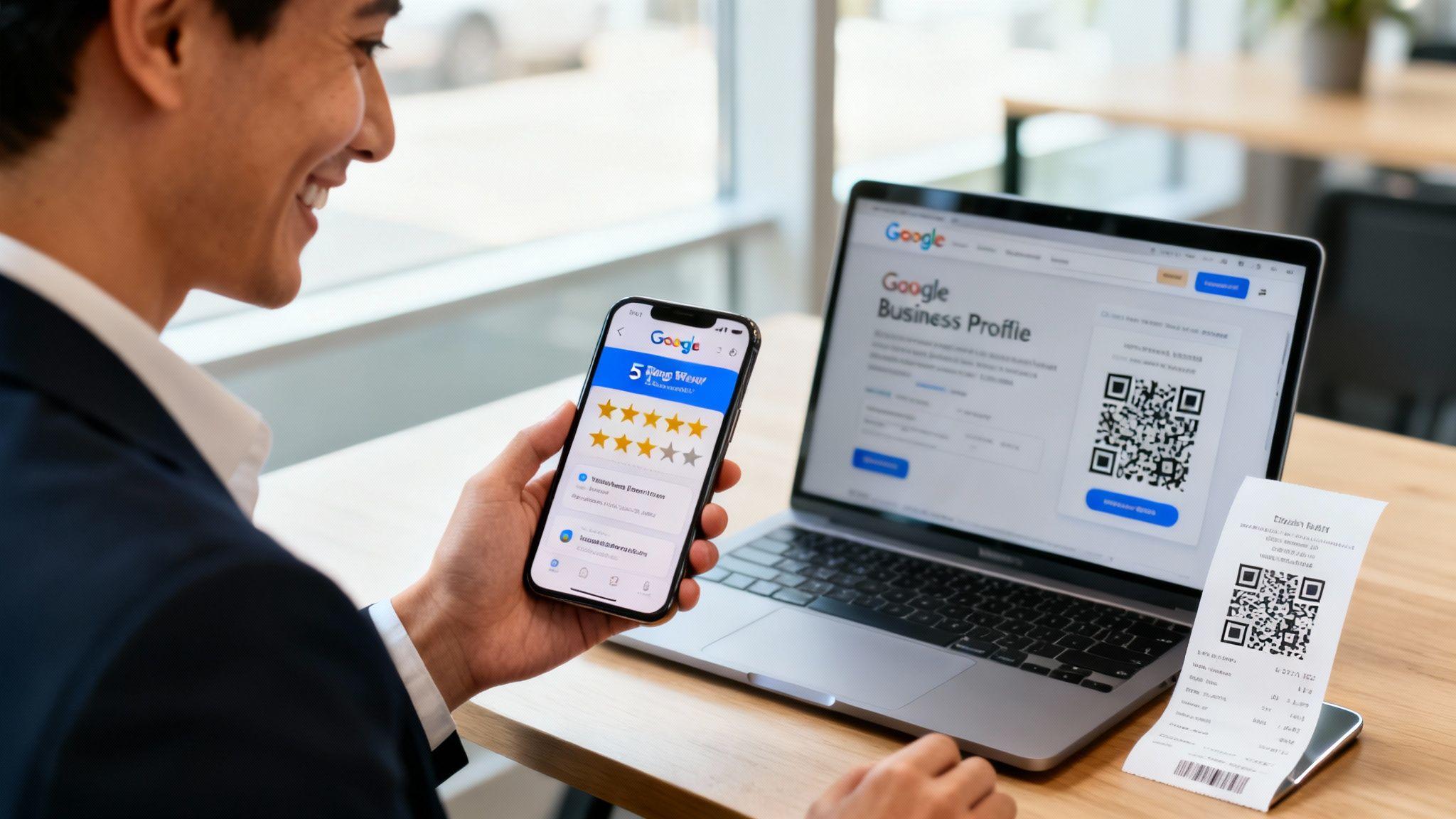
Getting more Google reviews for your business isn't about luck; it's about creating a repeatable system. It starts with a strong online presence and a simple process for asking happy customers to share their feedback. Done right, you can turn their great experiences into your most powerful marketing asset.
Why Google Reviews Are Your Secret Marketing Weapon

When was the last time you tried a new restaurant, hired a contractor, or picked a consultant without first checking their Google reviews? For most people, those star ratings are the first—and often the final—step in their decision-making process.
Reviews are no longer a "nice-to-have" feature; they are the engine of local marketing, especially for solopreneurs and small businesses.
Imagine you’re a freelance web designer competing with a large agency. They have a bigger ad budget, but a stellar collection of reviews can level the playing field. A series of genuine, glowing reviews from past clients builds immediate trust and convinces high-value prospects that you deliver quality work.
The Power of Social Proof in a Crowded Market
In a marketplace full of options, Google reviews make your business stand out. They provide future customers with unbiased insights from people just like them. This authentic feedback doesn't just build confidence; it directly impacts your visibility and revenue.
A steady stream of positive reviews signals to Google that your business is active and valued. This can significantly boost your local search ranking, making it easier for new customers to find you. You can learn more about this in our guide on how to improve local SEO rankings.
Let's look at a few numbers that show the real-world impact.
The Real-World Impact of Your Google Reviews
This table breaks down key statistics that show how critical Google reviews are for building customer trust and gaining visibility.
| Statistic | What This Means for Your Business |
|---|---|
| 83% of all online reviews are on Google. | Actionable Tip: Focus your efforts here. This is where your customers are looking for and leaving feedback. |
| 98% of consumers read online reviews for local businesses. | Actionable Tip: Assume every potential customer is checking your reputation before they contact you. Make sure it's strong. |
| 77% of consumers 'always' or 'regularly' read reviews when browsing for local businesses. | Actionable Tip: Treat reviews as a core part of your marketing, not an afterthought. They are a key step in the customer's research. |
| Businesses with at least 200 reviews generate twice the revenue. | Actionable Tip: Create a system to consistently request reviews. More reviews lead to more trust, which translates directly into more sales. |
The takeaway is clear: ignoring Google reviews means leaving money on the table.
For entrepreneurs using tools like the Solo AI Website Creator to build their online presence, the path forward is simple: making Google your number one review strategy is essential for growth.
Creating a System for Success
The key is to stop hoping for reviews and start building a simple, repeatable system that makes it easy for happy customers to share their feedback. This guide provides practical strategies to build that system.
"A great review is more than just a rating; it’s a story a customer tells on your behalf. Your job is to make it incredibly simple for them to tell that story."
Here’s a sneak peek at what you'll learn:
- Optimize Your Profile: How to set up your Google Business Profile to attract and encourage reviews.
- Ask Effectively: Discover straightforward, non-pushy ways to request feedback using QR codes, email, and SMS.
- Manage Your Reputation: Learn to respond to both positive and negative reviews professionally.
- Showcase Your Success: Find out how to use your best reviews on your website and social media to win more clients.
Build a Review-Ready Google Business Profile
Before you can collect Google reviews, you must set the stage. Think of your Google Business Profile (GBP) as your digital storefront. An incomplete or outdated profile can make potential customers question if you’re still in business.
A complete profile is a trust signal. It tells both Google and your customers that you’re a legitimate, active business. That initial trust is often what convinces a happy client to take a minute to leave a review.
Claiming Your Digital Real Estate
First, you must claim and verify your business on Google. This is non-negotiable. It gives you control over your profile, allowing you to update information, respond to reviews, and track performance. Without it, you’re letting an algorithm manage your online presence.
Actionable Tip: To verify your business, go to the Google Business Profile manager, enter your business name and address, and request a verification code. Google typically sends a postcard, but may offer phone or email options. Once you enter the code, you have full control.
Optimizing Every Detail for Maximum Impact
An incomplete profile looks unprofessional. Fill out every relevant section with accurate information to give customers the confidence to leave a review.
Get the basics right, but don’t stop there:
- Business Name, Address, and Phone (NAP): This must be 100% consistent everywhere it appears online, especially on your website. Inconsistencies confuse Google and erode customer trust.
- Hours of Operation: Keep your hours updated, especially for holidays or special events. Nothing frustrates a customer more than showing up to a closed business.
- Service Areas: Actionable Tip: Be specific. Instead of "county-wide," list the actual neighborhoods, cities, or regions you serve. This helps you appear in "near me" searches.
- Business Category: Be specific. Instead of just “Contractor,” choose “Plumbing Contractor” or “Roofing Contractor” to attract the right customers.
A well-optimized profile doesn't just attract customers; it pre-qualifies them. When someone sees a detailed, professional listing, they're already forming a positive impression before they even contact you.
Using Visuals to Tell Your Story
Photos and videos build instant trust. Google’s data shows that profiles with photos get 42% more requests for directions and 35% more clicks to their websites. Good visuals make your business feel real.
Actionable Tip: Don't just upload a photo of your storefront. Show your work in action.
- Team Photos: Show the friendly faces behind the business. This is great for service-based professionals like consultants or designers.
- Behind-the-Scenes Shots: Give people a peek at your process, whether it’s a chef preparing a dish or a mechanic working on an engine.
- Before-and-After Photos: For contractors, landscapers, or hair stylists, these are incredibly powerful visual testimonials.
- Product/Service in Action: If you sell a product, show it being used. If you offer a service, capture photos of satisfied clients.
Uploading fresh photos regularly also signals to Google that your business is active, which can boost your local ranking. To learn more, check out how to optimize your Google Business Profile.
Creating Your Magic Review Link
Once your profile is complete, get your direct review link. This is a special URL that sends customers straight to the "Leave a Review" pop-up for your business, removing any friction.
Telling a customer to "Find us on Google" involves multiple steps and distractions. A direct link is a game-changer. The easier you make it, the more reviews you'll get.
Actionable Tip: Here’s how to find your link:
- Log into your Google Business Profile Manager.
- On the dashboard, find the card that says "Get more reviews."
- Click "Share review form." Google will generate a short link for you.
Copy that link and save it. You'll use it in emails, text messages, on your website, and in QR codes. This link is the bridge between a happy customer and a five-star review. For more advanced ideas, see our guide on Google Business Profile tips to grow your business locally.
Proven Ways to Ask for Reviews Without Being Awkward
Your Google Business Profile is ready. Now it's time to actively ask for reviews instead of passively hoping for them.
The secret is to make the request a natural part of your process. You want to ask at the right moment and make it completely frictionless for your customers. This is where your direct review link is invaluable. Every strategy below relies on making it simple for someone to click that link and share their thoughts.
This flowchart shows the foundational process.

Claiming your profile, optimizing it, and getting your shareable link is the foundation of any effective review collection system.
Make It Physical with QR Codes
If you have a physical location—like a shop, cafe, or office—QR codes are a game-changer. They connect the in-person experience with the digital action of leaving a review.
A customer scans the code with their phone, and it takes them directly to your review page. No searching or typing URLs.
Actionable Tip: Here’s how to use QR codes:
- On Business Cards or Flyers: Hand one over after completing a project. A simple "We'd love your feedback!" next to the code is all you need.
- On Receipts or Invoices: This is a perfect time. The transaction is complete, and the positive experience is fresh.
- On Table Tents or Stickers: Place them on countertops, service desks, or even on a company vehicle. It’s a low-key, constant invitation.
You can create a QR code for free with online generators. Just paste your Google review link to get a downloadable image for your print materials.
Perfect the Digital Ask with Email and SMS
For online transactions or remote services, email and SMS are your best channels. Timing is everything. Send your request shortly after delivering a great result, not weeks later.
Timing is everything. The best moment to ask for a review is immediately after you've solved a customer's problem or delivered exceptional value. This is when their positive feelings are at their peak.
A great request is short, personal, and explains why their feedback matters. Let them know their review helps others find a good solution and helps you improve your service.
Actionable Tip: Here’s a simple email template you can adapt:
- Subject: A quick question about your experience with
- Body: Hi ,
Thanks again for choosing us for your [service/product]. We hope you’re loving the results!
Would you mind taking 30 seconds to share your experience on Google? Your feedback helps others in our community and allows us to keep getting better.
We really appreciate your time and your business.
Best,
Different methods work for different businesses. Find what fits your customer interaction best.
Choosing Your Review Request Method
| Method | Best For | Pros | Cons |
|---|---|---|---|
| QR Codes | Brick-and-mortar businesses, service providers with in-person contact. | Very low friction; captures immediate feedback. | Requires physical materials; less personal. |
| E-commerce, online services, B2B, detailed service follow-ups. | Can be personalized and automated; provides space for context. | Can get lost in cluttered inboxes; timing is critical. | |
| SMS/Text | Quick service interactions, appointment-based businesses. | High open rates (98%); feels immediate and personal. | Must be brief; requires explicit consent (TCPA compliance). |
| On-site Pop-ups | Websites with high traffic, especially after a purchase or sign-up. | Automated; catches users at a moment of high engagement. | Can be seen as intrusive if not implemented well. |
The best approach is often a mix of these. Integrate the "ask" into your existing customer journey so it feels helpful, not like a chore.
Automate the Process on Your Website
Your website can be a 24/7 review-gathering tool. A smart tactic is to add a "Leave a Review" button on the "Thank You" page a customer sees after making a purchase or booking an appointment.
This is especially effective for professionals using a platform like the Solo AI Website Creator. When a client fills out your contact form, they are sent to a confirmation page. That’s your golden opportunity.
Actionable Tip: Imagine a graphic designer's client submits a project form. The "Thank You" page could say:
"Thanks for getting in touch! We're excited to learn about your project. While you wait for our reply, we'd be grateful if you could share any past experiences you've had with our work on Google."
This automates the request at a moment of peak engagement. By weaving this into your site's flow, you build a system that works for you around the clock. Businesses often see 15-20% higher conversion rates when they actively manage their reviews. For entrepreneurs using Solo AI Website Creator, which includes booking and contact forms, this effort helps turn more visitors into clients. You can learn more about how review management impacts conversion rates and see the data for yourself.
Managing Your Online Reputation Like a Pro
Getting a steady stream of reviews is a win, but your work isn't done. How you manage those reviews—good and bad—defines your online reputation.
Responding thoughtfully shows potential customers you're engaged and care about their experience. A proactive response strategy can turn happy customers into loyal advocates and even salvage a negative situation.
Turning Positive Reviews into Marketing Gold
A glowing review is a gift. Your response should be more than a generic "Thanks!" It's an opportunity to reinforce the positive experience and show your brand's personality.
A great response to a positive review accomplishes three things:
- Shows Gratitude: It makes the customer feel valued for taking the time.
- Highlights Specifics: Mentioning a detail from their review proves you actually read it.
- Reinforces Your Brand: It's a moment to mention your commitment to quality or service.
Actionable Tip: Here's an effective template:
"Hi , thank you so much for your kind words! We’re thrilled to hear you enjoyed the . Our team works hard to deliver great results, and feedback like yours makes it all worthwhile. We look forward to working with you again!"
This personalized approach encourages repeat business and shows new customers that you have a great relationship with your clients.
A Framework for Handling Negative Reviews
A negative review can feel like a personal attack, but your response is a powerful tool. A calm, professional reply shows everyone that you take accountability and are committed to making things right. Never panic or get defensive.
Actionable Tip: Follow this framework every time:
- Thank Them and Acknowledge Their Experience: Start by thanking them for their feedback. Acknowledge their frustration without admitting fault. A simple, "We're sorry to hear your experience didn't meet your expectations," is a neutral start.
- Take the Conversation Offline: The goal is to resolve the issue privately. Provide a direct contact method. Say something like, "We'd like to learn more and see how we can help. Please call us at or email me directly at ."
- Keep It Brief and Professional: Your public response shouldn't be a debate. Stick to the script: thank, acknowledge, and move it offline. This shows you're proactive without airing dirty laundry.
This approach demonstrates maturity and builds immense trust with potential customers. Mastering this is a non-negotiable part of online reputation management.
Identifying and Flagging Fake Reviews
Not every negative review is legitimate. Competitors or malicious actors sometimes post fake feedback. If you suspect a review violates Google's policies—for example, it contains hate speech or is obvious spam—you should flag it for removal.
Actionable Tip: Here's how to flag a review:
- Find the review on your Google Business Profile.
- Click the three vertical dots next to it.
- Select "Report review" and choose the reason that best fits the violation.
Be aware that Google won't remove a review just because you disagree with it. The feedback must violate a specific policy. The removal process can take time. While you wait, post a calm, professional response as you would for any other negative review.
Getting a healthy volume of reviews helps build a resilient profile. Research from Taggbox.com shows that 59% of customers only trust a star rating if the business has more than 20 reviews.
To truly compete, you'll need more—the top-ranking local businesses average around 47 reviews, but those in the top three search positions can have over 250.
Showcasing Reviews to Win More Business
Getting reviews is great, but don't let them sit only on your Google profile. That’s like hiding your best marketing material.
To maximize the value of every glowing review, you need to feature that social proof everywhere a potential client might find you. This is about amplifying the praise you've already earned. When a new visitor lands on your website or social media, seeing real, positive feedback instantly builds trust.
Embed Reviews Directly on Your Website
Your website is the best place to show off your happy customers. Don't make people click away to find out how great you are. Bring the proof to them. This boosts your credibility and can even improve your SEO with fresh, user-generated content.
Tools like the Solo AI Website Creator are built for this. Instead of dealing with complex code, you can use built-in features to display your Google reviews in a few clicks. It’s a simple way to turn a static website into a conversion tool.
When a potential customer sees genuine praise from past clients embedded right on your homepage, their confidence in your business skyrockets. Your site transforms from a simple online brochure into a powerful trust-building tool.
Actionable Tip: Place reviews strategically for the biggest impact:
- On Your Homepage: Feature a rotating carousel of your top reviews where visitors can't miss them.
- On a Dedicated Testimonials Page: Create a page called "Reviews" or "What Our Clients Say" to gather all your best feedback. This is a powerful resource for prospects who are close to making a decision.
- Next to a Call-to-Action: This is a pro move. Place a compelling review right beside your contact form or booking button. It can be the final nudge a hesitant person needs.
Turn Reviews into Social Media Content
Your social media feeds are another perfect channel for sharing customer success stories. A glowing review is gold for platforms like Instagram, Facebook, or LinkedIn. The key is to make it visually appealing.
Actionable Tip: Use a simple design tool like Canva to create a branded graphic for each review. Pull out the most powerful quote, add the customer's first name (with permission), and include their five-star rating.
This strategy accomplishes several goals:
- It provides authentic content that stands out from promotional posts.
- It reinforces your reputation for quality service.
- It publicly shows your audience that you value their feedback.
For example, a freelance photographer could post a stunning wedding photo on Instagram and use the caption to share a review that says, "They made our wedding photos look absolutely magical!" This combination of a great visual and powerful social proof is incredibly persuasive.
Use Reviews in Your Sales Process
Use your best reviews in direct communications. When you send a proposal or a quote to a new lead, including a few relevant testimonials can make a significant difference.
If a client is comparing two different providers, the one who includes proof of past success will have a serious advantage.
Actionable Tip: Here’s how to weave reviews into your sales workflow:
- Email Newsletters: Dedicate a section to a "Customer Spotlight" or "Review of the Month."
- Proposals and Quotes: Add a page to your proposals that showcases three or four of your most relevant and powerful reviews.
- Email Signatures: A simple link in your email signature that says, "See what our clients are saying!" is an easy way to drive traffic to your testimonials page.
By weaving social proof into every corner of your marketing, you create a consistent message of trust and quality. It helps you close more deals by letting your happiest customers do the selling for you.
Got Questions About Google Reviews? We've Got Answers.
As you start collecting Google reviews, you'll likely encounter some tricky situations. Knowing how to navigate Google's rules and handle curveballs is key to building a solid reputation.
Here are answers to some of the most common questions business owners ask.
Is It Okay to Offer Incentives for Reviews?
The short answer is a hard no.
Google's policy is clear: you cannot offer money, discounts, or freebies in exchange for a review. They view this as buying a good rating, and it can get your profile penalized. Do not do it.
While you can run a contest open to all reviewers (both positive and negative), it's a gray area. The prize must be for participation, not for a positive review. It's usually safer to avoid incentives altogether.
Our Take: Focus on making it incredibly easy to leave a review. A smooth, hassle-free process will get you more authentic feedback than a gift card ever will.
How Should I Handle a Review from Someone Who Was Never a Customer?
Fake reviews are frustrating but they happen. It could be a competitor or someone who confused your business with another.
Actionable Tip: First, respond publicly and professionally. Do not get into an argument. A calm, simple reply is best:
"Hi [Reviewer's Name], thanks for taking the time to leave feedback. We've looked through our client records and can't seem to find anyone with your name. We take every review seriously, so if you could give us a call at or email us at , we'd love to learn more about what happened."
This shows other potential customers that you're responsive and that the review may not be legitimate.
After you reply, flag the review. Click the three dots next to it and select "Report review." Choose the best reason, such as "Spam" or "Conflict of interest." This alerts Google to take a closer look.
Can I Ask Customers to Edit or Remove a Bad Review?
Yes, but you must be very careful. You can never bully, bribe, or demand that someone change their review. That is a fast way to get your profile flagged.
The only appropriate time to ask is after you have resolved the issue and the customer is genuinely happy with the outcome.
For example, a client left a one-star review because a project was late. You call them, apologize, offer a discount on their next project, and ensure they are 100% satisfied with the final result.
Only then, once the relationship is repaired, could you gently say:
"We’re so happy we were able to turn things around for you. If you feel your original review doesn't reflect your final experience with us, we'd be grateful if you'd consider updating it. But please, don't feel any pressure to do so."
The primary goal must always be to solve the customer's problem, not just to remove a bad review.
Ready to turn happy customers into your best marketing asset? The Solo AI Website Creator makes it easy to build a professional website where you can showcase your glowing Google reviews, add contact forms to capture leads, and simplify your entire client interaction process. Start building your free website today at soloist.ai and see how simple it is to grow your online reputation.
Why do Google reviews matter so much for local businesses?
Google reviews shape first impressions, build trust quickly, and help customers decide whether to contact you. They also support local visibility because a steady flow of positive reviews signals that your business is active and valued.
What should be set up before asking customers for reviews?
Claim and verify your Google Business Profile first, then complete every relevant section with accurate details. Keep your business name, address, and phone number consistent, update hours and service areas, choose the most specific category, and add quality photos so your profile looks active and trustworthy.
What is the easiest way to make leaving a review simple?
Use your direct Google review link so customers land straight on the review form instead of searching for your business. You can share that link in emails, texts, receipts, invoices, business cards, QR codes, and website thank-you pages to remove as much friction as possible.
When and how should you ask for a Google review?
Ask shortly after delivering a great result, when the customer’s positive experience is still fresh. Keep the request brief, personal, and clear, and explain that their feedback helps others and supports service improvement; email works well for follow-ups, while SMS is especially strong for quick, appointment-based interactions.
How can brick-and-mortar or service businesses collect more reviews in person?
QR codes work especially well because they connect an in-person interaction to an immediate review action on a customer’s phone. Add them to receipts, invoices, table tents, flyers, service desks, or business cards with a simple prompt asking for feedback.
How should you handle reviews once they start coming in?
Respond professionally to both positive and negative reviews because active engagement shows customers that feedback matters. Managing your reputation consistently helps reinforce trust and turns reviews into a long-term marketing asset instead of a passive listing feature.