
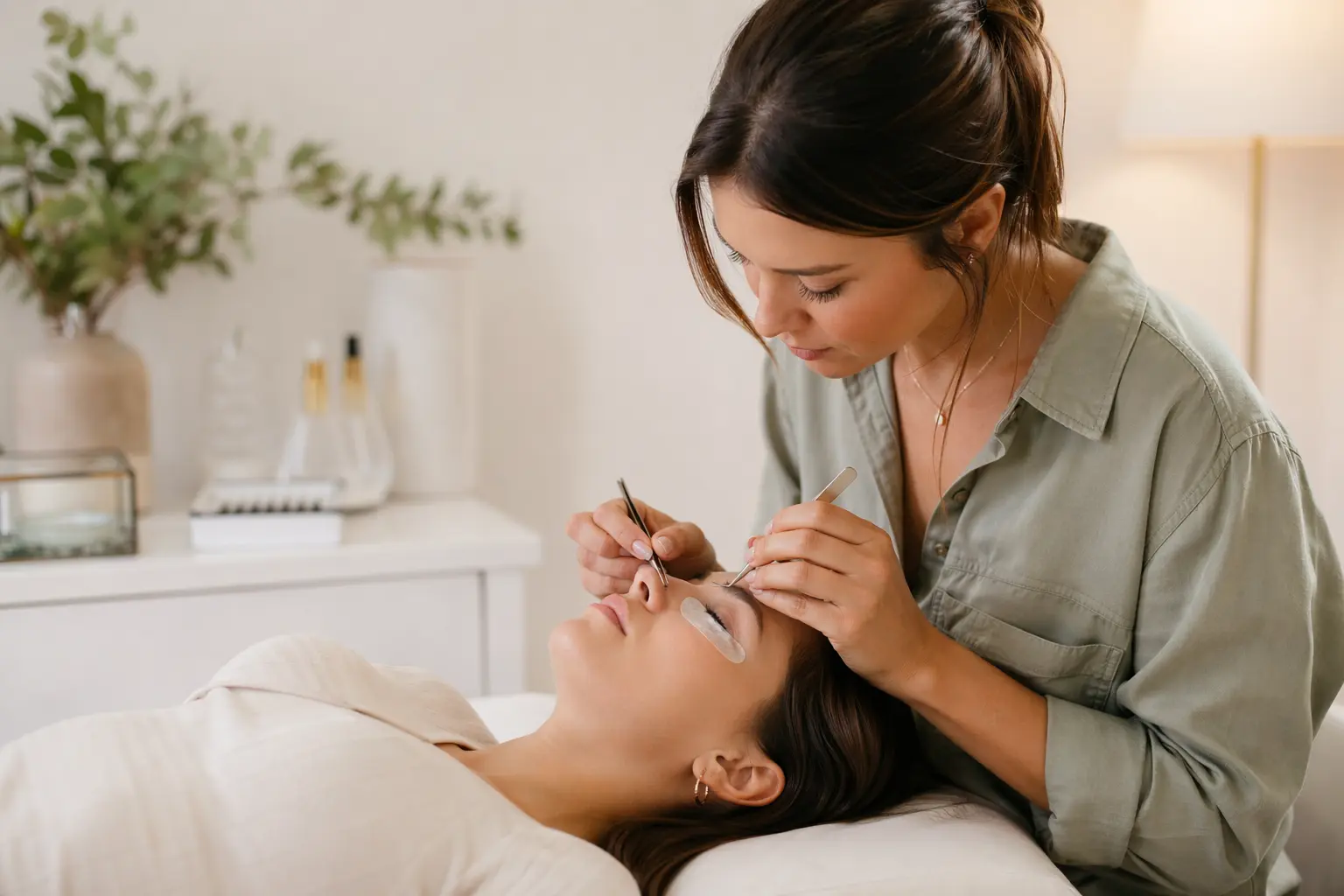
Website Builder for Lash Artists
TL;DR
This page is for lash artists and small lash studios looking to build a professional website without technical expertise. You'll find what features matter most for attracting lash clients in 2026, from online booking links to before/after galleries. Solo can get you from zero to a polished lash artist website in under an hour, though you'll need to connect external booking tools since Solo doesn't handle appointments natively.
Why lash artist websites have specific challenges
Lash artist websites face hurdles that generic business sites don't. Your potential clients need to see detailed, high-quality photos of your work—not stock imagery—to trust you with their eyes. They want to understand the difference between volume, hybrid, and classic sets without getting lost in technical jargon. And they're booking beauty services that require precise scheduling and clear aftercare instructions, not just browsing products.
The visual nature of lash artistry means your website needs to showcase transformations effectively while loading fast on mobile, where most beauty clients browse. Unlike restaurants or consultants, you're also managing a web of beauty industry regulations, insurance requirements, and the need to display certifications prominently, all while competing with Instagram-savvy artists who may rely entirely on social media.

What a lash artist website needs in 2026
| Must-Haves | Nice-to-Haves | Lash-Specific Requirements |
|---|---|---|
| • Service menu with pricing • Before/after gallery • Contact form • Business hours • Location/directions • Mobile-responsive design | • Online booking integration • Client testimonials • Instagram feed • Blog for aftercare tips • Email list signup • FAQ section | • Certification display • Sanitation protocols • Allergen warnings • Aftercare instructions • Patch test policy • Insurance/licensing info |
According to industry guidance, your website should include detailed service descriptions that educate clients on different lashing styles, prominent testimonials, and links to all your social channels for local SEO impact[1]. The 2026 trend toward personalized lash mapping and expanded curl options (L and M curls) means your service descriptions need more detail than ever before[2].
Compliance and accessibility considerations
While the Department of Justice extended ADA Title II compliance deadlines to April 26, 2027 for government entities, private lash businesses should still aim for WCAG 2.1 Level AA standards to reduce litigation risk[4][5]. That means ensuring your booking links, forms, and galleries work with screen readers and keyboard navigation. You'll also need updated privacy notices and clear opt-out mechanisms for any marketing cookies or client data collection[6].
For lash-specific compliance, prominently display your state cosmetology or esthetician license number, liability insurance coverage, and any lash-specific certifications. Include clear allergen warnings about adhesives and a patch test policy. These aren't just nice-to-haves, they're potential liability shields. Solo's contact forms can collect pre-appointment information, though they don't include specialized logic for patch test scheduling or allergen screening.
Why Solo works for solo lash artist practices
Solo's AI onboarding takes a brief description like "I'm a certified lash artist specializing in volume and mega volume sets in Denver" and builds a complete website with service pages, an about section, and contact forms. The AI understands beauty service businesses and fills in appropriate sections, though you'll need to swap out the stock photos with your own before/after shots. Solo pulls from Unsplash (or Pexels on Pro plans) rather than generating beauty-specific imagery.
At $20 billed annually, Solo costs less than most lash industry-specific tools and covers the essentials: professional design, mobile responsiveness, and easy updates when you add services or adjust pricing. The visual editor lets you showcase certifications, update seasonal promotions, and maintain a blog for aftercare tips when the blog feature is enabled. That said, Solo's "scheduling" is just a link field where you paste your Calendly or Acuity URL. There's no native booking, so clients still schedule through your external system.
Comparison with alternatives
| Feature | Solo | Wix | Squarespace | GlossGenius |
|---|---|---|---|---|
| Starting Price | $20/mo annual | $17/mo | $16/mo | $24/mo |
| AI Website Generation | ✓ Full site from description | ✓ ADI builder | ✗ Templates only | ✗ Templates only |
| Native Booking System | ✗ External links only | ✓ Wix Bookings add-on | ✓ Acuity integration | ✓ Built-in scheduler |
| Before/After Galleries | ✓ Image sections | ✓ Multiple gallery types | ✓ Portfolio layouts | ✓ Service galleries |
| Client Forms | ✓ Customizable fields | ✓ With logic options | ✓ Basic forms | ✓ Intake + waivers |
| Beauty Industry Focus | ✗ General SMB builder | ✗ General with beauty templates | ✗ General creative focus | ✓ Beauty-specific features |
Solo trades specialized beauty features for simplicity and speed. You'll get online faster than with template-based builders, but you'll miss industry-specific tools like automated appointment reminders or integrated waiver management that GlossGenius provides.

Getting started: a 5-step checklist
- Prepare your content before starting: Gather 10-15 high-quality before/after photos (get client permission), write descriptions for each service (classic, hybrid, volume, mega volume), list your certifications and training, and draft your cancellation and patch test policies. Solo will generate initial content, but beauty services need your specific details.
- Set up your booking system first: Since Solo links to external scheduling, configure your Calendly, Acuity, or Square Appointments account before building your site. Set up service durations (initial vs. fill appointments), buffer times for setup and cleanup, and deposit requirements. Test the booking flow yourself.
- Run Solo's onboarding with beauty-specific details: Instead of just "lash artist," try "Certified lash artist specializing in Russian volume and mega volume techniques, serving busy professionals in [your city] who want low-maintenance glamour. Licensed esthetician with 5 years experience." The more specific your initial prompt, the better the generated content aligns with lash industry language.
- Customize the critical sections: Replace all stock photos immediately. Clients need to see YOUR work. Update the AI-generated service descriptions with your specific techniques, timing, and pricing. Add sections for patch test requirements, aftercare instructions, and fill schedule recommendations (2-3 weeks for most clients).
- Connect and test everything: Add your booking link to the scheduling section, test your contact form with common questions (allergies, first-time concerns), ensure your Google My Business and Instagram links work both ways for SEO[1], and verify your site looks right on phones, where 80% of beauty clients will view it. Have a friend try to book a fake appointment to catch any friction points.
How much does Solo cost for a lash artist website?
Solo's Pro plan costs $20/month when billed annually or $25/month billed monthly. This includes hosting, SSL, custom domain connection, and AI-powered site generation. The free plan exists but limits you to a Solo subdomain. Most lash artists need at least Pro for a professional presence with their own domain.
Can Solo handle online booking for lash appointments?
No, Solo doesn't have native appointment booking. Instead, it provides a 'scheduling' section where you paste a link to your external booking system like Calendly, Acuity, or Square Appointments. Your clients click through to book on your external calendar. This actually works well for lash artists who need specialized booking features like patch test scheduling and deposit collection.
How do I display my lash certification and licenses on Solo?
Solo's visual editor lets you add text and image sections anywhere on your site. Create an 'About' or 'Credentials' section to display your state cosmetology/esthetician license number, lash certification images, insurance information, and training credentials. You can also add these to your footer for visibility on every page. Solo doesn't have a specialized license-display widget, but the flexible sections work well for this.
Will Solo create good before/after galleries for my lash work?
Solo can create image gallery sections, but you'll need to supply your own before/after photos—it doesn't generate beauty-specific images. The AI pulls from Unsplash (or Pexels on Pro plans) for placeholder images, which you'll immediately want to replace with your actual work. Make sure to get client photo permissions and watermark your images if desired.
Can I blog about lash care and techniques on Solo?
Yes, when the blog feature is enabled (it's feature-flagged, so availability varies by deployment), Solo can AI-draft blog posts based on your business context. You could blog about aftercare tips, new techniques like 2026's trending L and M curls[2], or seasonal lash styles. The AI provides a starting draft that you then edit to add your expertise.
Is Solo HIPAA-compliant for client intake forms?
No, Solo doesn't offer a BAA (Business Associate Agreement) and isn't suitable for collecting protected health information. While lash services rarely involve PHI, if you're collecting detailed medical histories, allergies beyond patch test consent, or prescription information, you'll need a HIPAA-compliant form solution integrated separately.
How does Solo compare to beauty-specific website builders?
Solo is a general small business website builder that works well for lash artists, while tools like GlossGenius or Boulevard are beauty-industry-specific. Solo excels at getting you online quickly with AI-generated content ($20/mo), but lacks native booking, client management, and automated appointment reminders. Choose Solo if you want a simple website fast and already have separate booking/client tools.
Can I sell lash products or aftercare kits through my Solo website?
Solo isn't an ecommerce platform—it's a website builder focused on service businesses. You can display products with descriptions and prices, but would need to handle transactions through external tools (link to Square, Venmo, or a separate shop). For full ecommerce with inventory tracking and checkout, you'd need Shopify or similar.


