
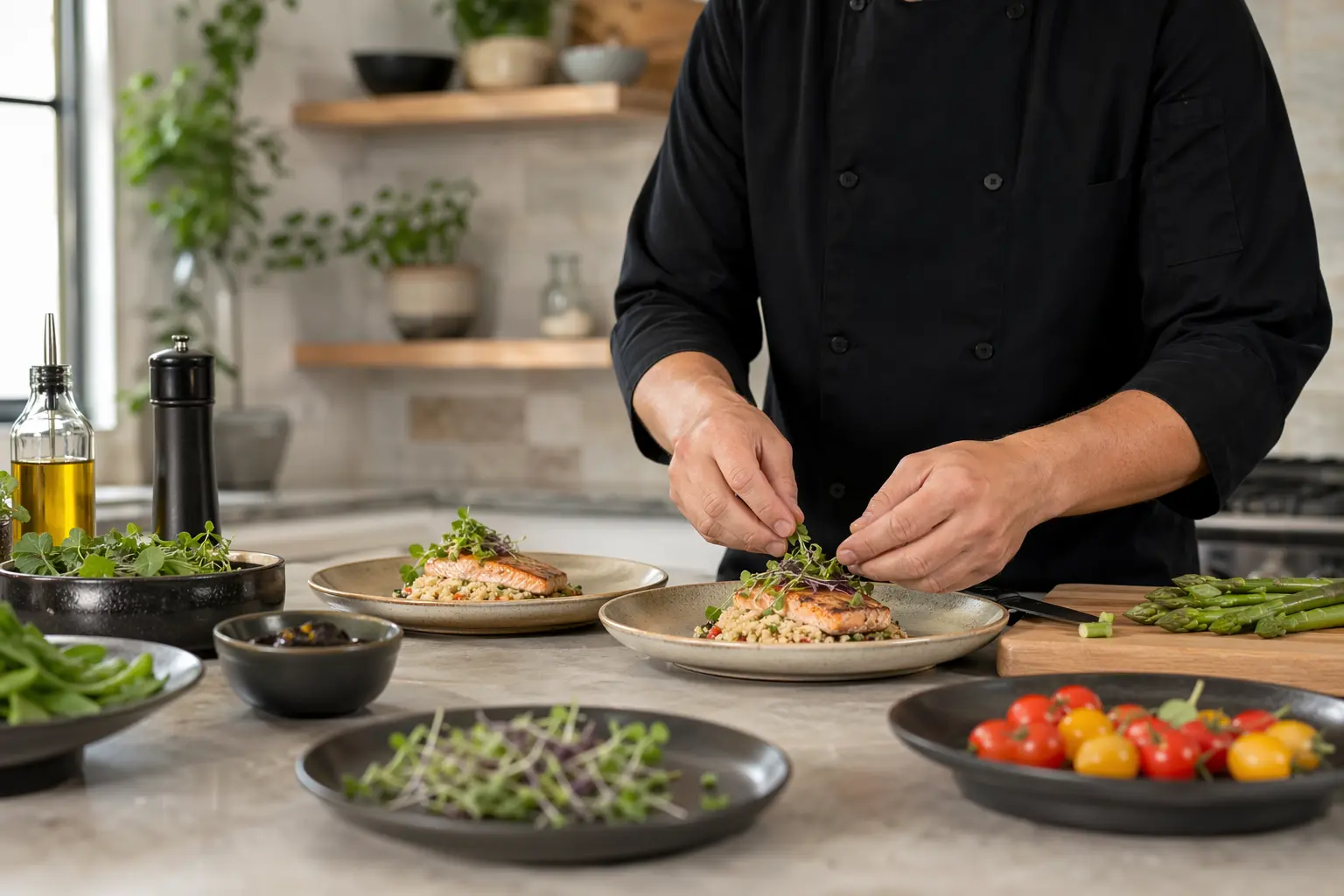
Website Builder for Personal Chefs: What Your Culinary Business Actually Needs in 2026
TL;DR
For personal chefs evaluating website builders for a solo practice or small team (1-5 people): here's what features actually matter for personal chef websites in 2026, how to handle scheduling and client management without the tech headaches, and whether Solo's AI-powered approach makes sense for your culinary business. Bottom line: Solo gets you from zero to a professional chef website in under an hour, but you'll need third-party tools for booking and payment processing.
Why Personal Chef Websites Have Specific Challenges
Personal chef businesses face website challenges that generic small business templates can't solve. Unlike restaurants with fixed locations and menus, personal chefs need to showcase versatility—from intimate dinner parties to weekly meal prep, from managing multiple dietary restrictions to coordinating with different households. Your website isn't just a digital business card; it's your sample menu display, your scheduling coordinator, and your trust-building tool all in one.
The complexity grows when you consider client expectations in 2026. Modern clients expect personalized experiences with flexible services, digital communication, and transparency around your sourcing and sustainability practices. They want to see your culinary skills through sample menus, high-quality image galleries, and client testimonials, all while being able to book your services as easily as they order takeout. Add in the need to track allergen information and comply with the Food Traceability Rule, and suddenly that generic website builder starts looking inadequate.
What a Personal Chef Website Needs in 2026
| Must-Haves | Nice-to-Haves | Chef-Specific Requirements |
|---|---|---|
| • Mobile-responsive design • Service descriptions & pricing • Contact form with dietary fields • Photo galleries of dishes • Client testimonials • Location/service area info • About page with credentials • Online booking integration • SSL security certificate | • Blog for recipes/tips • Email newsletter signup • Social media integration • Video content areas • Multiple language options • Client portal for repeat customers • Gift certificate system • Seasonal menu updates | • Sample menu displays • Allergen information system • Dietary preference filters • Food safety certifications display • Insurance/licensing info • Sustainability practices section • Kitchen requirements disclosure • Service radius mapping |

Managing Client Dietary Restrictions and Preferences
The most pressing industry-specific concern for personal chefs in 2026 is managing the complex web of dietary restrictions, allergies, and preferences. With strict allergen training requirements, especially for gluten-free labeling, your website needs to capture and organize this information systematically. Modern personal chef booking systems require a system for client notes detailing dietary needs, preferences, and household size, but this is where Solo's limitations become apparent.
Solo's contact forms can include custom fields for basic dietary information, but it doesn't offer the client management system that personal chefs truly need. You can't build recurring client profiles, track allergen histories across bookings, or maintain detailed preference databases within Solo itself. For medical dietary restrictions involving protected health information—severe allergies or medically-prescribed diets—Solo explicitly doesn't offer a BAA, making it unsuitable for collecting that data. You'll need to integrate a third-party booking system specialized for personal chefs, using Solo's custom code feature (available on Pro plans at $20 and above) to embed these tools into your site.
Why Solo Works for Solo Personal Chef Practices
Solo is a good fit for personal chefs who need to get online quickly with a professional presence. The AI-powered onboarding takes your business description—"I'm a personal chef specializing in farm-to-table dinner parties and weekly meal prep for busy families"—and generates a complete website with relevant sections, service descriptions, and professional copy in under an hour. This isn't just template selection; Solo's AI understands culinary businesses and creates content that speaks to your specific services.
The AI-seeded section creation is particularly useful for personal chefs. When you add a new section for seasonal menus or cooking classes, Solo's AI pulls from your business context to draft relevant content. At $20 billed annually (or $25 monthly), you get access to Pexels' premium food photography, which matters in a visual industry where your dishes need to look as good online as they taste in person. Solo won't generate AI images of your actual dishes, though, so you'll still need to photograph your own creations.
For scheduling, Solo takes a practical approach: rather than building a limited booking system, it provides dedicated scheduling link fields where you paste your existing Calendly, Acuity, or specialized personal chef booking software URL. This means you can use professional personal chef booking software with features like recurring schedules, dietary tracking, and automated payment collection, while Solo handles the presentation layer.
Comparison with Alternatives
| Feature | Solo ($20/mo annual) | Squarespace ($16-$65/mo) | Chef-specific platforms ($50-150/mo) |
|---|---|---|---|
| Initial setup time | Under 1 hour with AI generation | 4-8 hours with templates | 2-4 hours with industry templates |
| Food photography | Pexels premium stock + uploads | Unsplash + Getty Images ($) | Industry-specific stock libraries |
| Menu display options | AI-seeded service sections | Restaurant template features | Dynamic menu builders |
| Booking system | External tool integration only | Basic Acuity integration | Built-in with dietary tracking |
| Client management | Contact forms only | Member areas available | Full CRM with preferences |
| Recipe blog | AI-drafted posts (when enabled) | Full blogging platform | Recipe-specific formatting |
| Local SEO | Basic on-page optimization | Advanced SEO tools | Industry-focused keywords |
| Payment processing | Via external tools only | Stripe/PayPal integration | Integrated with booking |
Getting Started: A 5-Step Checklist
- Prepare your business basics before starting Solo's onboarding. Write a clear description of your services (dinner parties, meal prep, cooking classes), your target clients (busy families, health-conscious professionals), and your service area. Solo's AI uses this to generate relevant content, so specificity matters. Include your culinary style, dietary specialties, and what makes you different from other personal chefs in your area.
- Set up your scheduling system first. Since Solo doesn't handle booking natively, choose your scheduling tool before building your website. Look for personal chef booking software that handles recurring clients, dietary restrictions, and payment processing. Get your booking link ready—you'll paste this into Solo's scheduling section during setup.
- Gather high-quality photos of your signature dishes. Solo provides access to stock food photography through Pexels (on Pro plans), but authentic photos of your own cooking will always do more for you. Aim for 10-15 hero shots covering different service types: plated dinner party courses, meal prep containers, you cooking in a client's kitchen, and any specialty dietary options you offer.
- Optimize for local search from day one. Personal chefs depend on local visibility. When Solo generates your site, immediately customize the location-based content. Add pages for your primary service areas within a two-hour drive, use location-specific keywords like "Personal Chef in [Your City]", and ensure your service area is clearly defined. Set up your Google Business Profile to complement your website.
- Create a system for showcasing menus and collecting dietary information. Use Solo's service sections to display sample menus for different occasions. In your contact form, add custom fields for household size, dietary restrictions, allergies, and preferred cuisine styles. Since Solo doesn't store this information in a CRM, plan how you'll transfer these details to your booking system or client management tool—consider using Zapier to automate this flow.

The Bottom Line for Personal Chefs
Solo works best for personal chefs who want a professional web presence fast without wrestling with design decisions or empty templates. At $20 per month (billed annually), it's cost-effective compared to hiring a web designer or spending days learning Squarespace. The AI-powered setup genuinely understands culinary businesses, creating relevant service descriptions and content that would take hours to write from scratch.
Solo isn't trying to be an all-in-one solution. You'll need separate tools for booking, payment processing, and client management—which may actually suit you better than a platform that tries to do everything and does most of it poorly. Solo focuses on what it does well: getting you online with a professional, mobile-friendly website that showcases your culinary skills and makes it easy for clients to find and contact you.
For personal chefs juggling multiple clients, dietary requirements, and the demands of running a solo business, Solo's straightforward approach and Mozilla's privacy-focused reputation make it a solid foundation for your online presence. Plan on investing in specialized booking software to handle the operational side of your business, and use Solo as the storefront that draws clients in.
How much does Solo cost for personal chef websites?
Solo offers a free plan to get started, with the Pro plan at $20 per month when billed annually (or $25 monthly). Most personal chefs will want the Pro plan for custom domain, Pexels premium food photography, and the ability to embed booking widgets using custom code.
Can Solo handle online booking for personal chef services?
Solo doesn't have native booking functionality. Instead, it provides scheduling link fields where you integrate your preferred booking system (like Calendly, Acuity, or specialized personal chef booking software). With Pro plans and above, you can embed booking widgets directly into your site using the custom code feature.
How does Solo handle dietary restrictions and allergen information?
Solo's contact forms can include custom fields for dietary restrictions and allergies, but it's not a client management system. You can display allergen information on your service pages, but Solo doesn't offer HIPAA compliance for medical dietary information. You'll need to transfer client dietary data to a specialized booking or CRM system.
Can I create a recipe blog with Solo?
Solo includes blog functionality (when enabled on your account) that can draft posts using AI based on your culinary expertise. However, it's not a specialized recipe platform with nutrition calculators or recipe card formatting. It works well for sharing cooking tips, seasonal menu highlights, and building SEO through content.
How long does it take to build a personal chef website with Solo?
Solo's AI-powered onboarding can generate a complete personal chef website in under an hour. You provide your business description, service details, and target market, and Solo creates multiple pages with relevant sections, service descriptions, and professional copy. You'll spend additional time customizing content and adding your food photos.
Does Solo support multiple languages for diverse client bases?
Solo supports one language per website from a selection including English, Spanish, French, Italian, German, Portuguese, Japanese, and Korean. If you serve clients who speak different languages, you would need separate Solo sites for each language—there's no side-by-side translation feature.
How does Solo compare to restaurant website builders?
Solo is designed for service businesses, not restaurants. It doesn't include restaurant-specific features like online ordering, table reservations, or POS integration. For personal chefs, this focused approach works well—you get AI-powered content generation and professional design without paying for restaurant features you don't need.
Can I showcase different service types like dinner parties vs. meal prep?
Yes, Solo's service sections are perfect for this. During setup, Solo's AI generates distinct service descriptions based on your business context. You can create separate sections for dinner parties, weekly meal prep, cooking classes, and special events, each with its own descriptions, pricing structure, and image galleries.


