
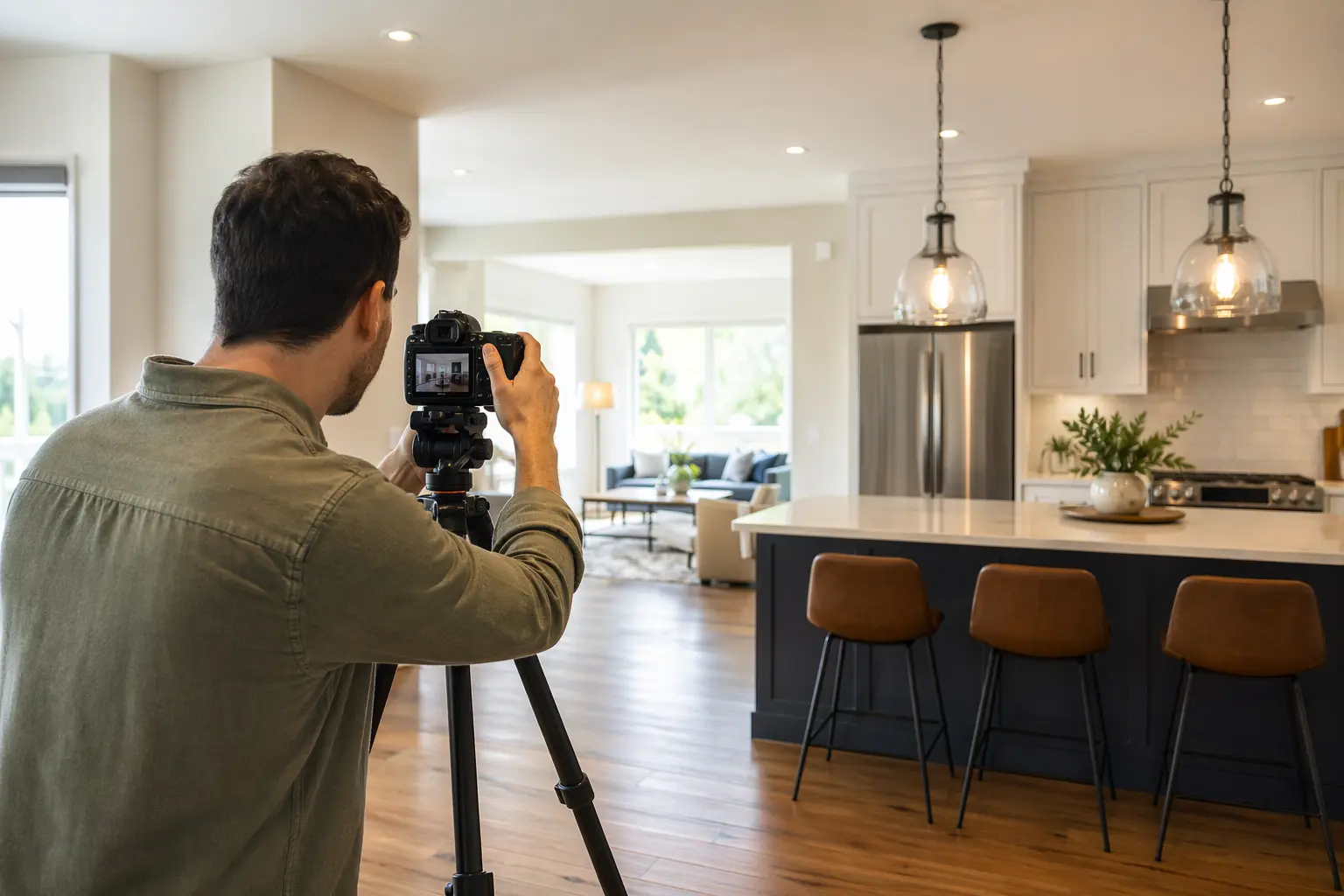
Website Builder for Real Estate Photographers
TL;DR
Real estate photographers who need a professional website but don't have time to become web developers face a specific set of problems: new AI disclosure laws, fast-turnaround booking needs, and hyperlocal SEO. This page covers what your site needs in 2026, how to pick a builder, and what Solo can and can't do for you. Short version: Solo gives you a portfolio-focused site at $20 per month that handles the basics while you handle the shoots, but you'll need third-party tools for client galleries and booking.
Why Real Estate Photography Websites Have Specific Challenges
Real estate photography websites face a combination of new legal requirements and local SEO demands that most other photographers don't deal with. Starting in 2026, California's AB723 and similar laws require you to disclose any AI-edited photos as "Digitally Altered" with access to originals, potentially through QR codes on your site [[1]](https://www.reimaginehome.ai/blogs/ai-edited-real-estate-photos-2026-rules-1767078647) [[2]](https://www.vardymedia.com/blog/ai-backlash-california-real-estate-photo-rules-2026). Miss these disclosures and you're looking at liability issues that could tank your business.
On the SEO side, you're competing for "real estate photographer near me" searches in specific neighborhoods, not a general national audience. That means geotagged portfolios, neighborhood-specific landing pages, and quarterly content updates to stay visible [[3]](https://www.designingit.com/blog/local-seo-for-real-estate-agents/) [[6]](https://www.agentimage.com/blog/local-seo-for-real-estate-2026/). And unlike wedding photographers who book months out, real estate shoots often happen within 48 hours, so your site needs clear availability and fast booking options.

What a Real Estate Photography Website Needs in 2026
| Must-Haves | Nice-to-Haves | Industry-Specific Requirements |
|---|---|---|
| • High-res portfolio galleries • Mobile-responsive design • Contact form with turnaround times • Service area pages • Pricing/packages page • Google Business Profile integration | • Blog for SEO content • Client testimonials section • Virtual tour samples • Drone/aerial galleries • Social media feeds • Newsletter signup | • AI editing disclosure statements • Original vs. edited image access • Virtual staging disclaimers • License/certification display • Geotagged portfolio organization • MLS compliance statements |
AI Photo Disclosure: The New Compliance Minefield
The new AI disclosure requirements aren't just suggestions, they're law in many states. Your website must clearly mark any images where you've used AI for sky replacements, object removal, or virtual staging as "Digitally Altered" [[1]](https://www.reimaginehome.ai/blogs/ai-edited-real-estate-photos-2026-rules-1767078647). These disclosures need to be "clear and conspicuous" on every page displaying edited photos, not buried in fine print. Some photographers are adding QR codes that link to original images; others create separate "before/after" portfolio sections [[2]](https://www.vardymedia.com/blog/ai-backlash-california-real-estate-photo-rules-2026).
The problem is that most website builders have no built-in features for this kind of compliance. You'll need to manually add disclosure text to image captions, create dedicated policy pages explaining your editing practices, and potentially reorganize your entire portfolio structure. Solo's customizable sections let you add these disclosures during the initial AI setup, but you'll still need to maintain them manually as you add new work. For photographers doing heavy AI editing, this might mean looking at specialized real estate marketing platforms instead, though those run $200+ monthly compared to Solo's $20.
Why Solo Works for Solo Real Estate Photography Practices
Solo's main advantage for real estate photographers is speed. During onboarding, describe your business as "real estate photography serving [your area]" and Solo's AI generates a complete site structure: homepage with your value proposition, services page breaking down packages (twilight shoots, drone work, virtual tours), portfolio sections, and contact forms. The AI pulls from your business description to write copy that references quick turnarounds, MLS-ready images, and next-day delivery.
At $20 annually ($25 monthly), you get professional hosting with SSL, custom domain support, and basic analytics to track which neighborhood pages drive leads. When you want to add new services like Matterport tours or twilight photography, Solo drafts the content based on your existing site context rather than making you start from scratch. For image galleries, you'll use Pexels (included with Pro) for any stock shots, though most of your portfolio will be uploaded client work.
What Solo doesn't do: native booking systems (you'll paste a Calendly link), automated gallery delivery to clients (you'll need Pixieset or similar), or MLS integration. The blog feature is sometimes feature-flagged, so don't count on it for your neighborhood SEO strategy. For a photographer who needs a professional web presence that says "I shoot homes, here's my work, here's how to hire me," Solo gets you there in under an hour of setup.
Comparison with Alternatives
| Feature | Solo ($20/mo annual) | Squarespace ($25/mo) | PhotoBiz ($15/mo) |
|---|---|---|---|
| Setup Time | Under 1 hour with AI generation | 4-6 hours with templates | 2-3 hours with industry templates |
| Portfolio Galleries | Manual upload, basic galleries | Advanced gallery options | Photography-focused galleries |
| AI Disclosure Features | Manual text additions only | Manual text additions only | Manual text additions only |
| Booking Integration | External link only | Acuity Scheduling add-on | Basic contact forms only |
| Local SEO Tools | Basic meta tags, clean URLs | Advanced SEO suite | Photography SEO presets |
| Client Galleries | Not available | Password-protected pages | Full client portal system |
| Best For | Quick professional presence | Full marketing control | Photography-specific needs |

Getting Started: A 5-Step Checklist
- Prepare your business basics before starting Solo's onboarding. Write a one-paragraph description emphasizing your service area ("Real estate photography serving [County Name] specializing in luxury homes, twilight shoots, and aerial photography"). List 3-5 specific services with turnaround times. Gather 10-15 of your best property photos showcasing different styles (interiors, exteriors, aerial, twilight).
- Set up your compliance and disclosure framework. Draft your AI editing disclosure text before building the site: "Images marked 'Digitally Altered' have been enhanced using AI technology. Original unedited versions available upon request." Decide whether you'll use QR codes, a separate originals gallery, or email delivery for unedited images [[1]](https://www.reimaginehome.ai/blogs/ai-edited-real-estate-photos-2026-rules-1767078647). Create a list of which editing techniques you use (sky replacement, object removal, virtual staging) to include in your services descriptions.
- Structure your location-based SEO during initial setup. When Solo generates your site, immediately add sections for your top 3-5 service areas using the AI section creator. For each neighborhood, include: typical property types you shoot there, average turnaround time for that area, and 2-3 example photos geotagged with location data [[4]](https://medium.com/@simonhogben/seo-for-property-photographers-f64e157b8cf5). Add your Google Business Profile link prominently in your contact section.
- Connect your external tools and workflows. Since Solo doesn't have native booking, set up Calendly or similar with your availability calendar, then paste the link in Solo's scheduling link field. Create package-specific booking links (standard shoot, twilight add-on, drone package) for your services page. Set up Pixieset or ShootProof for client gallery delivery and add those instructions to your contact form confirmation message.
- Launch with a quarterly update system. Real estate photography sites need fresh content every quarter to maintain local search rankings [[6]](https://www.agentimage.com/blog/local-seo-for-real-estate-2026/). Create a simple rotation: Q1, update pricing and add new neighborhood pages; Q2, refresh portfolio with spring listings; Q3, add blog posts about preparing homes for photos (if the blog feature is enabled); Q4, update your AI disclosure policy and compliance statements. Set calendar reminders now so you don't forget.
How much does Solo cost for a real estate photography website?
Solo's Pro plan costs $20 per month when billed annually (or $25 monthly), which includes AI website generation, custom domain, SSL, Pexels image library access, and basic analytics. Most real estate photographers find the Pro tier sufficient unless you need multiple websites for different markets.
Can Solo handle the new AI photo disclosure requirements for real estate?
Solo lets you add custom text to image captions and create disclosure sections, but it doesn't have built-in AI disclosure features. You'll need to manually add 'Digitally Altered' text to relevant images and create a policy page explaining your editing practices. Some photographers find this manageable, while others handling heavy AI editing might prefer specialized real estate platforms.
Does Solo integrate with MLS systems or real estate platforms?
No, Solo doesn't have native MLS integration. It's designed as a portfolio and marketing site, not a listing management system. You'll showcase your work and attract agents/brokers who then handle their own MLS uploads using your delivered images.
How do I handle client gallery delivery with Solo?
Solo doesn't include password-protected client galleries. Most real estate photographers use Solo for their public portfolio and marketing, then deliver client images through specialized services like Pixieset, ShootProof, or Dropbox. Add your delivery process to your services page so clients know what to expect.
Can I create separate pages for different service areas with Solo?
Yes, Solo's AI-powered section creator lets you add location-specific pages easily. During setup, you can create pages for each neighborhood or city you serve, and the AI will generate relevant content based on your business context. This is crucial for local SEO in real estate photography.
Is Solo's $20 plan enough, or do I need the $90 Grow plan?
Most solo real estate photographers do fine with the Pro plan at $20/month. The Grow plan at $90/month is mainly useful if you need multiple websites (like separate sites for different regions) or have higher content needs. Start with Pro—you can always upgrade later.
How does Solo compare to photography-specific website builders?
Solo is faster to set up (under 1 hour vs. 2-3 hours) and includes AI-generated content, but lacks photography-specific features like client portals or automated watermarking. It's best for photographers who want a quick professional presence and handle specialized features through third-party tools.
What booking system works best with Solo for real estate photography?
Since Solo only supports external booking links, most real estate photographers use Calendly (free tier works fine) or Acuity Scheduling. Create separate booking types for standard shoots, rush jobs, and add-ons like twilight or drone photography. Paste your booking link in Solo's scheduling field.


