
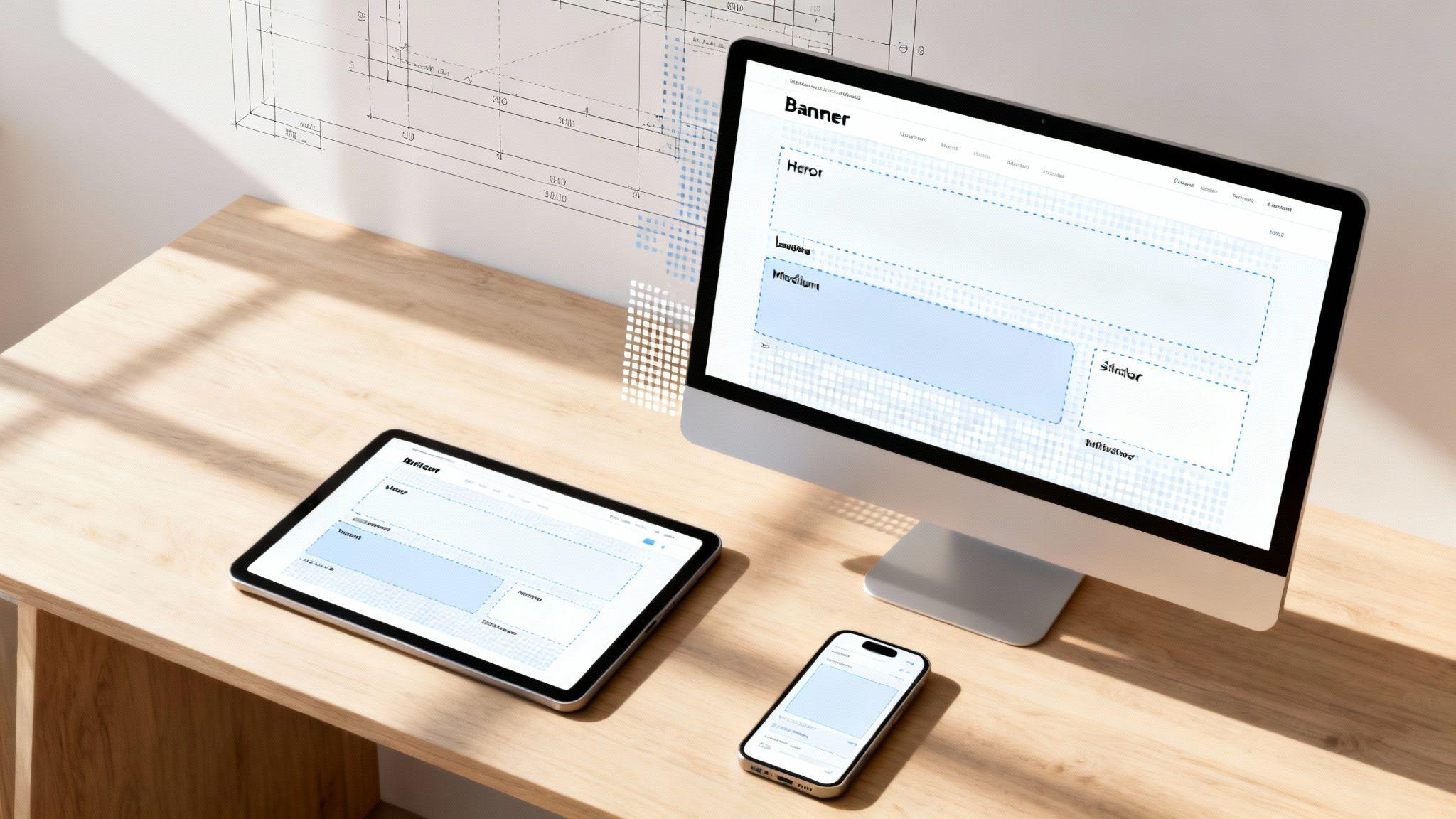
Let's cut to the chase: the term "standard website banner size" doesn't refer to one single dimension. It's a small set of agreed-upon sizes that work consistently across most websites and ad networks.
Using these standard sizes means your banner will look sharp and professional everywhere it appears. This saves you the headache of redesigning it for every different platform.
Why Standard Banner Sizes Are a Big Deal
Think of standard banner sizes like standard paper sizes. You know an A4 sheet fits your printer, right? In the same way, a standard banner like a Leaderboard (728x90 px) will fit neatly into the layouts and ad spaces of most websites.
Before these standards, creating banners was chaotic. Designers had to deal with over 250 different formats, which was a nightmare for compatibility. The Interactive Advertising Bureau (IAB) stepped in and established guidelines for the core sizes we still use today, like the Leaderboard and the Medium Rectangle (300x250 px).
Following these standards provides clear benefits:
- Consistency: Your brand looks cohesive and professional, no matter where it's seen.
- Efficiency: You design once and can use the banner in many places. No more constant redesigns.
- Compatibility: Your banners work smoothly with ad platforms and website templates.
The Basics: Pixels and Proportions
A banner's size is just its width and height measured in pixels (px). So, a 728x90 px banner is 728 pixels wide by 90 pixels tall.
Getting these dimensions right is a fundamental part of good web design. It's just as important as choosing the right image size for your website to ensure everything loads quickly and looks great.
It’s similar to working with physical media. If you're designing a poster, you'd use an A2 poster size guide to ensure it prints correctly. Mastering these digital dimensions is just as important for online success.
Actionable Tip: The goal is to create one banner that looks great everywhere. Sticking to standard sizes is the easiest way to do this. This is especially true when using a tool like the Solo AI Website Creator, which is designed to handle these common formats effortlessly.
The Most Effective Banner Sizes and Where to Use Them
Knowing the standard banner sizes is one thing, but understanding which ones get results is the key to an effective website. Certain dimensions have proven to be the heavy hitters, consistently performing well across different layouts. By understanding their specific strengths, you can place them strategically to grab attention and guide visitors.
This isn’t about guesswork. Industry data consistently points to a few top performers. The most common banner sizes are the 300x250 (Medium Rectangle), 336x280 (Large Rectangle), and 728x90 (Leaderboard), which together account for a massive portion of all ad impressions. The Medium Rectangle is particularly dominant, making up around 40% of all served ads because it fits so well within content. Meanwhile, the Leaderboard is excellent for grabbing attention at the top of a page. If you want to dive deeper, you can explore more data on banner ad effectiveness to refine your strategy.
To simplify this, the diagram below shows some of the most essential banner types and what they’re best used for.

As you can see, each shape is made for a specific spot on a webpage, from wide, attention-grabbing headers to more compact sidebar slots.
To help you choose the right one, here's a quick-reference table that matches the most effective banner sizes with their ideal location on your site.
Common Banner Sizes and Their Best Use Cases
| Banner Name | Dimensions (Pixels) | Primary Use Case |
|---|---|---|
| Hero Banner | 1920x1080 (or similar) | Homepage intro, full-width brand messaging. |
| Leaderboard | 728x90 | Top of the page, above the main content or navigation. |
| Medium Rectangle | 300x250 | Embedded within articles, blog posts, or in a sidebar. |
These three are your go-to options for most situations because of their versatility and high visibility. Think of them as the foundational pieces of your website's visual communication.
The Most Impactful Banner Types
While dozens of sizes exist, a select few consistently deliver the best results.
Hero Banner (approx. 1920x1080 px): This isn't a typical ad banner; it's a core design element. The hero is the large, captivating image that greets visitors on your homepage. It’s your best opportunity to make a powerful first impression and show what your brand is about.
Leaderboard (728x90 px): This wide, rectangular banner is designed to sit at the top of a webpage, usually above the main navigation. Its prominent placement means it’s one of the first things a visitor sees.
Medium Rectangle (300x250 px): This is the workhorse of website banners. Its squarish shape is perfect for embedding within blog posts or placing in a sidebar without disrupting the reading flow.
Practical Tips for Banner Placement
Choosing the right size is half the battle. Where you put it matters just as much. A well-placed banner feels helpful, not like an annoying interruption.
Actionable Tip: Place your most critical banners "above the fold"—the part of the screen people see without scrolling. This guarantees your main message and call-to-action are seen immediately, maximizing their impact.
For example, a Leaderboard belongs at the top, while a Medium Rectangle feels natural next to relevant text in an article.
Fortunately, the Solo AI Website Creator takes the guesswork out of this by offering pre-designed sections already optimized for these standard banner sizes. You can drop your content in, confident that it will look professional and be perfectly placed. Using these built-in layouts ensures your visual messaging is both stunning and effective.
Designing Banners for a Mobile-First World
What looks great on a large desktop monitor can become a jumbled mess on a smartphone. With more people browsing on their phones than on computers, designing for mobile is a necessity.
This is where responsive design comes in.
Think of responsive design as a smart, flexible frame for your banner. Instead of being stuck at one rigid size, a responsive banner automatically adjusts to look great on any screen. It's the secret to giving every visitor a smooth, professional experience, no matter their device.

Key Principles for Mobile Banner Design
On smaller screens, prioritize clarity and simplicity. That info-packed desktop banner just becomes a puzzle on a phone.
Here are a few practical tips you can use right now:
- Keep Your Message Short: Mobile users scan. Your headline needs to be punchy and get the point across instantly.
- Use Large, Readable Fonts: Tiny text is frustrating. Choose clean, bold fonts that stay legible when scaled down.
- Make Your Call-to-Action (CTA) Tappable: Your button needs to be big enough for a thumb to hit easily without tapping something else.
Actionable Tip: The golden rule of mobile-first design is to keep it simple. Strip away non-essential elements. Your core message and your call-to-action should be the stars of the show.
How Solo AI Website Creator Simplifies Responsive Design
In the past, making banners responsive required complex coding. Thankfully, modern tools have made this process straightforward for everyone.
The Solo AI Website Creator was built with responsiveness at its core. You don’t have to create different banner versions for mobile, tablet, and desktop. Just upload one high-quality banner image, and the platform automatically handles the resizing and optimization to ensure it looks stunning on every screen.
This saves time for entrepreneurs who need a great-looking site that just works. For a deeper dive, our guide on how to make a website mobile-friendly offers more valuable tips.
Understanding how your banner fits into the bigger picture is also key. To see how design choices impact user experience, you can explore the art of effective website design. Focusing on these core principles helps create an experience that keeps visitors engaged.
Choosing the Right File Format for Your Banner
Picking a file format might seem like a small technical detail, but it's a critical decision. Get it right, and your banner looks sharp and loads instantly. Get it wrong, and you could have a slow website that frustrates visitors and hurts your search engine rankings.
Think of file formats as different containers for your image. Each is designed for a specific job, and choosing the right one means striking the perfect balance between image quality and file size.
JPEG vs. PNG vs. GIF: The Simple Breakdown
For web banners, you only need to focus on three main formats: JPEG, PNG, and GIF. Here are simple rules for when to use each one, so you can prepare your images confidently before uploading them to the Solo AI Website Creator.
JPEG (or JPG): Best for Photos. If your banner has a photograph or an image with many colors and smooth gradients, JPEG is your best choice. JPEGs are great at compression, which shrinks the file size and helps your page load faster. The trade-off is a tiny bit of quality loss, so they aren't ideal for graphics with sharp lines or text.
PNG: Best for Graphics and Transparency. For banners with logos, text overlays, or illustrations with crisp edges, PNG is the clear winner. PNG files keep every detail sharp without losing quality. Their superpower is supporting transparent backgrounds—essential if you want your logo to float smoothly over a colored background.
GIF: Best for Simple Animations. If you want to add simple motion to your banner, like a flashing call-to-action button or a looping graphic, GIF is the format for the job. Just remember that GIFs are limited to 256 colors, so they aren't a good fit for high-quality photos.
Actionable Tip: As a rule of thumb, always try to keep your final banner file size under 150KB. This is the sweet spot that delivers great quality without slowing down the loading times that both your visitors and Google care about.
Why File Size Is a Big Deal
On the web, every kilobyte matters. A massive, unoptimized banner can slow your website to a crawl. Imagine a potential customer landing on your site, only to see a blank space while your giant hero image slowly loads. Most people won’t wait; they’ll just leave.
That’s why optimizing your images is a non-negotiable part of creating a good user experience.
The good news is you don’t need expensive software. Free online tools can compress your images in seconds with no noticeable drop in quality. Taking a moment to do this before you upload your banner makes a huge difference. For a deeper dive, check out our guide on how to optimize website images for peak performance. This extra step ensures your standard website banner size is not just visually perfect but also technically sound.
Creating Banners That Actually Get Clicks
Nailing the standard website banner size is a great start, but it's only half the job. A banner that fits perfectly but doesn't inspire a click is just taking up space. To make an impact, your banner must be a persuasive tool that encourages visitors to take the next step.

This isn't a new challenge. The very first web banner ad appeared on October 27, 1994. Its creators used a simple 468x60 pixel design and a bold challenge: 'Have you ever clicked your mouse right HERE? YOU WILL.' It worked, achieving a click-through rate of 44%—a number that’s almost unbelievable today. You can dive deeper into this fascinating piece of internet advertising history on internethistorypodcast.com.
Your Banner Design Checklist for Non-Designers
You don't need a graphic design degree to make an effective banner. By sticking to a few core principles, you can create something that looks professional and converts visitors into customers.
- Maintain Brand Consistency: Use your established brand colors and fonts. A consistent look builds trust and makes your business recognizable.
- Write a Powerful Headline: Keep it short and punchy. Your headline should grab attention and deliver your main point in five seconds or less.
- Use High-Quality Images: A crisp, professional image is powerful. Pick a photo or graphic that connects with your audience and clearly relates to your offer.
Actionable Tip: A great banner has one job: to get a click. Every element—from the headline to the image—should support a single, focused call-to-action.
Crafting an Irresistible Call-to-Action
Your Call-to-Action (CTA) is the most critical part of your banner. It’s the final instruction telling visitors exactly what to do next. A weak or vague CTA won't work. You need to be direct and compelling.
Ditch generic phrases like "Click Here" and use action-oriented language that promises a clear benefit. For example:
- "Shop the New Collection"
- "Get Your Free Quote"
- "Download the Guide"
- "Start Your Free Trial"
Make sure your CTA button stands out visually. A contrasting color will naturally draw the eye and make it easy for people to spot and click. By following these tips, you can create a banner that drives real results, like getting more leads through your Solo AI Website Creator contact form.
Common Banner Questions Answered
When you're focused on your business, wrestling with technical details like banner design can feel like a roadblock. To help, we’ve put together straightforward answers to the most common questions about website banner sizes and design. Here are quick, actionable solutions to help you move forward with confidence.
What Is the Best File Format for a Website Banner?
There’s no single "best" format, but there is a best format for the job. The right choice depends on what's in your banner.
- Use JPEG for Photos: If your banner is built around a photograph, JPEG is your go-to. It keeps file sizes small for complex images without a noticeable drop in quality.
- Choose PNG for Graphics: For banners with logos, illustrations, or text where you need sharp, crisp lines, PNG is the winner. Its best feature is support for transparent backgrounds, giving you design flexibility.
- Select GIF for Simple Animations: Want to add a little motion, like a flashing button? GIF is the perfect format for simple, looping animations.
For most static banners you'll create for your Solo AI Website Creator site, a well-optimized JPEG or PNG will give you that perfect blend of high quality and fast loading speed.
How Do I Make My Banner Look Good on All Devices?
This used to be a huge headache, but modern platforms like the Solo AI Website Creator handle the heavy lifting for you. When you upload a banner, the platform's code automatically resizes it to fit different screens.
Actionable Tip: Your main job is to start with a high-quality image that looks sharp on a big desktop screen. Also, make sure any text is large and clear enough to remain readable when the image scales down for a phone. Always use the built-in preview mode to check how your banner looks on desktop, tablet, and mobile before you publish.
What Is the Difference Between a Hero Banner and a Leaderboard?
While both are usually at the top of a webpage, they have different jobs.
A hero banner is the large, impactful image that greets you on a homepage. Its purpose is to make a strong first impression and communicate what the brand is about. It's a core design element of your website.
A leaderboard banner (usually 728x90 pixels) is a standard ad size. It’s much smaller and designed to fit into predefined advertising slots. Think of it this way: the hero is your website's welcome mat, and the leaderboard is a billboard.
Should I Use Animated Banners on My Website?
You can, but be smart about it. Animation is great for grabbing attention, but it can quickly become distracting or slow down your site if overdone or not optimized.
Actionable Tip: If you use animation, follow these rules:
- Keep it simple and short: The animation should be a quick loop, ideally under 15 seconds.
- Watch the file size: Aim to keep your GIF file under 150KB. Anything bigger will hurt your page's load time.
- Give it a purpose: Use animation strategically to draw attention to your call-to-action, not just for decoration.
The Solo AI Website Creator supports GIF files, making it easy to add subtle, effective animations to your site.
Ready to build a stunning website with banners that look perfect on every device? With the Solo AI Website Creator, you can launch your professional online presence in minutes, no technical skills required.
Create your free website with Solo AI today!
What are the most common standard website banner sizes?
The most common sizes are 728x90 for a Leaderboard, 300x250 for a Medium Rectangle, and large hero banners around 1920x1080. These formats are widely used because they fit common website layouts and remain versatile across different placements.
Where should different banner sizes be placed on a website?
A 728x90 Leaderboard works best at the top of a page, usually above the main content or navigation. A 300x250 Medium Rectangle fits naturally inside articles or in sidebars, while a hero banner is best used as a full-width homepage introduction.
Why do standard banner sizes matter in digital advertising and web design?
Standard sizes improve consistency, efficiency, and compatibility. They let one design work across many websites and ad spaces, reduce the need for constant redesigns, and make banners easier to display correctly in established layouts.
How should banners be designed for mobile screens?
Mobile banners should be simple, clear, and easy to tap. Keep the message short, use large readable fonts, and make the call-to-action button big enough for thumb-friendly interaction so the banner stays effective on smaller screens.
Which file format is best for a web banner?
JPEG works best for photographic banners because it keeps file sizes smaller. PNG is better for graphics, logos, text overlays, and transparent backgrounds, while GIF is useful for simple animation; keeping the final file under 150KB helps preserve fast loading times.