
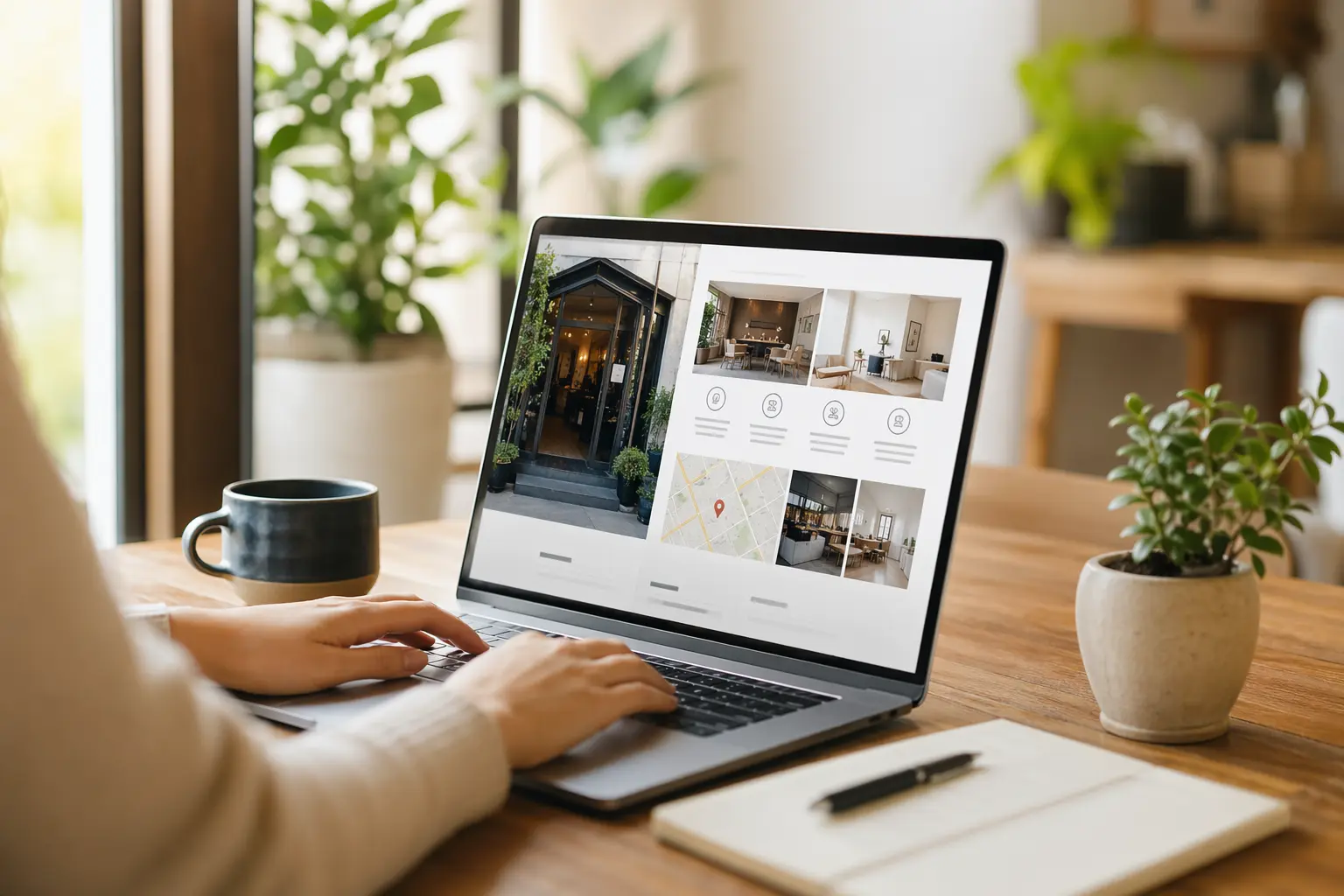
Why your Google Business Profile is not enough
Your Google Business Profile is useful. It helps people find your business in Maps and local search, and it can send calls, directions, and clicks. But it is not a full website.
A profile gives searchers a snapshot. A website gives them a place to understand what you do, compare options, read details, and take action. If someone lands on your profile and still has questions, they often leave instead of contacting you.
The problem is simple: a profile can attract attention, but a real website is what turns that attention into trust and revenue. If you want to own your online presence, show up in search more broadly, and convert visitors instead of just collecting views, you need both.
What a website does that a profile cannot
A Google Business Profile is controlled by Google. Your website is controlled by you. That difference matters.
- You can explain your offer in full. A profile has limited space. A website lets you describe services, pricing, service areas, process, and what makes you different.
- You can rank for more searches. A profile helps with local visibility, but a website can target service pages, FAQ content, and location pages that match what people actually search for.
- You can build trust. Testimonials, case studies, before-and-after photos, team bios, and detailed service pages make people more confident.
- You can convert traffic. Calls to action, contact forms, booking links, quote requests, and clear next steps help visitors act.
- You own the asset. A website is yours. A profile can change with Google’s rules, layout, or policy updates.
Turn your profile into a website plan
If your business already has a strong profile, use it as the starting point for your website. The goal is not to copy the profile exactly. The goal is to expand it into a complete sales and search asset.
1. List the questions your profile cannot answer
Start by looking at the messages, calls, and common questions you get through your profile. These are your website priorities.
- What services do you offer?
- Who do you serve?
- What areas do you cover?
- How do quotes, bookings, or consultations work?
- What does your process look like?
- How long does a typical job take?
- What does it cost, or how do you price?
If people ask the same questions repeatedly, those answers should be on your website.
2. Build the pages that support search
A single homepage is not enough for most businesses. A small site with the right pages usually works better than a big site with vague content.
- Homepage: State exactly what you do, who you help, and where you work.
- Service pages: Create one page per main service so you can rank for specific searches.
- Location page: If you serve a city or region, make that clear.
- About page: Show your experience, story, and team.
- Contact page: Make it easy to call, email, or request a quote.
- FAQ page: Answer the questions that stop people from reaching out.
This structure helps search engines understand your business and helps visitors find what they need faster.
3. Use the same language customers use to search
Do not write only in brand language. Write the way real customers search.
If you are a plumber, a visitor may search for “water heater repair,” “emergency plumber,” or “drain cleaning near me.” If you are a landscaper, they may search for “lawn maintenance,” “spring cleanup,” or “yard design in [city].”
Your website should include those terms naturally in page titles, headings, and body copy. That makes it easier to show up in search and easier for customers to recognize that you solve their problem.
4. Add proof near every action
People do not usually contact a business just because it exists. They contact it when they believe it is credible.
- Add reviews or testimonials near your call to action.
- Show real photos of your work, location, or team.
- Include examples of completed projects or outcomes.
- Explain how long you have been in business.
- List service areas, hours, and response times clearly.
Proof reduces hesitation. That matters because many visitors from Google are comparing you with other businesses right away.
How to connect your profile to your website
Your Google Business Profile should drive people to your site, not replace it.
- Add your website link. Make sure the main website field points to a real homepage, not a generic social profile or a broken page.
- Use matching business information. Your name, address, phone number, hours, and service area should match across your profile and website.
- Link to the right page. If someone clicks from a service listing, send them to the relevant service page, not always the homepage.
- Keep branding consistent. Use the same logo, colors, tone, and core message so visitors feel they are in the right place.
- Track where visitors come from. Use basic analytics or form tracking so you know whether your profile is sending leads to your site.
When the profile and website work together, the profile becomes the discovery tool and the website becomes the conversion tool.
What to put on the website first
If you are starting from a profile and do not have much content yet, do not wait for a perfect site. Build the minimum useful website first.
- Clear headline: Say what you do and where you do it.
- Primary service list: Show the main things you sell or perform.
- Simple contact option: Phone number, form, and email if relevant.
- Trust signals: Reviews, photos, certifications, or years in business.
- Short FAQ section: Remove common objections.
- Strong call to action: Tell people exactly what to do next.
This is enough to start converting profile traffic into leads while you keep expanding the site over time.
How Solo fits into this process
If you want a straightforward way to build a real website from the ground up, Solo is one option to consider. It can be useful for small businesses that want to move beyond a listing and create a site they can control.
The main point is not which builder you use. The point is to get from “people can find me” to “people can understand me, trust me, and contact me.” A website gives you room to do that. A Google Business Profile alone does not.
Common mistakes to avoid
- Only using one page. One page is rarely enough to rank for multiple services or answer customer questions.
- Copying the profile word for word. Your website should add detail, not repeat the same limited summary.
- Hiding contact information. Make it obvious how to call, book, or request a quote.
- Ignoring local intent. If you serve a city or region, say so clearly on the site.
- Forgetting mobile users. Many visitors will come from Maps or search on a phone, so keep pages fast and simple.
What success looks like
You know the shift is working when your website starts handling the parts your profile could not.
That means more visitors finding you through search, more people spending time on your pages, more calls and form submissions, and fewer repetitive questions before a sale. The profile still matters, but it is no longer carrying the whole job.
If your business already gets attention on Google, the next step is not to squeeze more out of the listing. It is to build a website that turns that attention into a stronger search presence and a better sales process.
That is how you move from being listed to being found, understood, and chosen.
Can I use my Google Business Profile instead of a website?
You can use it to get discovered, but it should not replace a website. A profile gives limited information and limited control. A website lets you explain your services, rank for more searches, and convert visitors into leads.
What pages should a small business website have first?
Start with a homepage, service pages for your main offerings, an about page, a contact page, and an FAQ page. If you serve a specific area, add a location page as well.
How do I get more traffic from my Google Business Profile to my website?
Add your website link, keep your business details consistent, and make sure the page you link to matches what the visitor expects. Use the website to answer questions and give a clear next step.
Do I need a full website if I only serve one city?
Yes. Even local businesses benefit from a website because it helps with search visibility, trust, and conversions. A simple site can be enough if it clearly explains what you do and how to contact you.
What is the fastest way to turn a profile into a real website?
Start with the questions customers ask most often, then build pages that answer them. Focus on clear service descriptions, local keywords, proof, and a strong contact option. A simple site is better than waiting for a perfect one.