
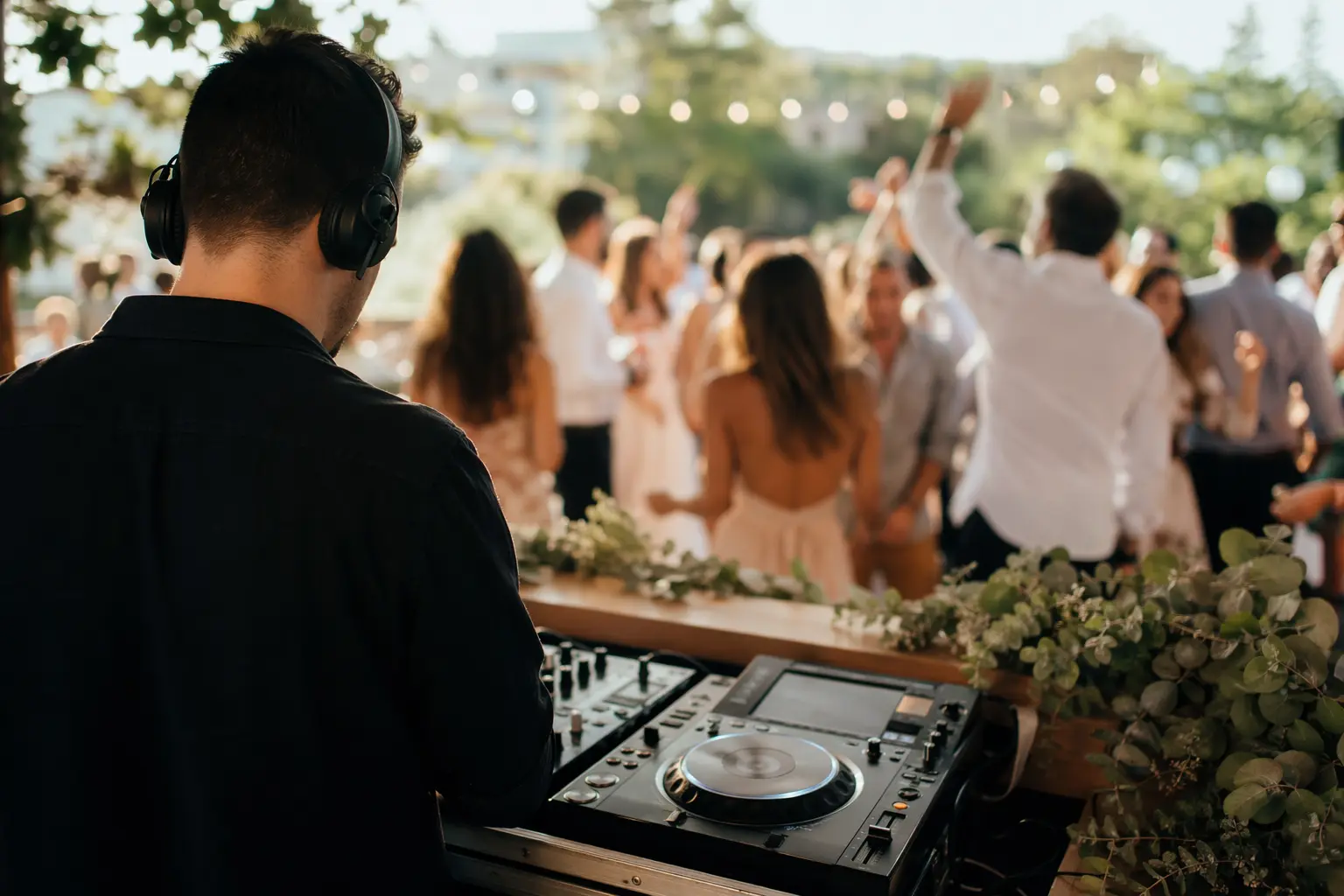
Website Builder for DJs & Entertainment: Get Booked, Not Buried in Tech
TL;DR
For DJs and entertainment professionals who need a professional website but don't have time to become web designers: here's what features matter most for booking gigs, showcasing your work, and managing your online presence in 2026. Solo can get you from zero to a professional site in minutes using AI, which is useful if you're more comfortable with turntables than tech stacks, though you'll still need external tools for booking systems and music streaming integration.
Why DJs & entertainment websites have specific challenges
Unlike traditional service businesses, DJs and entertainment professionals face distinct digital challenges. Your website isn't just a business card—it's a portfolio, booking platform, and brand showcase in one place. While a plumber might get away with basic contact info and service listings, you need to convey energy, style, and professionalism through visuals and sound. You're selling an experience, not just a service, which means your site needs to hit the right tone from the first beat drop.
The technical hurdles multiply when you consider the tools of your trade. You need streaming integration for music samples, galleries for event photos, testimonials from past clients, and somehow make it all load in under three seconds on mobile, where most potential clients will first find you. Add in the maze of DJ licensing requirements for displaying your credentials, and suddenly building a website feels harder than beatmatching vinyl at 140 BPM.
What a DJs & entertainment website needs in 2026
| Must-Haves | Nice-to-Haves | DJ-Specific Requirements |
|---|---|---|
| • Mobile-responsive design • Contact form & booking links • Service packages/pricing • Photo galleries • Client testimonials • Social media integration • SSL security | • Blog for SEO • Event calendar • Video integration • Email signup • Analytics tracking • Custom code for widgets | • Music player/streaming embeds • Mix/demo hosting • License credentials display • Equipment lists • Past venue showcase • Press kit download • Rider/tech specs |

Licensing and compliance: What DJs need to display
Professional DJs operate in a complex licensing environment that affects what you should put on your website. While venues typically hold the necessary permits from Performing Rights Organizations like ASCAP or BMI, experienced DJs display their own licensing status to build trust with clients. This includes your business license number, EIN from the IRS, and any local entertainment permits. Think of it as the digital equivalent of hanging your certifications on the wall—it signals that you're legitimate and professional.
One important distinction: your website builder doesn't need special compliance features for DJ licensing the way healthcare sites need HIPAA tools. You're displaying credentials, not processing regulated data. This means you can use any builder that allows custom text sections or badge displays. Solo handles this through its customizable service sections and footer areas where you can list your licensing information, though you'll need to manually update these details as licenses renew.
Why Solo works for solo DJs and entertainment professionals
Solo's AI-powered onboarding works well for DJs because it understands entertainment industry language. When you describe your business during setup, such as "mobile DJ specializing in weddings and corporate events," Solo generates relevant sections including service packages, event galleries, and testimonial areas. The AI doesn't just drop in generic business copy; it creates content that speaks to what clients actually look for: your ability to read the room, keep the energy high, and ensure everyone has a memorable time.
At $20 billed annually, Solo hits a reasonable price point for independent DJs who need a professional presence without enterprise pricing. The platform includes managed hosting with SSL, custom domain support, and enough flexibility to embed third-party tools. That last part matters, since you'll likely use external services for music streaming (SoundCloud, Mixcloud) and booking (Calendly, Acuity). Solo's blog feature, when enabled, helps with SEO for local searches like "wedding DJ in [your city]," though content updates stay manual after the initial AI generation.
Solo won't replace your DJ-specific tools. There's no native music player, no built-in booking system with availability calendars, and no automated setlist management. What it provides is a professional foundation that gets you online quickly, so you can focus on booking gigs and rocking crowds. Adding new pages for services or updating your experience section takes minutes rather than hours staring at a blank template.
Comparison with alternatives
| Feature | Solo | Wix | Bandzoogle |
|---|---|---|---|
| Starting Price | $0 free $20/mo Pro | $17/mo basic $29/mo for bookings | $9.95/mo Lite $16.95/mo Standard |
| AI Website Generation | ✓ Full site from description | ✓ ADI builder | ✗ Templates only |
| Music Player | ✗ Embed external | ~ Via app market | ✓ Native player |
| Booking System | ✗ Link to external | ✓ Native bookings | ~ Basic contact forms |
| Event Calendar | ~ Manual listings | ✓ Full calendar app | ✓ Gig calendar |
| Music Sales | ✗ Link to external | ✓ With ecommerce | ✓ Direct sales |
| Learning Curve | Minimal - AI does heavy lifting | Moderate - many options | Easy - music-focused |
Getting started: a 5-step checklist
- Gather your best photos and videos before starting. Solo pulls stock images during generation, but you'll want to immediately replace these with shots from actual gigs. Aim for 10-15 high-quality photos showing different event types, crowd reactions, and your setup. Videos can be embedded later via YouTube or Vimeo links.
- Write a clear business description for Solo's AI. Be specific: "Mobile DJ specializing in weddings and corporate events in Austin, Texas, with 10 years experience and a library of 50,000 songs" generates better initial content than "I'm a DJ." Include your music style, typical venues, and what makes you unique.
- Set up your external tools first. Since Solo links to external booking systems rather than providing native scheduling, create your Calendly or similar account before building your site. Same goes for music hosting: get your SoundCloud or Mixcloud profile ready with your best mixes to embed.
- Plan your service packages strategically. Solo's AI will generate basic service descriptions, but you'll want to refine these with specific packages like "4-hour wedding reception," "corporate cocktail hour," or "club residency." Include what's covered (equipment, setup time, music requests) and starting prices to pre-qualify leads.
- Add credibility markers in the right sections. Use Solo's customizable sections to display your DJ licenses and business credentials, past venue logos, and press mentions. Add a dedicated testimonials section with specific quotes about your ability to read the crowd and keep the dance floor packed, which is exactly what clients look for.

How much does Solo cost for a DJ website?
Solo offers a free plan to get started, with the Pro plan at $20/month (billed annually) unlocking custom domains, priority support, and Pexels images. Most solo DJs find the Pro tier sufficient, while larger entertainment companies might want the Grow plan at $90/month for additional features.
Can I embed my DJ mixes and music samples on a Solo website?
Yes, but not natively. Solo allows custom code embeds (on Pro plans and above), so you can embed players from SoundCloud, Mixcloud, Spotify, or YouTube. You'll need to host your music on these platforms first, then add the embed code to your Solo site.
How do I handle event bookings through Solo?
Solo provides contact forms but not a full booking system with calendar availability. Most DJs link to external booking tools like Calendly, Acuity Scheduling, or HoneyBook. Solo's scheduling section lets you add a 'Book Now' button that links directly to your preferred booking platform.
Will Solo help my DJ website rank in local searches?
Solo includes basic SEO features like meta titles, descriptions, and clean URLs. The blog feature (when enabled) helps you create content targeting local keywords like 'wedding DJ in [city].' However, you'll need to write blog posts manually after the AI generates your initial site—there's no ongoing AI content assistant.
Can I display my DJ licenses and certifications on Solo?
Yes, you can add your business license numbers, PRO affiliations, and insurance details in any text section or the footer. While Solo doesn't have specific 'credentials' widgets, the customizable sections work well for building trust by displaying your professional qualifications.
How long does it take to build a DJ website with Solo?
The initial AI generation takes about 5 minutes after you describe your DJ business. You'll likely spend another hour replacing stock photos with your gig shots, refining service descriptions, and adding external links for booking and music. Most DJs can launch within a day.
Does Solo integrate with DJ-specific tools like DJEP or GigSalad?
Solo doesn't have native integrations with DJ marketplace platforms. However, you can link to your profiles on these sites or embed their widgets using Solo's custom code feature (Pro plan and above). This lets you maintain presence on DJ directories while having your own professional website.
What about selling merchandise or music downloads?
Solo doesn't include built-in ecommerce for merch or digital downloads. You'll need to link to external platforms like Bandcamp for music sales or use a service like Printful for merchandise. Solo works best as your professional presence and portfolio, not as a full online store.


