
You buy a domain for your business on Monday. By Tuesday, strange marketing emails start landing in your inbox. A few sales calls follow. Sometimes even mailed offers show up at your address.
That can feel like a breach. In many cases, it isn't. It's often a side effect of how domain registration works.
Domain name privacy is the setting that helps prevent your personal contact details from being exposed through the public registration system tied to your domain. For a freelancer, consultant, nonprofit, or home-based business, it's one of the most useful settings to check right after you register a website name.
It's also not as simple as “privacy is always good.” For small businesses, privacy can protect you from spam and social engineering, but it can also create friction when someone wants to verify who runs your site. Knowing both sides helps you make a smarter decision.
Why Your New Domain Gets So Much Spam
A common pattern looks like this: you register a domain for your bakery, plumbing business, coaching practice, or nonprofit. Then the flood starts. “We noticed your website is not ranking.” “We can submit your site to search engines.” “Your domain may expire.” Some messages look official. Some are just annoying. Some are bait.
That jump in outreach usually has a simple explanation. Your domain registration creates a public record layer that has historically exposed registrant contact information. If your name, email, phone number, or address is visible there, marketers, scrapers, and bad actors can use it.
For business owners, that's frustrating because the domain itself is supposed to help you look professional. Instead, it can become a new source of noise.
Why this matters to small businesses
If you run a business from home, the risk feels more personal. A public business address might really be your home address. A public phone number might be your personal mobile. A public email might be the same one you use for banking, invoices, and client communication.
That's one reason domain privacy matters beyond simple convenience. A survey summarized by Fathom Analytics found that 86% of internet users have taken steps to remove or mask their digital footprints, and 70% are extremely concerned about digital privacy, as covered in Fathom's online privacy statistics summary.
Practical rule: If your domain registration exposes contact details you wouldn't print on a roadside sign, you should review your privacy settings.
What domain name privacy actually does
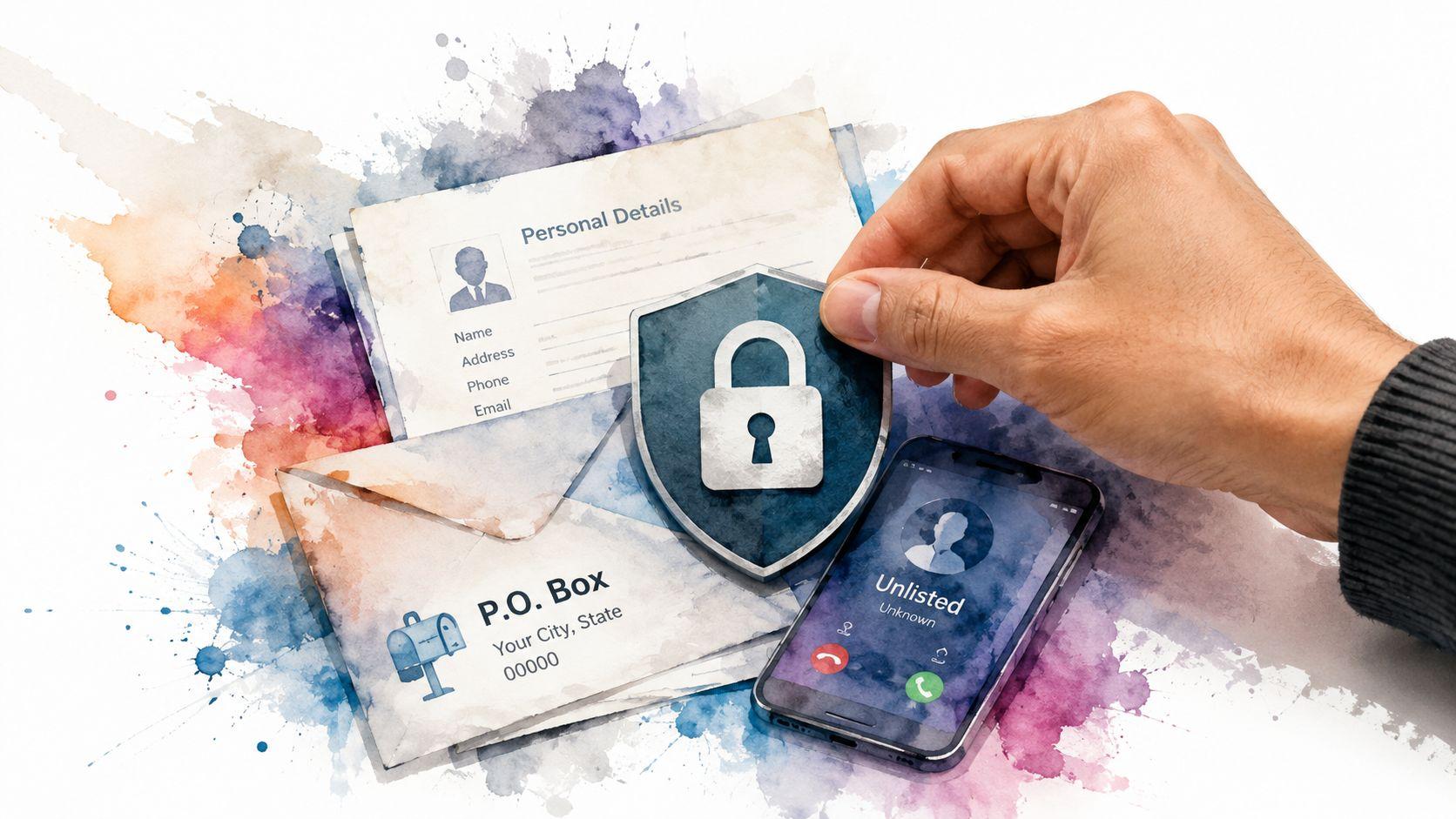
It's similar to an unlisted phone number for your website. You still own the number. You still get the calls that matter. But your personal details aren't sitting in a public directory for anyone to collect.
That's the core idea. Domain privacy replaces or masks the public-facing contact details connected to your domain registration so random people can't easily pull them from public lookup tools.
It doesn't make your business secret. It just stops your domain registration record from doubling as a public contact card.
How Domain Privacy Shields Your Information
When people hear “privacy protection,” they sometimes worry it means giving up control of their domain. It doesn't.

Under ICANN's registration model, domains require personal contact data for the public WHOIS database. Domain privacy services change this public disclosure layer by masking details, which reduces the attack surface for phishing and spam campaigns aimed at small businesses, as described in Wikipedia's overview of domain privacy.
The simple analogy
A good comparison is a mail forwarding service.
You rent a box or use a forwarding address. Your real address still exists in the provider's records, but the public sees the forwarding address instead. Mail that needs to reach you can still get through. Junk is less likely to land directly on your doorstep.
Domain privacy works in much the same way. Your registrar keeps the actual registration details it needs for account management and ownership records. The public-facing directory shows masked, redacted, or proxy information instead.
What changes and what doesn't
Here's the part that confuses many first-time site owners:
| Public view | Your actual ownership |
|---|---|
| Your visible contact details are masked or redacted | You still own the domain |
| A proxy or anonymized contact may appear | Your registrar still has your real registration data |
| Spam harvesters have less to collect | Your renewal, DNS, and account control stay the same |
The key is that privacy changes visibility, not ownership.
Why this lowers risk
Many phishing and social-engineering attacks start with basic contact data. If someone can see the registrant name, address, email, and phone connected to a domain, they can build more convincing scams around it.
That's why domain privacy fits into a broader data protection mindset. If you want a practical reference for how businesses should think about handling sensitive information, Throughwire's secure data practices offer a useful example of what careful data processing looks like.
Publicly visible registration data gives strangers a head start. Domain privacy takes that shortcut away.
The Benefits and Limitations of WHOIS Privacy
WHOIS privacy is useful, but it isn't magic. It solves a real problem, and it also creates a few trade-offs that small business owners should understand before they flip the switch and forget about it.

Where privacy clearly helps
For many small businesses, the benefits are immediate:
- Less spam exposure: If your registration email and phone aren't easy to scrape from public records, you'll usually cut down on junk outreach.
- Better personal safety: This matters most for home-based businesses, solo consultants, creators, and nonprofits using personal contact details.
- Reduced phishing risk: Attackers have fewer details to work with when they try to impersonate your registrar or send fake renewal notices.
- Cleaner separation: You can keep domain administration in one lane and customer-facing communication in another.
If your business website is meant to build trust, this can feel backward at first. You're hiding details while trying to look legitimate. But the point isn't secrecy. It's reducing unnecessary exposure.
Where privacy can create friction
Some people really do check domain registration details. A potential buyer, journalist, partner, or compliance team may want to confirm who operates a site. If every field is masked, that extra verification step can slow things down.
This matters more in situations like:
- Partnership screening: A company vetting vendors may want fast proof of ownership.
- Dispute resolution: A legal or trademark issue can become harder to sort out quickly.
- Customer trust checks: Some cautious buyers get suspicious when they can't identify the operator behind a website.
That doesn't mean you should turn privacy off. It means you should provide trust signals elsewhere, such as a clear contact page, business email, terms pages, and visible company identity on the site itself.
The uncomfortable policy trade-off
There's also a broader issue. A DNS Research Federation analysis found that among abusive domains, 88% used some form of privacy or redaction, including 65% using privacy or proxy services and 22% with redacted registration data, according to the DNS Research Federation analysis on privacy and abuse.
That statistic doesn't mean privacy is bad. It means privacy is a tool, and tools can be used by both legitimate owners and bad actors.
If you use domain privacy, make it easier for honest people to verify you in other ways.
A practical decision test
WHOIS privacy is usually a strong default for a small business if you answer yes to any of these:
- You work from home: Your registration details may expose personal information.
- You use a personal phone: You don't want vendor spam and scam calls mixed with family calls.
- You operate solo: You need fewer distractions and fewer social-engineering entry points.
If your business depends on public transparency for licensing, due diligence, or investor trust, keep privacy on but strengthen your visible business identity elsewhere.
Understanding Legal Requirements and Costs
The domain privacy situation changed in a major way in 2018, when the EU's GDPR forced registrars to stop publishing most European registrants' personal details in public WHOIS records. That legal shift prompted many providers worldwide to offer domain privacy as a standard feature, often for free, rather than only as a paid add-on, as explained in this overview of GDPR's impact on domain privacy.
For small business owners, that explains why registrar pricing can feel inconsistent. One provider may include privacy automatically. Another may present it as an upgrade. A third may bundle it with extra security features you may or may not need.
What you may see when buying a domain
Registrars commonly handle privacy in a few different ways:
- Included by default: You register the domain and privacy is already active.
- Optional add-on: You have to select it during checkout or inside the dashboard.
- Part of a bundle: The registrar groups privacy with security or brand-protection tools.
The practical lesson is simple. Don't assume you need to pay extra. Check what's already included before accepting upsells.
The legal side most owners care about
Most business owners aren't trying to master internet policy. They just want to know whether privacy is allowed and whether they still have to provide real information.
You still need to give accurate registration details to your registrar. Privacy usually affects what the public sees, not what your registrar collects. That's why domain privacy doesn't turn a fake registration into a valid one. It just limits public exposure.
If your registrar settings are confusing, a troubleshooting guide can save time. Solo has a useful article on domain and hosting troubleshooting that can help if your domain settings don't look the way you expect.
A smart buying habit
Before you register or renew a domain, check these three things in the cart or account area:
- Whether privacy is already included.
- Whether it renews automatically.
- Whether your chosen extension has any restrictions on masking public registration data.
That quick review can save money and prevent surprises later.
How to Enable Domain Name Privacy
Turning on domain name privacy is usually easier than people expect. The hard part is knowing where your registrar hid the setting.

In most accounts, you're looking for one of these labels: Domain Privacy, WHOIS Privacy, Registration Privacy, Contact Information, or Public Contact Details.
The basic process at any registrar
No matter which provider you use, the pattern is usually similar:
- Log in to your domain registrar account.
- Open your domain list or portfolio.
- Select the domain you want to protect.
- Look for privacy, contact, or registration settings.
- Turn privacy on, confirm changes, and save.
After that, give the change a little time to appear in public lookup results. If you want help with the earlier part of the process, Solo's guide on how to register a domain is a clear starting point.
GoDaddy
GoDaddy often places privacy controls inside the domain management screen.
Look for the selected domain, then open its settings area. Search for anything related to contact info or privacy. If privacy is available for your domain, you should see a way to enable or manage it there.
A few things to watch for:
- Check the renewal setting: Some features renew with the domain, some don't.
- Review bundled products carefully: Make sure you're enabling privacy, not just adding unrelated extras.
- Verify the result afterward: Public records may still show old information for a short time.
Namecheap
Namecheap usually makes this easier to spot. In many cases, privacy is included and visible in the domain management area.
Open the domain dashboard, then review the privacy status. If it's disabled, turn it on. If it's active, confirm the protected contact details are shown as expected.
A fast check after activation is worth doing. Don't assume “enabled” means it's displaying correctly in the public record.
This walkthrough can help if you want a visual explanation before you click through your own registrar settings:
If you bought your domain through a website platform
Some website platforms handle domain registration behind the scenes. In those cases, privacy may already be baked into the process, or managed from a separate domain settings panel.
The important part is to confirm, not assume. Look for a domain management area, then review the visible registration or contact display options. If the platform uses a third-party registrar under the hood, there may be a link that sends you to the registrar account for advanced settings.
What to do after you turn it on
Use a public domain lookup tool and search for your own domain. You're looking for signs that your public contact details are masked, redacted, or replaced by proxy information.
If you still see personal information after a reasonable wait, check for one of these issues:
- Wrong domain selected: You may have updated a different domain in your account.
- Privacy not supported on that extension: Some domain endings have different rules.
- Changes not saved: This happens more often than people think.
The process is short. The peace and quiet afterward usually makes it worth it.
Best Practices for Managing Your Private Domain
Turning privacy on is the first step. Managing it well over time is what keeps it useful.

Keep admin details separate from public contact
Use a dedicated business email for domain registration. Don't use the same address you publish on your contact page if you can avoid it.
That way, your registrar notices, renewal messages, and ownership records stay separate from customer inquiries. If you use forwarding on your site, Solo's guide to domain name forwarding can help you keep those pathways organized.
Be ready to prove ownership
Sometimes you may need to show ownership to a bank, legal team, marketplace, or business partner. In that case, don't rush to disable privacy unless you have to.
Try these options first:
- Use your registrar dashboard: Screenshots, account records, or billing receipts may be enough.
- Use business documentation: Match the domain to your company name, website footer, or official email.
- Temporarily adjust privacy only if necessary: If you do this, make the change for the shortest practical time and re-enable it right after.
Audit your setup occasionally
A private domain still needs occasional checks.
- Run a public lookup: Confirm your personal details aren't showing.
- Review renewal settings: Privacy can fail without notice if renewals lapse or settings change.
- Check your site trust signals: If your registration is private, your website should clearly show who you are and how to contact you.
If you're reviewing your broader site setup at the same time, this guide on how to secure your website effectively is a solid companion to domain privacy. Privacy protects one layer. Your forms, logins, and site software still need attention too.
Privacy works best when it's paired with visible professionalism. Hide what strangers don't need. Show what real customers do need.
Frequently Asked Questions About Domain Privacy
Does domain privacy affect SEO
No clear reason suggests that domain privacy hurts search visibility. Search engines use many signals to understand and rank websites, and public registrant visibility isn't the main trust marker most owners worry about. Focus on content quality, usability, and clear business information on your site.
Can people still contact me if my domain is private
Often, yes. Many privacy setups use proxy or forwarded contact methods so legitimate notices can still reach you. The exact method depends on your registrar.
Is domain privacy the same as domain protection
No. Domain privacy hides or masks public registration details. Domain protection usually refers to security controls that help prevent unauthorized transfers or account changes. They solve different problems.
Can law enforcement or legal authorities still get the real owner information
In proper legal situations, registrars can respond to valid requests through their own processes. Domain privacy limits public visibility. It doesn't erase the registrar's records.
Should every small business use domain privacy
Not automatically, but many should. It's especially useful for home-based businesses, solo operators, and anyone using personal contact information during registration. If transparency is central to your industry, keep privacy on if possible and make your business identity very clear elsewhere on the site.
If you're launching a website and want the process to feel less technical, Solo AI Website Creator can help you get online quickly with a professional site, custom domain support, and the core tools small businesses need to look credible from day one.