
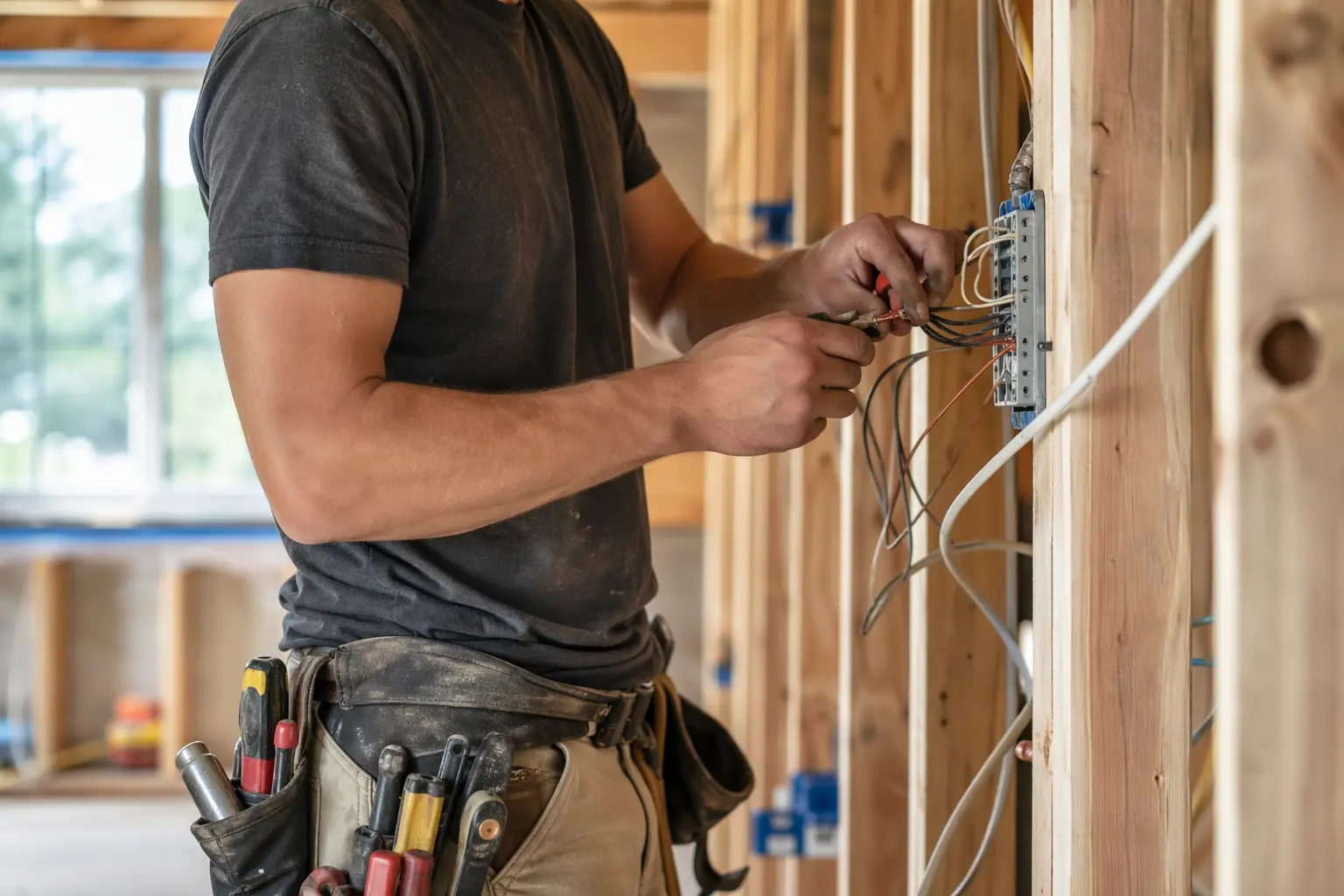
Website Builder for Electricians: Build a Professional Site That Actually Gets You Calls
TL;DR
This guide is for electricians running solo or small practices (1-5 people) who need a professional website but don't have time to become web designers. You'll learn what your electrician website needs in 2026, why displaying licenses and certifications matters more than fancy features, and how to get online quickly without the technical headaches. Solo's AI-powered website builder can get you from business description to published site in under an hour—at $20 billed annually—though you'll need external tools for booking and customer management.
Why Electricians' Websites Have Specific Challenges
Unlike generic small businesses, electricians face distinct digital hurdles. Your potential customers are often in urgent situations—flickering lights, dead outlets, or worse—and they need to quickly verify you're licensed, insured, and available. Research shows 76% of people who search for nearby services on their phone visit a business within a day, but if your site doesn't immediately display your NICEIC certification or doesn't load fast on mobile, they'll click to your competitor.
The trust factor is massive in electrical work. 71% of referred customers will still Google your business before calling, looking for proof you're legitimate. Your website isn't just a digital business card—it's your 24/7 credibility checker, emergency availability indicator, and often the difference between landing a £500 rewiring job or losing it to the electrician whose site loaded faster and showed their qualifications clearly.

What an Electrician's Website Needs in 2026
| Must-Haves | Nice-to-Haves | Electrician-Specific Requirements |
|---|---|---|
| • Mobile-friendly design • Contact form • Service area maps • Phone click-to-call • Under 2-second load time • SSL certificate | • Online booking links • Cost calculator • Chat widget • Video testimonials • Blog for tips • FAQ section | • NICEIC/NAPIT badges • Electrical Safety Register ID • Insurance details • Part P certification • Emergency callout info • Gallery of completed work |
Your site needs to load in under 2 seconds since 60% of local searches happen on phones, often during electrical emergencies. Essential pages include dedicated service breakdowns (rewiring, inspections, emergency callouts), an About page highlighting your qualifications and experience, and prominent display of reviews and testimonials.
Licensing and Certification Display: Your Digital Credibility
For electricians, prominently displaying certifications isn't optional—it's how customers separate professionals from cowboys. Your NICEIC, NAPIT, or other trade body memberships need to be visible above the fold, ideally with clickable badges that link to verification pages. Include your Electrical Safety Register number, Part P registration, and public liability insurance details.
Solo handles this through customizable sections where you can add certification badges and text during the initial setup. The AI understands electrical service contexts and will generate appropriate trust-building sections, though you'll need to manually upload your actual certification images and verify all regulatory numbers are correct. There's no automated verification system, so you're responsible for keeping credentials current. Solo's visual editor does make it straightforward to update expiry dates or add new certifications as you earn them.
Why Solo Works for Solo Electrician Practices
Solo's strength for electricians is speed to a professional result. When you describe your electrical business during onboarding ("Licensed electrician serving Birmingham, specializing in domestic rewiring, EICR inspections, and emergency callouts"), the AI generates a complete multi-page site with service descriptions that actually sound like an electrician wrote them, not generic filler. At $20 on the annual Pro plan, it's cheaper than a single emergency callout.
The AI-seeded section creation is genuinely useful when you need to add specific services. Click "Add Section," choose Services, and the AI pulls from your business context to draft descriptions for "Fuse Box Upgrades" or "Landlord Safety Certificates" that include relevant technical terms. You'll still need to review and adjust—the AI won't know your specific pricing or that you offer same-day EICR reports—but you're editing professional drafts, not staring at blank pages.
What Solo doesn't do: native booking system (you'll paste links to Calendly or similar), invoice management, or customer database. For scheduling, Solo provides a link field where you connect to your existing booking tool, which works fine if you already use one but adds an extra step if you don't. The blog feature for electrical tips and local SEO content is feature-flagged, so confirm it's available in your region before counting on it.

Comparison with Alternatives
| Feature | Solo | Wix | GoDaddy Websites + Marketing |
|---|---|---|---|
| AI Website Generation | ✓ Full site from business description | ✗ AI assists but needs heavy manual work | ✓ Similar AI generation |
| Electrician Templates | ✗ But AI understands electrical context | ✓ Dedicated trade templates | ✓ Some trade options |
| Monthly Cost (Annual) | $20 | $17-$159 | $9.99-$29.99 |
| Native Booking | ✗ External links only | ✓ Wix Bookings | ✗ External links |
| Local SEO Tools | Basic on-page SEO | Advanced SEO tools | Includes local listings |
| Setup Time | Under 1 hour with AI | 3-5 hours with template | 1-2 hours with AI |
Getting Started: A 5-Step Checklist
- Gather your credentials before starting: Collect digital copies of your NICEIC certificate, public liability insurance, and any specialist accreditations. Have your company registration number and a few photos of recent work ready. Solo's onboarding is fast, but having materials prepared saves time.
- Write a specific business description: Instead of "electrician in London," try "Fully qualified electrician serving North London, specializing in domestic rewiring, landlord certificates, and 24/7 emergency callouts. NICEIC approved with 15 years experience." The AI uses this to generate relevant service pages and copy.
- Focus on service pages during setup: Solo will generate multiple service pages—review each one carefully. Add specific details like "Fixed price EICR reports from £150" or "Same-day emergency response." Dedicated service pages matter because 230,000 people monthly search for 'electrician near me'.
- Set up external tools before launch: Since Solo doesn't include booking, get your Calendly or similar tool configured first. Set up Google Business Profile if you haven't already—local SEO drives most electrician leads. Plan how you'll handle quote requests from the contact form.
- Optimize for local search immediately: Add your service areas to every page footer. Create location-specific content mentioning neighborhoods you serve. Ensure NAP (Name, Address, Phone) consistency across your site, and link to local suppliers or community organizations for local SEO authority.
How much does Solo cost for electricians?
Solo's Pro plan costs $20 billed annually or $25 month-to-month. This includes AI website generation, hosting, SSL, custom domain, and the visual editor. The free plan exists but has limited features. For most electricians, the Pro plan offers the best value—less than the profit from a single consumer unit replacement.
Can Solo handle emergency callout information?
Yes, but manually. Solo doesn't have an availability calendar or automatic on-call system. You'll need to update your emergency status manually in the editor or link to an external service that manages your availability. Many electricians add a prominent 'Emergency? Call Now' button with their mobile number.
Does Solo create mobile-friendly electrician websites?
Yes, all Solo sites are responsive by default. This is crucial since 60% of local searches happen on mobile, often during electrical emergencies. The builder shows mobile preview during editing, so you can ensure your phone number and emergency contact info are thumb-friendly on small screens.
Can I display my electrical certifications and insurance details?
Yes. During setup, Solo's AI understands electrical industry context and creates sections for qualifications. You'll upload your NICEIC/NAPIT badges, add registration numbers, and display insurance details. The visual editor lets you update these whenever they renew. You're responsible for accuracy—Solo doesn't verify credentials.
How does booking work for electrical quotes and jobs?
Solo doesn't include native booking. You'll add a 'Book Now' button that links to your existing system (Calendly, Google Calendar, etc.). Many electricians just use the contact form for quote requests and handle scheduling offline. If you need integrated booking with deposits, you'll need a third-party tool.
Will Solo help my electrician website rank in local searches?
Solo provides basic on-page SEO—proper titles, meta descriptions, clean URLs, mobile responsiveness, and fast loading. However, ranking for 'electrician near me' requires more: claiming your Google Business Profile, getting customer reviews, and building local citations. Solo handles the website foundation; you handle the broader local SEO strategy.
Can I add a blog for electrical tips and local SEO?
The blog feature is available but feature-flagged—check if it's enabled in your region before depending on it. When available, you can create posts like 'Common Electrical Problems in Victorian Homes' or 'Birmingham Building Regulations Update' to boost local SEO. The AI drafts posts, but you'll need to review for technical accuracy.
Is Solo suitable for larger electrical contractors?
Solo targets solo practitioners and small teams (1-5 people). If you're a larger contractor needing multiple user logins, job management systems, or integrated CRM, Solo isn't the right fit. It's built for independent electricians who want a professional web presence without the complexity.


