
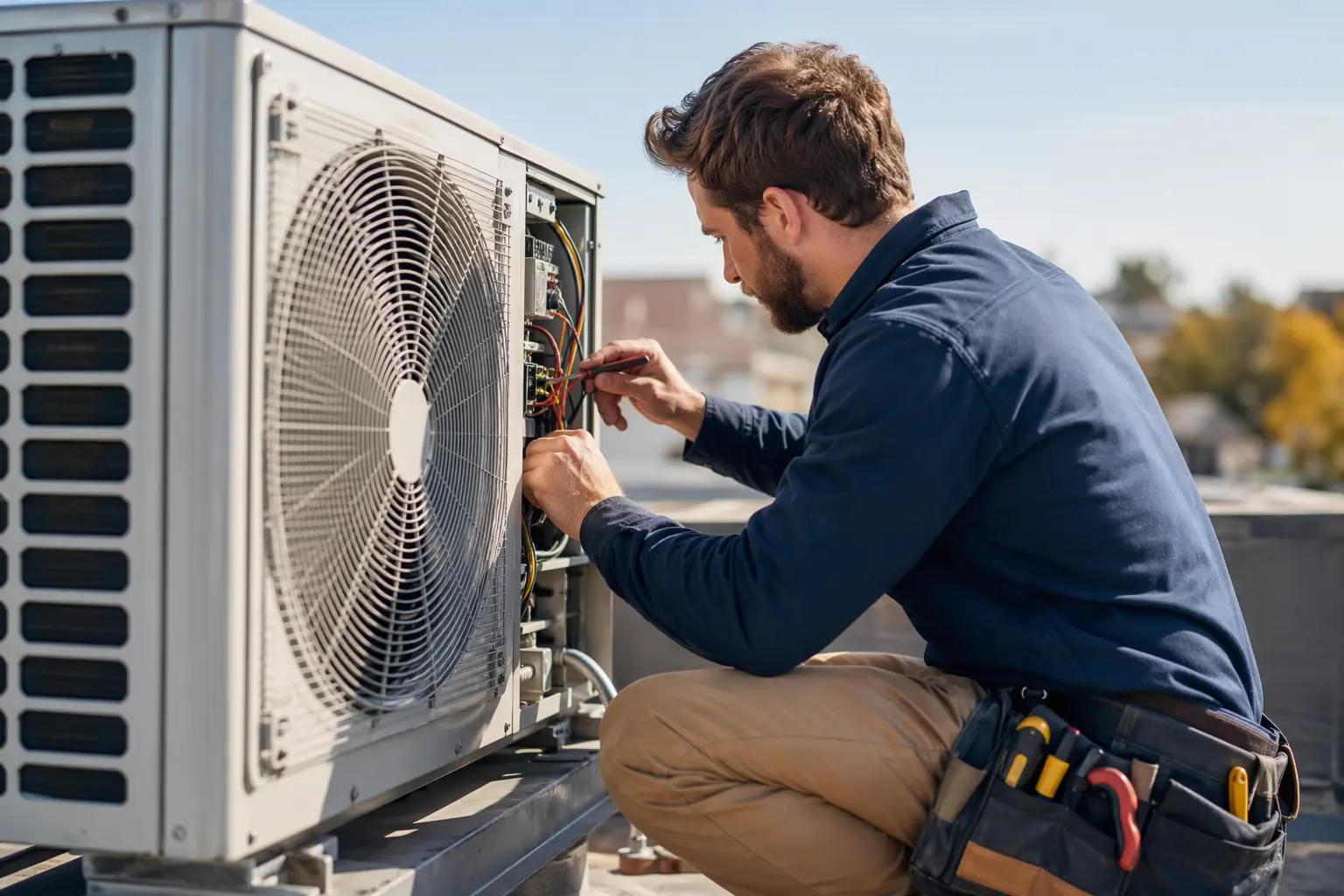
Website Builder for HVAC Technicians
TL;DR
For HVAC technicians running solo practices or small teams who need a professional website without the technical hassle: here's what makes HVAC websites different from generic business sites, which features matter most for converting emergency calls into customers, and how to get online quickly. Solo's AI-powered website builder can take you from business description to professional HVAC site in under an hour, though you'll need to connect your own scheduling tool and handle compliance displays manually.
Why HVAC technician websites have specific challenges
HVAC websites face pressures that generic business sites don't. Your customers often find you during emergencies—when their AC dies in July or their furnace fails in January. They're stressed, they're on their phone, and they need immediate answers: Are you available? Do you service their area? Can they afford you? Your website has milliseconds to answer these questions before they move to the next search result.
Beyond emergency response, HVAC websites must account for new 2026 standards that have raised customer expectations. With equipment costs increasing and new efficiency requirements in place, customers expect more transparency about pricing, certifications, and the specific brands you service. Unlike a consultant who can get by with a simple "About" page, HVAC contractors need to display EPA certifications, manufacturer partnerships, service area maps, and increasingly, information about new refrigerant standards, all while keeping load times under 2.5 seconds on mobile devices.

What an HVAC technician website needs in 2026
| Must-Haves | Nice-to-Haves | HVAC-Specific Requirements |
|---|---|---|
| • Click-to-call button above fold • Mobile-first design • Service area pages • Contact forms • Google Maps integration • SSL certificate | • Online scheduling links • Customer reviews display • Blog for seasonal tips • Live chat widget • Financing calculator • Emergency service toggle | • EPA/NATE certifications display • Manufacturer badges • Individual service pages • 2026 refrigerant compliance info • Local license numbers • Insurance verification |
According to recent HVAC website research, the most successful contractor sites feature dedicated pages for each service (AC repair, furnace installation, duct cleaning) rather than lumping everything together. These individual service pages rank better in local searches and give customers the specific information they're looking for during their moment of need.
Licensing and trust signals
For HVAC contractors, displaying proper credentials isn't optional—it's what converts visitors into customers. Industry studies show that prominently displayed certifications like NATE, manufacturer partnerships (Carrier, Trane, Lennox), and Google review counts with star ratings significantly increase conversion rates. Your state license number should appear in the footer of every page, not just buried in an "About" section.
Solo handles this through customizable footer sections and its visual editor, where you can add badge images and certification numbers. You'll need to add these elements manually, though, since Solo doesn't have HVAC-specific templates with pre-built certification displays. Once you've added your credentials during the initial setup, they appear consistently across all pages. The platform's SEO features also support Schema markup for local businesses, helping search engines understand you're a licensed HVAC contractor in your service area.
Why Solo works for solo HVAC technician practices
Solo's strength for HVAC contractors is speed from zero to functional website. The AI-powered onboarding takes your business description, something like "24/7 HVAC repair serving Dallas-Fort Worth, specializing in emergency AC repair and seasonal maintenance," and generates a complete multi-page site with service descriptions, about content, and contact forms. For a solo HVAC tech who's been putting off building a website for months, this removes the biggest barrier: the blank page problem.
At $20 per month (billed annually), Solo costs less than most HVAC-specific marketing platforms while providing the essentials. The AI-seeded section creation means when you need to add a new service page for heat pump installations or update for 2026 refrigerant changes, you're not starting from scratch. Solo generates initial content based on your business context, then you customize it with your specific certifications, service areas, and pricing approach.
What Solo doesn't do: It won't connect directly to ServiceTitan, Housecall Pro, or other HVAC booking systems. The scheduling feature is just a link field where you paste your Calendly or other booking URL. There's no built-in review collection system, so you'll need to use your Google Business Profile or a third-party tool. And while the blog feature (when enabled) can help with seasonal HVAC content, it won't automatically generate technical articles about SEER ratings or refrigerant types.

Comparison with alternatives
| Feature | Solo ($20/mo) | Wix ($27/mo) | Custom WordPress |
|---|---|---|---|
| Setup time | Under 1 hour with AI generation | 3-5 hours with templates | Days to weeks with developer |
| Mobile speed | Good (hosted, optimized) | Variable (depends on apps used) | Excellent (with proper setup) |
| Service area pages | Manual creation, AI assists content | Manual creation | Can automate with plugins |
| HVAC booking integration | External link only | Some app integrations | Full API integrations possible |
| Local SEO features | Basic (title, meta, sitemap) | Basic to moderate | Advanced (full control) |
| Ongoing maintenance | None (fully managed) | Minimal | Regular updates needed |
| Cost for 5 service areas | $20/mo | $27/mo + time | $2,000+ upfront |
HVAC web design experts recommend custom WordPress for maximum SEO control and integration capabilities, but acknowledge the significant time and cost investment. For solo technicians who need to get online quickly and focus on serving customers rather than managing websites, Solo offers a practical middle ground: better than basic builders, simpler than custom development.
Getting started: a 5-step checklist
1. Gather your essentials before starting Collect your EPA license number, NATE certification (if applicable), insurance information, and high-quality photos of your team and recent work. Write down your primary service area (e.g., "Dallas-Fort Worth metro") and list your top 5 services. Have your Google Business Profile login handy, since you'll want to ensure consistency.
2. Use Solo's onboarding strategically When prompted for your business description, be specific: "Licensed HVAC contractor serving [your area] specializing in emergency AC repair, furnace installation, and preventive maintenance. EPA certified, Carrier factory authorized, 24/7 emergency service." The AI uses this to generate relevant service pages and content.
3. Customize for local search immediately After generation, add service area pages for your top 3-5 locations using Solo's section creation. For example, "AC Repair in Plano, TX" with neighborhood-specific content. Include your license number in the footer and add Schema markup through the SEO settings.
4. Set up external integrations Add your scheduling link (Calendly, Housecall Pro, etc.) to the contact section. Embed Google Reviews using Solo's custom code feature (available on Pro). Add your Google Business Profile link prominently. Install your preferred chat widget if you use one.
5. Launch with a review collection plan Before going live, text 5 recent happy customers asking for Google reviews. Local SEO for HVAC improves dramatically with 10+ recent reviews. Add a "Leave us a review" link in your footer, and plan to request reviews after every successful service call.
How much does Solo cost for HVAC contractors?
Solo's Pro plan costs $20 per month when billed annually, or $25 month-to-month. This includes hosting, SSL, custom domain, and AI-powered site generation. Most solo HVAC contractors find the Pro plan sufficient unless they need multiple sites for different service areas.
Can Solo integrate with ServiceTitan or Housecall Pro?
Solo doesn't have native integrations with HVAC-specific software. However, you can add scheduling links from these platforms, embed their booking widgets using custom code (Pro plan), and manually sync your service offerings. For deeper integrations, you'd need a custom WordPress site.
How long does it take to rank in Google for 'HVAC near me'?
Local SEO typically shows improvements within 3-6 months, but 'HVAC near me' is highly competitive. Solo provides the basics—mobile-friendly design, proper meta tags, and fast loading—but you'll need to actively collect reviews, create location-specific pages, and maintain your Google Business Profile regardless of which builder you use.
Does Solo create pages for different HVAC services automatically?
Solo's AI generates initial service pages based on your business description during onboarding. If you mention 'AC repair, heating installation, and duct cleaning,' it will create relevant sections. You can add more service pages later using the AI-assisted section creation, though you'll need to customize them with specific pricing and service details.
Can I display my EPA license and NATE certifications?
Yes, you can add certification badges and license numbers anywhere on your Solo site using the visual editor. Most HVAC contractors add them to the footer (appears on every page) and create a dedicated credentials section on their About page. Solo doesn't have pre-built HVAC certification templates, so you'll upload your own images.
What about emergency service callouts on the website?
Solo doesn't have a built-in emergency toggle or after-hours messaging system. You can prominently display '24/7 Emergency Service' in your header, use large call-to-action buttons for your emergency line, and potentially add an external chat service that routes to your on-call phone during off hours.
How does Solo handle the new 2026 HVAC regulations and refrigerant changes?
You'll need to manually add information about 2026 standards, new refrigerant types, and updated efficiency requirements. Solo's blog feature (when enabled) lets you write articles about these changes, and you can update service pages to mention compliance. The AI doesn't automatically generate technical HVAC compliance content.
Is Solo sufficient for HVAC contractors targeting commercial clients?
Solo works for basic commercial HVAC marketing—displaying certifications, case studies, and contact forms. However, commercial clients often expect features Solo doesn't provide: password-protected portals, detailed project galleries, RFP submission systems, or integration with commercial property management platforms. You can start with Solo and migrate later if needed.


