
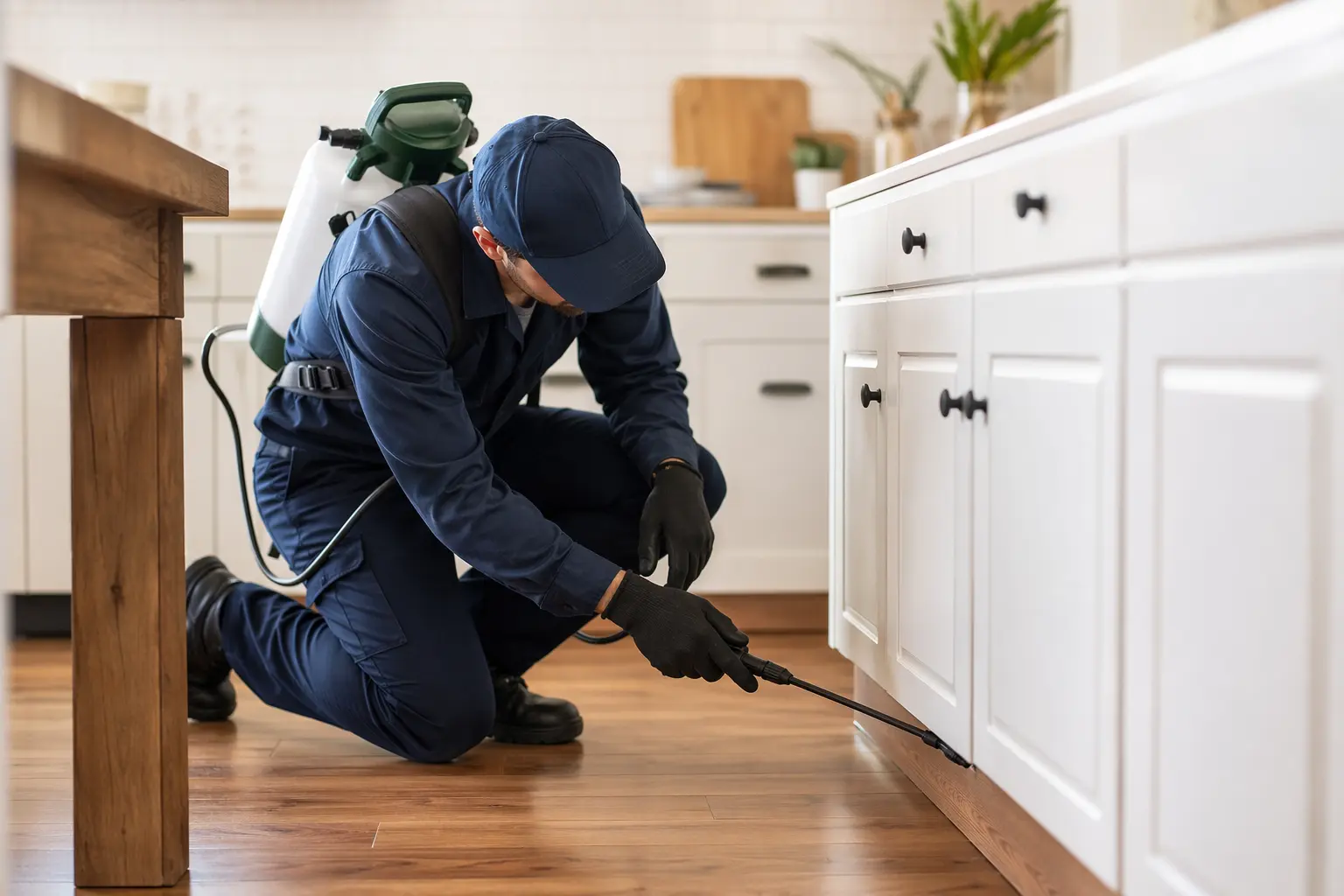
Website Builder for Pest Control Technicians
TL;DR
For solo pest control technicians and small practices (1-5 people) who need a professional website but lack technical expertise: this covers what makes pest control websites different in 2026, from mobile-first design requirements to integrated scheduling and compliance considerations. Solo offers AI-powered website generation at $20 that creates a complete pest control website from a simple business description, including service pages, contact forms, and trust-building sections, though you'll need third-party tools for actual booking and route management.
Why Pest Control Technicians Websites Have Specific Challenges
Pest control websites face trust barriers that generic business sites don't. Unlike consultants or photographers, you're asking customers to invite you into their homes to handle chemical treatments, often with children and pets present. Your site needs to immediately communicate professionalism, safety credentials, and reliability, while also managing the operational complexity of service scheduling, route optimization, and compliance documentation.
The pest control industry in 2026 operates in a regulatory environment that's increasingly digital. With the EPA's MyPest system and new AAPCO guidance for FIFRA 25(b) minimum risk pesticides, your website isn't just a marketing tool—it's part of your compliance infrastructure [4]. You need to display licensing information, make verifiable efficacy claims, and potentially provide access to treatment records and product information. This creates a tension between keeping your site simple enough to build and maintain yourself, and sophisticated enough to meet both customer expectations and regulatory requirements.

What a Pest Control Technicians Website Needs in 2026
| Must-Haves | Nice-to-Haves | Pest Control Specific |
|---|---|---|
| • Mobile-first design (55% of traffic) [1] • Page load under 3 seconds [1] • Clear CTAs ("Schedule Free Inspection") • Contact forms • Service area pages • SSL certificate | • Blog for local SEO • Customer portal • Live chat • Before/after galleries • Seasonal service reminders • Educational resources | • License/certification display • EPA registration numbers • Service treatment records [5] • Product safety sheets access • Insurance verification • Emergency contact info |
Your website also needs to connect with pest control management software. Modern customers expect drag-and-drop scheduling, mobile technician tracking, and automated reminders [2]. Solo doesn't provide native booking, so you'll link to external tools like Jobber or GorillaDesk, but it can create the professional foundation these integrations need.
Search Visibility and Local SEO for Pest Control
83% of homeowners searching for pest control start online, typically with "pest control near me" searches [6]. Your website is your primary lead generation tool. In 2026, that means going beyond traditional SEO to include Google Maps optimization and Local Service Ads, what industry experts call "Search Everywhere Optimization" [6].
Solo handles the foundational SEO elements: clean URLs, responsive design, meta descriptions, and sitemap generation. It doesn't provide keyword research tools or content strategy guidance. You'll need to create location-specific service pages manually, though Solo's AI can seed the initial content based on your business description. An active blog can generate 55% more website visitors and 67% more leads [7], and Solo's blog feature can draft initial posts, but ongoing content creation is manual work.
Why Solo Works for Solo Pest Control Technicians Practices
Solo's core value proposition fits small pest control operations well: get a professional website live quickly without technical knowledge. When you describe your pest control business during onboarding, Solo's AI generates a complete initial site with service pages, an about section, contact forms, and space for certifications. At $20 billed annually, it's priced competitively against Squarespace ($16/mo with limitations) and Wix ($27/mo), with AI-assisted content creation included.
The AI section generation is particularly useful for pest control sites. Need to add a "Common Pests" section or a "Seasonal Services" page? Solo's AI pulls from your business context to create relevant starting content. The limitations are real, though. Solo doesn't offer native scheduling, so you'll paste links to your existing Jobber or GorillaDesk booking pages. There's no customer portal for treatment records, no route optimization, and no integration with pest management software. Solo creates the professional storefront that directs customers to your operational tools; it doesn't replace those tools.
Comparison with Alternatives
| Feature | Solo | Wix | Pest Control Website Specialists |
|---|---|---|---|
| Starting Price | $20 (annual) | $27/mo | $200-500/mo |
| AI Content Generation | ✓ Onboarding + sections | ✓ Limited | ✗ |
| Native Booking | ✗ (external links) | ✓ Basic | ✓ Industry-specific |
| Pest Software Integration | ✗ | Via apps | ✓ Deep integration |
| Setup Time | Minutes | Hours/days | Weeks (done for you) |
| Industry Templates | ✗ (AI-generated) | ✓ | ✓ |
| Customer Portal | ✗ | Via apps | ✓ |
Getting Started: A 5-Step Checklist
- Gather your business basics before starting Solo's onboarding. Have ready: your exact service area (cities/counties), list of specific pest services (termites, rodents, bed bugs, etc.), your license numbers, insurance information, and any certifications. Solo's AI uses this context to generate relevant initial content.
- Use Solo's AI generation strategically for pest control content. During onboarding, be specific: "residential and commercial pest control serving [location], specializing in termite treatment, quarterly maintenance, and emergency rodent removal." Add sections for "Common Pests We Treat," "Our Process," and "Safety Standards" so Solo can generate relevant starting content.
- Set up your external scheduling system first. Since Solo only provides link fields for booking, have your Jobber, GorillaDesk, or similar platform configured before you start. Create a dedicated scheduling link for "Free Inspections" and another for "Schedule Service," then paste these into Solo's scheduling link fields.
- Build trust through specific page elements. Add a credentials section with your license numbers, insurance details, and EPA registrations. Use Solo's image upload to add photos of your team in uniform, your service vehicles, and relevant certifications. Create a simple FAQ addressing common concerns about pets, children, and chemical safety.
- Launch with location-specific service pages. Before going live, manually create pages for each service area and service combination that matters for SEO (e.g., "Termite Control in [City]"). Solo won't auto-generate these, but you can use AI section creation to seed initial content, then customize with local details and regulations.

How much does Solo cost for a pest control website?
Solo's Pro plan costs $20 when billed annually or $25 monthly. This includes hosting, SSL, custom domain connection, and AI-powered content generation. Most solo pest control operators find the Pro plan sufficient—you'd only need the Grow plan at $90 if you're managing multiple location websites.
Can Solo handle online booking for pest control appointments?
Solo doesn't offer native booking. Instead, it provides scheduling link fields where you paste your existing booking system URL (Jobber, GorillaDesk, Calendly, etc.). Customers click through from your Solo site to complete booking on your pest management platform. This approach lets you keep using specialized pest control software while Solo handles the professional web presence.
Does Solo integrate with pest control management software?
No, Solo doesn't directly integrate with platforms like ServiceTitan, PestPac, or Jobber. However, you can embed booking widgets, forms, or iframes from these services using Solo's custom code feature (available on paid plans). Think of Solo as your marketing website that directs customers to your operational tools.
Can I display my pest control license and EPA registrations?
Yes, you can display all credentials on your Solo site. Add a dedicated section for licenses, certifications, and EPA registration numbers. Upload images of physical licenses or create text sections with your credential details. However, Solo doesn't have a specialized 'credentials' template—you'll use standard text and image sections.
How does Solo handle service area pages for local SEO?
Solo generates standard pages with proper SEO setup (meta titles, descriptions, clean URLs), but you'll need to manually create individual service area pages. The AI can help seed content when you add new sections like 'Pest Control in [City Name],' but it won't automatically generate pages for every city in your service area.
Can customers access treatment records through my Solo website?
Solo doesn't provide customer portals or secure document access. For treatment records and service history, you'll need to either link to your pest management software's customer portal or use a third-party solution. Some pest control businesses add a 'Customer Login' button that links to their software's portal.
Is Solo suitable for larger pest control companies with multiple technicians?
Solo works best for solo operators and small teams (1-5 people) who need a professional web presence. Larger operations requiring team scheduling displays, technician profiles, route optimization, or multi-location management would need to supplement Solo with specialized pest control software or consider industry-specific website solutions.
How quickly can I get a pest control website live with Solo?
The initial AI-generated website can be ready in minutes after you complete onboarding. However, to properly launch a pest control site, plan on 2-4 hours to: customize the AI-generated content, add your credentials and trust signals, set up external booking links, create location-specific service pages, and upload relevant images. This is still significantly faster than building from scratch or waiting weeks for a custom design.


