
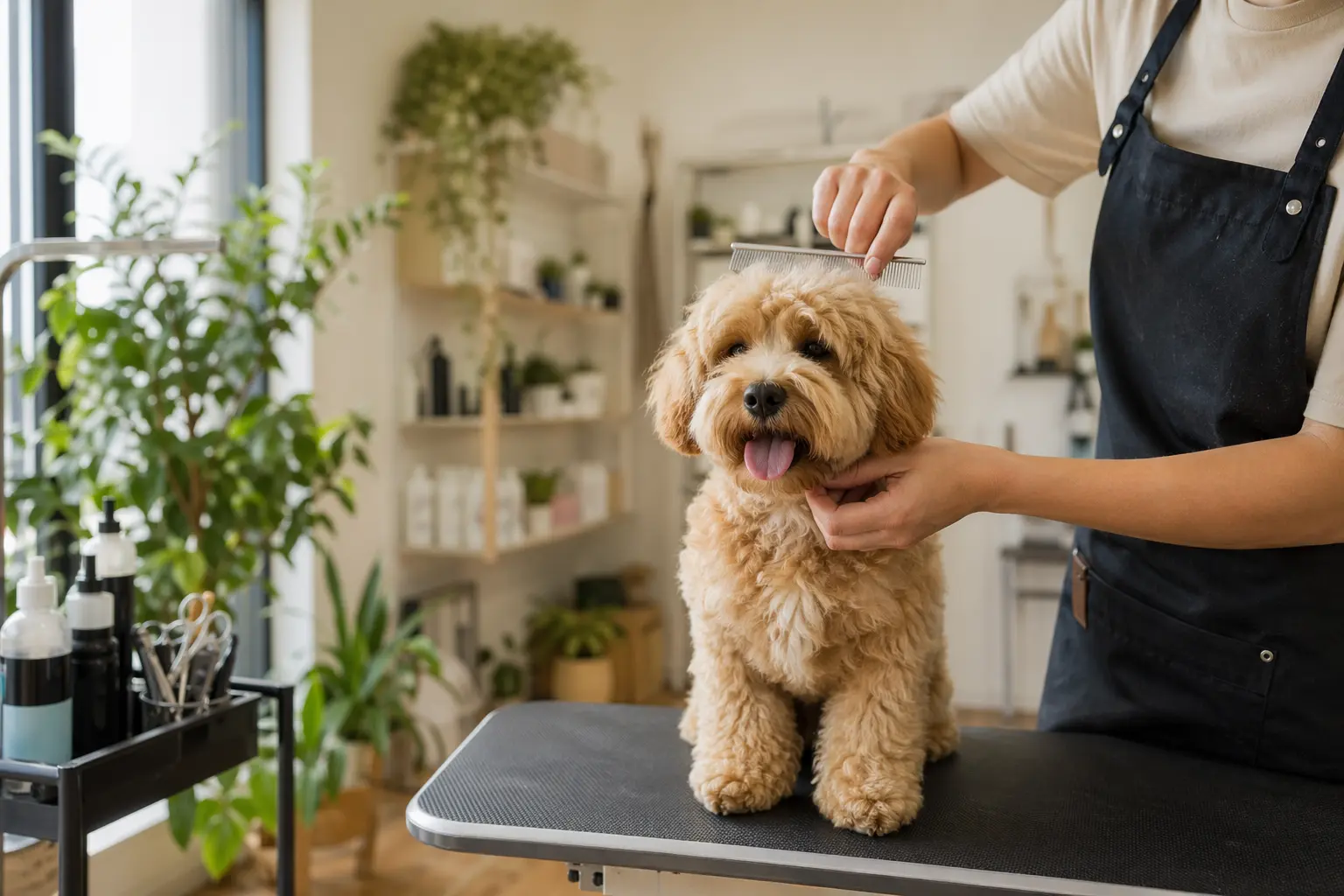
Website Builder for Pet Groomers: Everything You Need in 2026
TL;DR
For pet groomers (solo or small teams) who need a professional website but don't have time to become web designers: here's what your grooming website needs in 2026, why booking integration matters so much, and how to get found by local pet parents. Solo can get you from zero to a professional grooming site in under an hour—but you'll need to connect your own booking system since Solo links to external tools rather than handling appointments natively.
Why Pet Groomer Websites Have Specific Challenges
Pet grooming isn't just a service—it's a trust relationship between you, the pet, and the pet parent. Your website needs to handle this unique dynamic while managing practical complexities that other service businesses don't face. You're dealing with breed-specific service durations (a Yorkie trim isn't the same time commitment as a Standard Poodle full groom), varying service packages, and pet parents who want to see exactly who will be handling their fur baby.
The technical side is equally specific. While a consultant can get away with a simple contact form, pet groomers need 24/7 online booking with breed-specific time slots, integrated payments, and automated reminders [1]. You need before/after galleries that load fast on mobile (because that's where pet parents browse), clear pricing that accounts for size and coat variations, and a way to display your certifications and insurance—all while running the actual grooming business.
What a Pet Groomer Website Needs in 2026
| Priority | Feature | Why It Matters | Solo's Approach |
|---|---|---|---|
| Must-Have | Online Booking System | Pet parents expect 24/7 self-service booking with breed-specific slots [1][2] | Links to external tools (Calendly, Square Appointments) |
| Must-Have | Service Menu with Pricing | Clear prices by service type and pet size builds trust [3] | AI generates service descriptions during setup |
| Must-Have | Before/After Gallery | Visual proof of your work; key trust builder [3] | Image galleries with Unsplash stock or your uploads |
| Must-Have | Google Business Profile Integration | 46% of Google searches have local intent [5] | SEO basics included; manual GBP setup required |
| Must-Have | Mobile Optimization | Most pet parents search on phones | All Solo sites are mobile-responsive |
| Nice-to-Have | Client Portal | For viewing pet profiles and rebooking [7] | Not available; requires third-party software |
| Nice-to-Have | Automated Review Requests | Builds social proof and local SEO [5][6] | Not built-in; integrate via custom code |
| Industry-Specific | License/Certification Display | Shows compliance with local regulations [4] | Add via About section or custom HTML |
| Industry-Specific | Liability Insurance Mention | Critical trust factor for pet parents [4] | Include in AI-generated About content |

Booking Integration: The Make-or-Break Feature
To be direct: modern pet grooming requires online booking with automated reminders and payment processing [2]. Pet parents book dinner reservations and doctor appointments online—they expect the same from their groomer. Phone-tag scheduling is a thing of the past.
Solo handles this by providing a dedicated scheduling link field where you paste your external booking URL—whether that's Square Appointments, Calendly, or specialized pet grooming software like MoeGo or Teddy. This isn't ideal if you want everything in one platform, but it means you can choose the booking system that fits your specific needs (breed-specific time slots, package deals, multi-pet appointments) while Solo handles the website presentation. The integration appears as a prominent "Book Now" button that takes clients directly to your scheduling system.
Why Solo Works for Solo Pet Groomer Practices
For a solo groomer or small shop, Solo's AI-powered setup hits the sweet spot between too basic and too complex. During onboarding, when you describe your business ("mobile pet grooming service specializing in senior dogs" or "full-service grooming salon with self-wash stations"), the AI generates relevant service descriptions, about content that mentions your specialties, and FAQ sections addressing common concerns like handling anxious pets.
At $20 (billed annually), Solo costs less than most grooming software subscriptions while giving you a professional web presence. The AI-seeded section creation means when you add a new service (say, nail grinding or teeth cleaning), you're not staring at a blank text box—the AI drafts relevant content based on your business context, which you can then customize with your specific pricing and policies.
Solo won't replace your grooming software for managing pet profiles or rebooking reminders—you'll need purpose-built pet care software for operational workflows [7]. But for the website itself, Solo's combination of quick setup, professional design, and managed hosting means you can focus on grooming instead of web development.
Comparison with Alternatives
| Feature | Solo ($20/mo) | Wix ($27/mo) | Square + Appointments |
|---|---|---|---|
| Setup Time | Under 1 hour with AI generation | 2-4 hours with templates | 1-2 hours for basics |
| Native Booking | No (links to external) | Yes (Wix Bookings) | Yes (integrated) |
| Service Descriptions | AI-generated drafts | Manual entry | Manual entry |
| Pet-Specific Features | None built-in | Via apps marketplace | Basic in booking flow |
| Payment Processing | Through external booking tool | Built-in | Built-in (2.6% + 10¢) |
| Blog for Pet Tips | Yes (AI draft assistance) | Yes (manual) | No |
| Local SEO Tools | Basic on-page SEO | Advanced SEO tools | Basic |
| Best For | Quick professional presence | All-in-one with booking | Payment-first businesses |
Getting Started: A 5-Step Checklist
- Gather your business basics before starting Solo's onboarding. Write a one-paragraph description of your grooming services, list your specialties (senior pets, specific breeds, mobile service), and have your business hours and service area ready. Include any certifications or special training—the AI will weave these into your generated content.
- Set up your external booking system first. Whether you choose Square Appointments, Calendly, or specialized pet grooming software, get this configured with your services, time slots, and prices. You'll need the booking link to paste into Solo's scheduling section. Consider features like breed-specific durations and automated reminders [1].
- Prepare 10-15 high-quality photos during your next grooming week. Capture before/after shots (with owner permission), your clean facility, and action shots of you working. Real photos of actual groomed pets build way more trust than stock images [3]. Solo provides stock images through Unsplash, but authentic photos convert better.
- Optimize for local search immediately after launch. Create service pages for each offering (bath & brush, full groom, nail care), use location-specific keywords like "dog groomer in [your city]," and ensure your NAP (name, address, phone) matches across all platforms [6]. Add your new website URL to your Google Business Profile.
- Create a simple content calendar for your blog. Use Solo's AI blog features to draft monthly posts about seasonal grooming tips, breed-specific care, or common problems like matting. Local pet parents search for advice—be the expert they find [5]. Even one post per month helps with SEO and positions you as the local authority.

How much does Solo cost for a pet grooming website?
Solo's Pro plan costs $20/month when billed annually ($25/month if billed monthly). This includes AI website generation, unlimited edits, custom domain, SSL, and basic analytics. You'll need a separate booking system subscription, which typically runs $30-50/month for pet grooming software.
Can Solo handle online booking for grooming appointments?
Solo doesn't have native booking—it provides a scheduling link field where you paste your external booking URL (Square Appointments, Calendly, or pet-specific tools like MoeGo). Clients click your 'Book Now' button and are directed to your actual booking system. This means you can choose the booking tool that handles breed-specific time slots and grooming packages.
Do I need to display my grooming license on my website?
While dog groomer licenses aren't universally required in 2026, you do need general business licenses, and some states require facility licensing or pesticide applicator certification. It's smart to mention your insurance and any certifications on your About page—Solo's AI will include space for credentials when generating your content, and you can add license numbers in the editor.
How long does it take to build a grooming website with Solo?
The initial AI generation takes about 10-15 minutes after you describe your business. You'll have a complete multi-page site with service descriptions, about content, and contact forms. Budget another 30-45 minutes to customize the AI's output, add your photos, and paste in your booking link. Most groomers go from sign-up to live site in under an hour.
Can I write a blog about pet care tips?
Yes, Solo includes blog functionality with AI drafting assistance (when enabled for your account). You can create posts about grooming tips, seasonal coat care, or breed-specific advice. The AI uses your business context to draft relevant content—you might prompt 'winter coat care for double-coated breeds' and get a professional draft to edit and publish.
Will my grooming website work on mobile phones?
Yes, all Solo websites are mobile-responsive by default. This is crucial since most pet parents search for groomers on their phones. Your service menu, gallery, and booking button will automatically adjust for smaller screens. Solo handles the technical details—you just focus on your content.
Can I add before/after photo galleries?
Yes, Solo supports image galleries where you can showcase your grooming work. Upload your before/after photos directly, organize them by service type or breed, and add captions. While Solo provides access to stock photos through Unsplash (or Pexels on Pro plans), real photos of your actual grooming work build much more trust with potential clients.
How do I handle multi-pet appointments or package deals on my website?
Since Solo links to external booking systems, your multi-pet and package options are handled by your chosen booking tool. On your Solo website, clearly list these options in your services section (the AI can help draft descriptions for 'Multi-Pet Discount' or 'Monthly Grooming Package'), then your booking system manages the actual scheduling and pricing logic.


