
Website Builder for Pilates Studios: What Your Practice Needs in 2026
TL;DR
For Pilates studio owners and instructors who need a professional website without technical skills or a large budget: below you'll find what modern Pilates websites require in 2026, from booking links to local SEO basics. Solo's AI-powered website builder can get your studio online in under an hour with a professional site starting at $20 per month, though you'll need external tools for class scheduling and payments.
Why Pilates Studios Have Specific Website Challenges
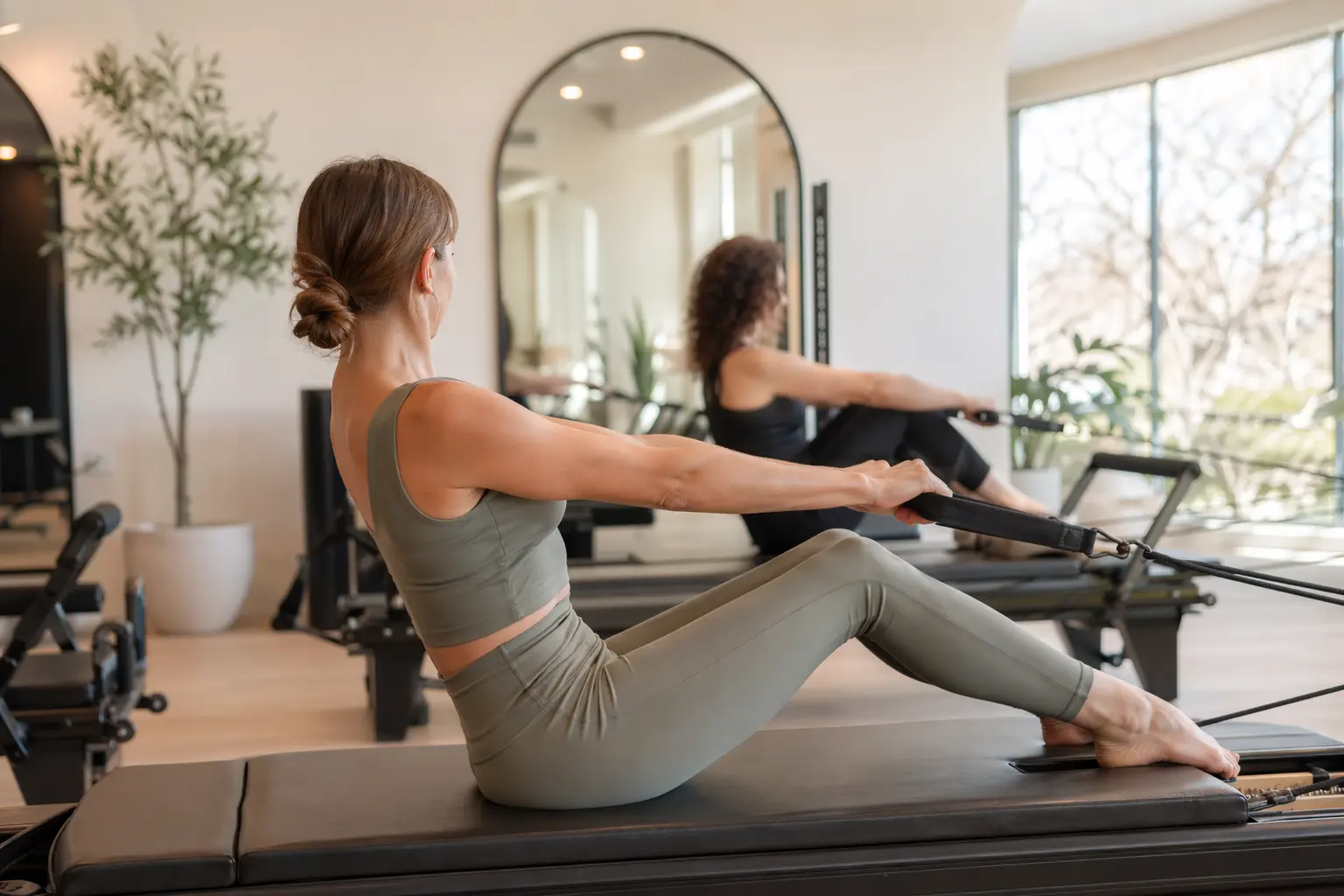
Pilates studios face digital challenges that generic business websites don't address. Your clients expect to book classes, view schedules, and understand pricing within three clicks, while also getting a feel for your studio's atmosphere through visuals. Unlike retail businesses, you're selling an experience that's hard to convey through text alone. Potential clients need to see your space, understand your teaching style, and trust that you'll help them reach their fitness goals.
The boutique fitness industry also demands a careful balance between looking premium enough to justify your rates while remaining approachable to beginners. Your website must communicate professionalism while addressing common anxieties like "Will I fit in?" or "Is Pilates too hard for me?" Add in mobile responsiveness (most bookings happen on phones), local search optimization to compete with larger chains, and integration with whatever booking system you use, and it's easy to see why many studio owners struggle with their web presence.

What a Pilates Studio Website Needs in 2026
| Must-Haves | Nice-to-Haves | Pilates-Specific Requirements |
|---|---|---|
| • Mobile-responsive design • Clear location & contact info • Class schedule visibility • Pricing transparency • Booking link/button • Instructor bios • Google Business Profile integration | • Blog for movement tips • Client testimonials • Virtual tour/video • Intro offer banner • Instagram feed • Email signup • FAQ section | • High-quality studio photos showing equipment • Class type descriptions (mat, reformer, tower) • Beginner-friendly messaging • Accessibility info • Parking/transit details • COVID protocols if applicable |
Local SEO: Your Studio's Digital Lifeline
For Pilates studios, local search visibility can make or break your business. When someone searches "Pilates studio near me" or "Reformer Pilates in [your city]," you need to appear in those results. That takes more than just having a website. You need properly optimized pages with clear H1 tags, location-specific content, and a claimed Google Business Profile.
Solo handles the technical SEO basics automatically: clean URLs, mobile responsiveness, sitemaps, and proper heading structure. You'll still need to manually optimize your content for local searches by including your city name in page titles, creating location-specific service descriptions, and making sure your NAP (Name, Address, Phone) information is consistent across all pages. Solo doesn't include advanced SEO tools like keyword research or rank tracking, but its clean code and guided content structure give you a solid foundation for local visibility.
Why Solo Works for Solo Pilates Studio Practices
Solo's strength for Pilates studios is speed and simplicity. During onboarding, you describe your studio, something like "Reformer Pilates studio in Denver focusing on posture and core strength for busy professionals," and Solo's AI generates a complete website with relevant sections like class descriptions, instructor bios, and service offerings tailored to Pilates. You're not starting with a generic template that talks about "products" when you offer "classes."
The AI-seeded section creation is particularly useful when adding new content. Adding a "Class Types" section? Solo drafts descriptions for mat, reformer, and tower classes based on your studio's context. Need an FAQ? It generates Pilates-specific questions. At $20 per month (Pro plan billed annually), you get custom domain hosting, SSL security, and access to professional stock photos from Unsplash and Pexels, which is useful for filling gaps until you have professional studio photography.
What Solo doesn't do is equally worth knowing: there's no built-in class scheduling, payment processing, or membership management. The "scheduling" feature is a link field where you paste your Mindbody, Vagaro, or Calendly URL. There's also no free-form AI writing assistant for ongoing content updates; once sections are created, edits are manual. For most single-location studios, these limitations are manageable with third-party integrations.
Comparison With Alternatives
| Feature | Solo ($20/mo) | Squarespace ($18/mo) | Wix ($27/mo) |
|---|---|---|---|
| AI Website Generation | ✓ Full site from business description | ✗ Manual template selection | Limited AI text suggestions |
| Pilates-Specific Templates | ✗ But AI adapts to your description | ✓ Fitness templates available | ✓ Fitness templates available |
| Built-in Scheduling | ✗ External link only | ✓ Via Acuity (additional cost) | ✓ Wix Bookings |
| Stock Photo Library | ✓ Unsplash + Pexels | ✓ Getty Images | ✓ Shutterstock |
| Blog Capability | ✓ When enabled (AI-assisted) | ✓ Full CMS | ✓ Full CMS |
| Learning Curve | Minimal - AI does heavy lifting | Moderate - template customization | Moderate - many options |
| SEO Tools | Basic on-page optimization | Built-in SEO panel | SEO Wiz tool |

Getting Started: A 5-Step Checklist
- Prepare your content basics before starting Solo's onboarding. Write a clear description of your studio (location, style, target clients), list your class types and pricing, and gather any professional photos you already have. Solo's AI works best with specific details. "Classical Pilates studio in Austin specializing in rehabilitation and prenatal fitness" generates better content than "Pilates studio."
- Set up your Google Business Profile first. This is important for local SEO and isn't part of Solo. Claim your listing, add photos, set accurate hours, and encourage satisfied clients to leave reviews. Your Solo website complements this presence rather than replacing it.
- Choose and set up your external booking system. Whether it's Mindbody, Vagaro, Calendly, or another platform, get this running before building your website. You'll need the booking link to add to Solo's scheduling section, and you want to test the client experience end-to-end.
- Use Solo's AI strategically during initial generation and section creation. Be specific about your studio's unique aspects: mention equipment types, specializations, and target demographics. When adding sections later, the AI will reference this context. Add sections for class descriptions, instructor bios, and pricing early.
- Launch with the basics, then iterate. Get your core pages live with accurate information, then use Solo's blog feature (when enabled) to add movement tips, studio news, or client spotlights. Focus on answering common questions in plain language to improve both user experience and search visibility.
The Bottom Line for Pilates Studios
Solo is a practical option for Pilates studios that need a professional web presence quickly without the complexity of traditional website builders. At $20 per month, you get a customized, hosted website that understands fitness industry language and can be updated without coding knowledge. The AI-powered generation means you can have a tailored site live in under an hour, complete with service descriptions and instructor bios that actually sound like they're about Pilates, not generic business services.
The trade-offs are real: you'll need third-party tools for scheduling and payments, there's no built-in membership system, and ongoing content editing is manual after the initial AI generation. For solo instructors and small studios, those limitations are often worth the time saved and the professional result. Larger studios with complex scheduling needs or those wanting integrated e-commerce for retail sales should look at Squarespace or Wix, despite their steeper learning curves.
How much does Solo cost for a Pilates studio website?
Solo offers a free plan for basic sites, but most Pilates studios will want the Pro plan at $20 per month (billed annually) or $25 month-to-month. This includes custom domain hosting, SSL security, and access to both Unsplash and Pexels stock photos for professional imagery.
Can clients book Pilates classes directly through a Solo website?
No, Solo doesn't have built-in booking or payment systems. Instead, you'll add a 'scheduling link' that connects to your existing booking platform like Mindbody, Vagaro, or Calendly. This keeps things simple but means clients are redirected to another site to complete bookings.
How does Solo's AI understand Pilates-specific content?
During onboarding, you provide a description of your studio including your focus areas, class types, and target clients. Solo's AI uses this context to generate relevant sections with Pilates-appropriate language—it knows to create content about 'reformer classes' and 'core strengthening' rather than generic business terms.
Can I add instructor bios and class descriptions after my site is created?
Yes, you can add new sections anytime using Solo's editor. When you add an 'Instructors' or 'Services' section, the AI will generate initial content based on your studio's profile, which you can then edit manually. However, there's no AI rewriting tool for existing text—updates are done by hand.
Is Solo suitable for Pilates studios that also offer physical therapy or rehabilitation services?
Solo can display information about therapeutic services, but it's not HIPAA-compliant and doesn't offer a BAA (Business Associate Agreement). This means you cannot use Solo forms to collect patient health information. You'd need to use external, compliant tools for intake forms and link to them from your Solo site.
How does Solo handle SEO for local Pilates studio searches?
Solo automatically generates clean URLs, proper heading structure, mobile-responsive design, and sitemaps—all important for SEO. You'll need to manually optimize content by including your city name, creating location-specific service descriptions, and building backlinks. Solo doesn't include keyword research tools or rank tracking.
Can I sell Pilates equipment or retail items through a Solo website?
Solo isn't built for e-commerce and doesn't have shopping cart functionality. You could list products with prices and add a contact form for inquiries, but actual transactions would need to happen through an external platform. For studios with significant retail sales, consider Squarespace or Wix instead.
How long does it take to create a Pilates studio website with Solo?
Most studios can go from signup to published website in under an hour. Solo's onboarding takes about 10-15 minutes where you describe your studio and answer a few questions. The AI then generates your complete site. You'll spend another 30-45 minutes customizing content, adding your booking links, and uploading any photos before publishing.


