
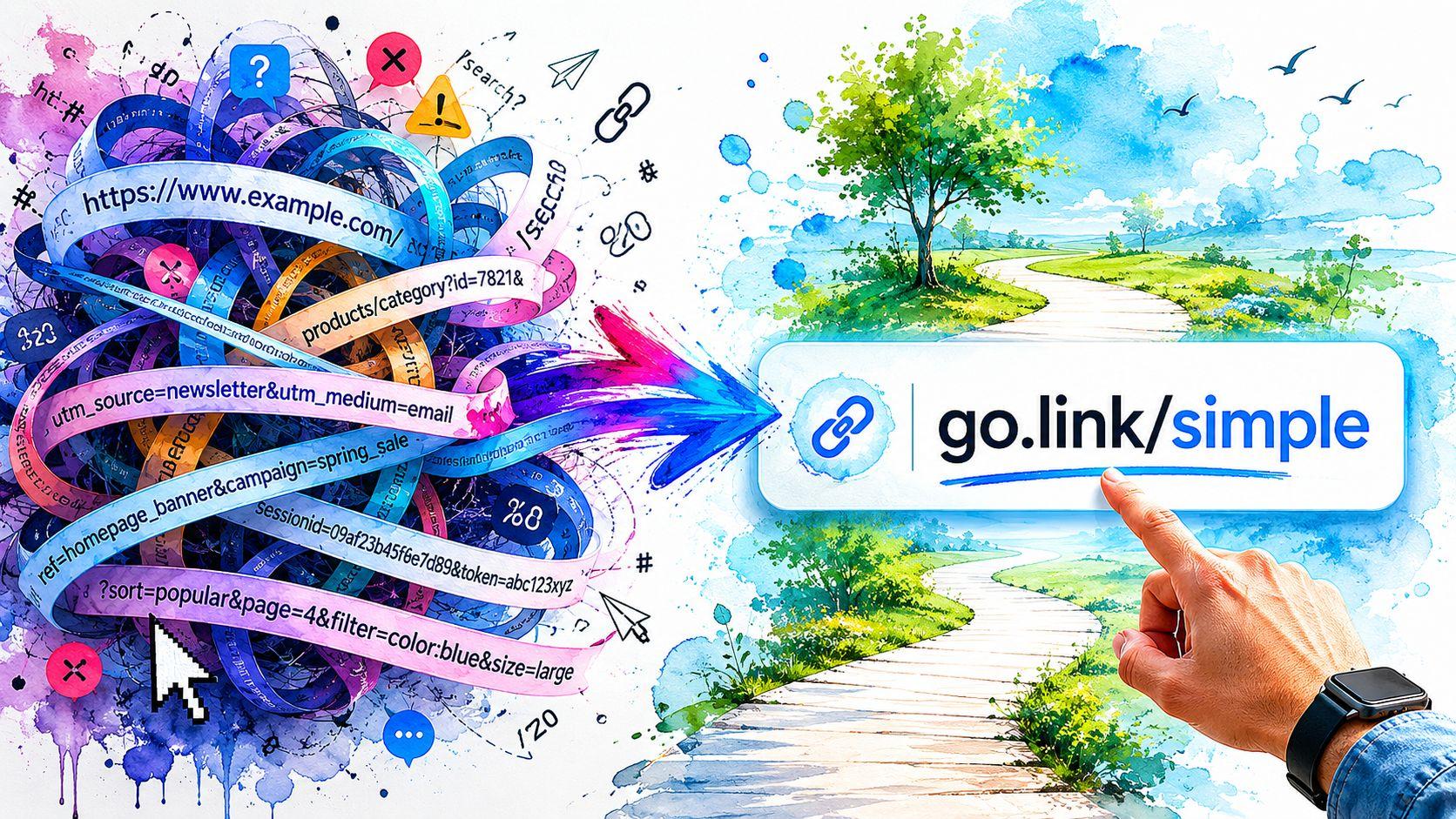
You've probably seen both kinds of links in the wild.
One looks like this: yourbusiness.com/page?id=8472&ref=summer-sale&cat=12
The other looks like this: yourbusiness.com/summer-flower-arrangements
One feels messy. The other feels clear. Even before you click, you already trust one more than the other.
That's why URLs matter more than many small business owners realize. A URL is your page's address, but it's also a quick signal to real people and search engines about what they're about to see. If the address is clean, readable, and specific, it gives a better first impression.
Your Website's First Impression Starts with the URL
Think about a customer finding your site in Google, in an email, or in a social post. They haven't met you yet. They haven't read your page. In many cases, the first thing they notice is the link itself.
A long, auto-generated URL can feel like a cluttered storefront window. A short, descriptive one feels organized and trustworthy. That small difference affects how comfortable people feel clicking.

For a local business owner, this matters in practical ways. If you're trying to get found in search, shared by customers, or remembered after someone sees your card or Instagram bio, a clear URL helps. The same thinking shows up in broader SEO work like improving online visibility in Auckland, where trust, clarity, and local relevance all work together.
A good URL is like a clean street address on a shop sign. People know where they're going before they walk in.
An SEO-friendly URL is a web address that's easy to read and easy to understand. It tells users what the page is about without forcing them to decode random numbers, symbols, or extra folders.
If this has always sounded too technical, don't worry. It's much simpler than it looks once you break it into parts.
What Are SEO-Friendly URLs Anyway
A URL looks technical because it mixes several pieces together. But if you treat it like a mailing address, it starts to make sense fast.
Take this example:
https://www.greenleafstudio.com/services/logo-design
That single line contains a few simple parts.
The parts of a URL
https://is the protocol. It functions as the delivery system. It tells the browser how to access the page.www.greenleafstudio.comis the domain. That's your business's main building name./services/logo-designis the path. That's the hallway and door number that lead to one specific room.
The final part of that path is often called the slug. In this case, the slug is logo-design.
If your slug says page-12 or post?id=84, it doesn't tell anyone much. If it says logo-design, both the visitor and the search engine instantly get the topic.
What Google prefers
Google's documentation says a technically strong SEO-friendly URL should be short, stable, and semantically descriptive. It recommends readable words instead of long ID numbers, hyphens as word separators, and fewer unnecessary parameters because cleaner URLs are easier for crawling and indexing to interpret. You can read that guidance in Google's documentation on URL structure.
That sounds technical, but the plain-English version is simple:
- use words people recognize
- separate those words with hyphens
- remove clutter that doesn't help explain the page
Here's a quick side-by-side view:
| URL | What it communicates |
|---|---|
yoursite.com/p?id=2488 |
Almost nothing |
yoursite.com/services/roof-repair |
The page is about roof repair |
Why search engines care
Search engines don't rely on URLs alone, but they do use them as a clue. Before a page is fully processed, the URL already gives context. A clean path helps connect the page to a topic in a straightforward way.
That's one reason many guides on creating SEO optimized websites also stress structure and readability, not just page copy and keywords.
Practical rule: If a customer can read your URL out loud and immediately guess the page topic, you're on the right track.
A good URL doesn't need to be clever. It needs to be obvious.
The Key Benefits of a Clean URL Structure
A clean URL structure helps your business in ways that are easy to overlook because the improvement feels subtle. But subtle doesn't mean unimportant.
It builds trust before the click
People judge links quickly. If someone sees yourplumber.com/emergency-drain-cleaning, that feels direct. If they see yourplumber.com/page.php?service=22&loc=4, they may still click, but they have to work harder to trust it.
That extra friction matters. Clear URLs look more professional and easier to verify.
It makes sharing easier
Small businesses get traffic from more than search engines. Customers copy links into texts, emails, Facebook posts, WhatsApp messages, and DMs. A readable URL is easier to paste, easier to skim, and easier to remember later.
If someone tells a friend, “Go to oakandpine.com/custom-bookshelves,” that's much easier than repeating a long string of symbols and numbers.
It supports cleaner site organization
A strong structure also helps you stay organized as your site grows. If your pages live in logical folders, you can understand your own website faster. That matters when you add service pages, blog posts, or seasonal promotions.
For example, if you're still deciding how to organize content areas, this guide on domain vs subdomain can help you think through where content should live.
It gives copied links more meaning
Sometimes people paste the raw URL instead of using anchor text. When that happens, the URL itself becomes part of the message. A link like yoursite.com/wedding-photography-pricing gives context on its own. A link like yoursite.com/page738 doesn't.
Clean URLs do two jobs at once. They guide visitors, and they label the page clearly when the link gets shared without explanation.
That's why URL cleanup isn't just a technical chore. It's part branding, part usability, and part SEO hygiene.
Best Practices for Crafting Perfect URLs
This is the part most business owners want. What should you do when naming a page?
The short answer is this: write URLs the way you'd label folders in a filing cabinet. Keep them brief, specific, and easy to scan.
Keep it short and descriptive
Industry guidance commonly converges on a practical target of about 50–60 characters for URLs, and that preference exists because shorter URLs are easier for users to read, remember, and share, according to American Eagle's guidance on creating SEO-friendly URLs.
That doesn't mean you need to count every character obsessively. It means you should cut fluff.
Good:
yoursite.com/aboutyoursite.com/services/house-cleaningyoursite.com/blog/how-to-prune-roses
Less helpful:
yoursite.com/all-about-our-company-and-what-we-doyoursite.com/services/the-best-house-cleaning-for-busy-families
Use the main keyword naturally
If the page is about wedding cakes, say that plainly. Don't stuff every variation into the slug.
Good:
yourbakery.com/wedding-cakes
Not good:
yourbakery.com/wedding-cakes-best-wedding-cakes-custom-wedding-cakes
Usually, one or two relevant keywords are enough.
Use hyphens and lowercase
Hyphens make URLs easier to read. Lowercase helps prevent inconsistent versions of the same path.
Good:
spring-lawn-care
Avoid:
Spring_Lawn_CareSpringLawnCare
Don't over-nest folders
Your page path should feel tidy, not buried. One or two folder levels are usually easier to manage than a deep trail of categories.
Good:
yoursite.com/services/tax-preparation
Harder to manage:
yoursite.com/site/main/services/accounting/tax/personal/tax-preparation
SEO-Friendly URL Examples Good vs Bad
| Bad Example (Don't Do This) | Good Example (Do This Instead) | Why It's Better |
|---|---|---|
/product?id=442 |
/chocolate-cake |
Uses readable words instead of an ID |
/Chocolate_Cake_Special |
/chocolate-cake-special |
Hyphens and lowercase improve readability |
/bakery/cakes/desserts/chocolate/cake/birthday/chocolate-cake |
/cakes/chocolate-cake |
Removes unnecessary folder depth |
/the-best-chocolate-cake-for-birthday-parties-and-special-events |
/birthday-chocolate-cake |
Keeps the topic clear without extra filler |
/2026/04/our-new-cake-post |
/cake-decorating-tips |
Focuses on the topic, not a date-heavy path |
If you want help drafting slugs before publishing, a simple slug generator tool can help you trim wording and spot cleaner options.
Don't write URLs like ad copy. Write them like labels.
That one habit fixes a lot of URL problems.
How to Implement SEO-Friendly URLs on Your Website
Knowing the rules is useful. Editing the actual URL field is where many users face challenges.
The good news is that popular platforms make this easier than it used to be.

On WordPress
In WordPress, page and post URLs are controlled through Permalinks.
For site-wide settings:
- Go to Settings
- Open Permalinks
- Choose a clean structure, usually one based on the post name
For individual pages or posts:
- Open the page editor
- Find the URL or permalink field
- Edit the slug so it matches the page topic clearly
If WordPress creates a slug from your title, shorten it before publishing. Remove filler words and keep the strongest phrase.
On Shopify
Shopify lets you edit the URL handle inside the page, product, collection, or blog post editor.
Look for the Search engine listing preview area, then click to edit the website SEO details. You'll see the URL handle field there.
A product called “Handmade Ceramic Mug in Ocean Blue Glaze” doesn't need that whole phrase in the URL. A cleaner version like ceramic-mug or ocean-blue-ceramic-mug is usually easier to work with.
On the Solo AI Website Creator
The Solo AI Website Creator generates human-readable page URLs and lets you customize the slug when needed. That's useful if you want the page address to match a service, product, or location more closely without rewriting the entire page title.
When you create or edit a page, check the slug before publishing. If the generated wording is too long, trim it down to the clearest phrase. After your site is live, make sure search engines can discover it by following this guide on adding your website to search engines.
A few implementation habits that save headaches
- Set the URL early: It's easier to choose a clean slug before you start sharing the page.
- Avoid constant changes: Stable URLs are easier to manage than links you keep renaming.
- Check related pages together: Service pages, category pages, and blog posts should follow the same naming style.
If you're also thinking about how search behavior is changing beyond traditional rankings, this guide to the AI search era adds useful context around discoverability and site structure.
A quick walkthrough can help if you prefer seeing the process on screen:
If you need to explain the page to a customer in five words, those five words are often close to your ideal slug.
That's a simple test, and it works on almost every platform.
Your SEO-Friendly URL Checklist for 2026
Keep this checklist next to you when you publish a new page. If a URL passes most of these checks, you're in good shape.
The quick pass fail test
Is it short enough to read at a glance
If it feels long when pasted into an email or text, tighten it.Does it describe the page clearly
Someone who has never seen your site should be able to guess the topic.Does it include the main keyword naturally
Use the core phrase once if it fits. Don't stack variations.Are the words separated by hyphens
Hyphens are cleaner and easier to scan.Is everything lowercase
This helps avoid messy duplicates and inconsistent links.Did you remove filler words
Words like “the,” “and,” or “of” often don't add much.Did you skip random numbers or IDs
If the number doesn't help a visitor understand the page, remove it.Is the folder path simple
Don't bury the page in a maze of categories unless that structure is necessary.
A final sense check
Read the URL out loud.
If it sounds like a real page name, keep it. If it sounds like database leftovers, fix it before publishing.
Also ask yourself one practical question: would you feel comfortable putting that URL on a flyer, Instagram bio, or business card? If the answer is no, it probably needs cleanup.
Your URL should work for humans first. Search engines benefit when people can understand it quickly.
Small changes here can make your site feel more polished across every page you publish.
If you want a simpler way to launch pages with clean structure from the start, Solo AI Website Creator helps you create a website, customize page details, and manage SEO basics like URLs without needing a technical setup.