
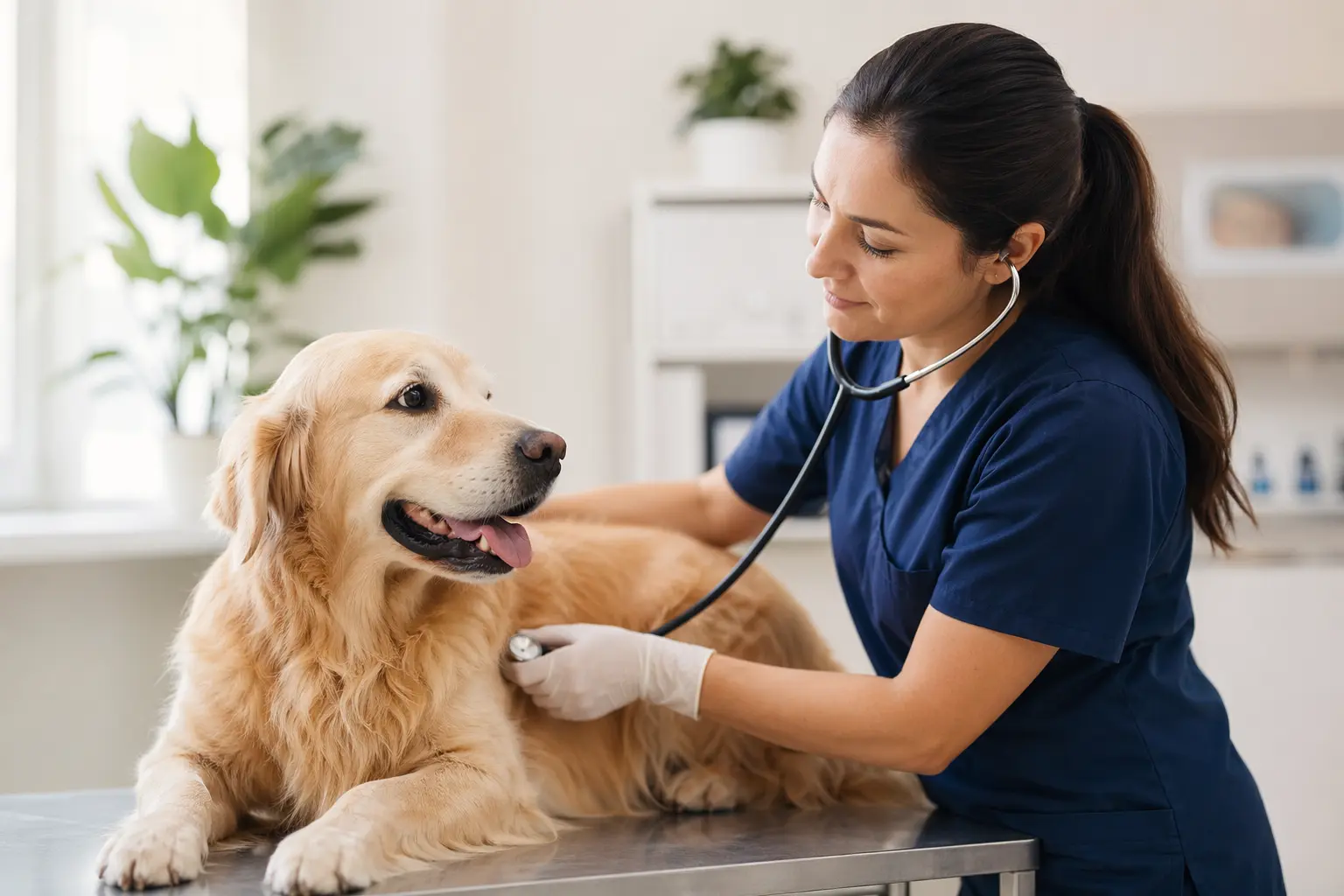
Website Builder for Veterinarians: Professional Sites That Attract Pet Parents
TL;DR
For veterinarians and small veterinary practices (1-5 people) who need a professional website but don't have time to become web designers: here's what features matter most for veterinary websites in 2026, how to handle client expectations around online booking, and where Solo's AI-assisted website builder fits (and doesn't fit) for veterinary practices. Bottom line: Solo can get you a professional veterinary website in under an hour for $20/month, but you'll need third-party tools for appointment booking and client records management.
Why Veterinarians' Websites Have Specific Challenges
Veterinary websites face pressures that general business sites don't. Pet parents expect 24/7 access to information about their animals' health, immediate appointment booking, and clear emergency protocols — all while you're managing a full patient load. According to recent industry research, veterinary practices need AI-powered conversational assistants and online scheduling just to meet baseline client expectations in 2026 [1].
Unlike retail or consulting businesses, veterinary practices must balance professional credibility with emotional reassurance. Your website needs to communicate medical expertise while also showing you understand the human-animal bond. Add in the complexity of displaying multiple service types (wellness exams, surgery, dental care, emergency services), managing after-hours expectations, and maintaining privacy standards for client communications, and it's clear why generic website templates often fall short for veterinary practices [2].
What a Veterinarians Website Needs in 2026
| Must-Haves | Nice-to-Haves | Veterinary-Specific Requirements |
|---|---|---|
| • Mobile-responsive design • Clear service listings with pricing ranges • Contact info & hours prominently displayed • Online appointment booking integration • Emergency contact protocol • Staff bios with credentials • Location/directions with parking info | • Educational pet care articles • Virtual clinic tour • Client portal access • New client forms • Pet health resource library • Newsletter signup • Social media integration | • AVMA membership display • State licensing information • Accreditation badges (AAHA) • Privacy policy for client data • Clear medication refill process • After-hours care options • Species/services matrix |

Client Data Privacy and Trust Considerations
Veterinary practices aren't bound by HIPAA, but pet parents increasingly expect similar privacy standards for their information and their pets' medical records. Your website needs to clearly communicate how you handle client data, especially if you're collecting information through contact forms or linking to patient portals. Solo has a clear limitation here: it doesn't offer BAA agreements or specialized compliance features for medical data collection.
For veterinary practices using Solo, this means keeping actual medical records and detailed health questionnaires on separate, purpose-built platforms. Solo's contact forms work fine for appointment requests and general inquiries, but anything involving medical history should route to your practice management system. Solo's Mozilla backing gives it strong privacy credentials that resonate with privacy-conscious pet parents, even if it's not designed for medical record handling [1].
Why Solo Works for Solo Veterinarians and Small Practices
Solo's AI-powered website generation works particularly well for veterinary practices because it understands service-based businesses. When you describe your practice during onboarding — "We're a small animal veterinary clinic offering wellness exams, dental care, surgery, and emergency services for dogs and cats" — Solo's AI creates relevant service pages, staff sections, and contact forms tailored to veterinary practices. This beats starting from a blank template or trying to retrofit a generic business theme.
The AI-seeded section creation helps keep content fresh without constant manual updates. Need to add a "New Puppy Care" section? Solo's AI pulls from your business context to draft relevant content you can refine. At $20/month (billed annually), Solo costs less than Squarespace's business plan and gets you a working first draft faster. Solo doesn't include native appointment booking, though — you paste your existing scheduling link (from Calendly, SimplePractice, or your practice management system) into Solo's scheduling section. For most veterinary practices this works fine, since you're likely already using specialized scheduling software with features Solo couldn't replicate anyway.
Comparison with Alternatives
| Feature | Solo ($20/mo) | Squarespace ($27/mo) | Wix ($32/mo) | VetNetwork ($199/mo) |
|---|---|---|---|---|
| AI-Generated Initial Site | ✓ Full site from business description | ✗ Templates only | Limited ADI feature | ✗ Templates only |
| Appointment Booking | External link integration | Built-in Acuity ($20+ extra) | Native booking app | Integrated with PMS |
| Service Pages | ✓ AI-seeded content | ✓ Manual creation | ✓ Manual creation | ✓ Veterinary templates |
| Client Forms | ✓ Contact forms only | ✓ Advanced forms | ✓ Multi-step forms | ✓ Medical intake forms |
| SEO Tools | Basic on-page SEO | Advanced SEO suite | Full SEO wizard | Veterinary SEO focus |
| Time to Launch | < 1 hour with AI | 4-8 hours | 3-6 hours | 2-3 weeks (managed) |
Getting Started: A 5-Step Checklist
- Gather your practice basics before starting Solo's onboarding. Write a paragraph describing your practice, list all services you offer (wellness exams, surgery, dental, etc.), and have your practice hours, address, and emergency contact protocol ready. Solo's AI uses this information to generate your entire initial site, so being specific here saves editing time later.
- Set up your external tools first. Since Solo links to third-party scheduling rather than providing native booking, make sure your online appointment system (SimplePractice, Calendly, or your PMS booking link) is configured before you start building. Also set up your Google Business Profile for local SEO — this drives more veterinary clients than any website feature [4].
- Use Solo's AI to create service-specific sections. After the initial site generation, add sections for each major service area using Solo's AI-seeded section creator. A "Dental Care" section seeded with your practice context will include relevant content about pet dental health, not generic medical copy. Edit to add your specific protocols and pricing ranges.
- Upload real photos of your practice and team. Solo provides professional stock photos from Unsplash (or Pexels with Pro), but authentic photos of your actual facility, staff with pets, and exam rooms build more trust with potential clients. Include photos of each veterinarian with their credentials in the team section [3].
- Connect your domain and optimize for local search. Use keywords like "veterinarian in [your city]" naturally in your homepage intro and service pages. Make sure your contact information matches your Google Business Profile exactly. Add a clear "Emergency Services" section even if you don't offer them — explain your after-hours protocol and recommended emergency clinics [2].

Can Solo handle online appointment booking for my veterinary practice?
Solo doesn't include native appointment booking, but it integrates seamlessly with external scheduling tools. You'll paste your booking link from services like SimplePractice, Calendly, or your practice management system into Solo's scheduling section. This actually works better for veterinary practices since you need features like vaccine reminders and multi-pet households that generic booking tools don't provide.
How much does Solo cost for a veterinary website?
Solo's Pro plan costs $20/month when billed annually (or $25/month billed monthly). This includes AI website generation, unlimited pages, custom domain, SSL, and ongoing AI-assisted content creation for new sections. Most veterinary practices find the Pro plan sufficient unless they need multiple sites for different locations.
Is Solo HIPAA-compliant for veterinary client records?
No, Solo doesn't offer BAA agreements or HIPAA compliance features. While veterinary practices aren't technically bound by HIPAA, you should still use Solo only for general website content and basic contact forms. Keep all medical records, detailed health questionnaires, and sensitive client data in your specialized practice management system.
How long does it take to build a veterinary website with Solo?
Most veterinarians have their initial website live in under an hour. Solo's AI generates your complete site structure, service pages, and content based on your practice description. You'll spend another 1-2 hours customizing content, uploading photos, and connecting your domain. This is significantly faster than the 4-8 hours typical with template-based builders.
Can I add educational content about pet health to my Solo website?
Yes, Solo includes an optional blog feature where you can publish pet care articles, wellness tips, and practice updates. The AI can help draft initial content based on topics you specify. However, the blog feature may need to be enabled for your account, so check with Solo support if you don't see it in your dashboard.
Will Solo help my veterinary practice show up in local Google searches?
Solo provides basic on-page SEO features like meta titles, descriptions, and clean URLs. For veterinary practices, you'll need to manually optimize for local keywords like 'veterinarian near me' or 'pet clinic in [city]'. Solo doesn't include advanced local SEO tools, so maintaining your Google Business Profile remains crucial for local visibility.
Can I display my veterinary credentials and certifications on Solo?
Yes, you can display AVMA membership, state licenses, and AAHA accreditation badges on your Solo site. Add these to your team bios or create a dedicated credentials section. Solo's custom code feature (available on Pro plans) lets you embed verification widgets from credentialing organizations if needed.
What if I need to update emergency contact information quickly?
Solo's visual editor allows immediate updates to any content, including emergency contacts. You can edit directly on the page without navigating complex menus. For veterinary practices, consider creating a prominent 'Emergency Care' section that you can update instantly if your after-hours referral changes.


