
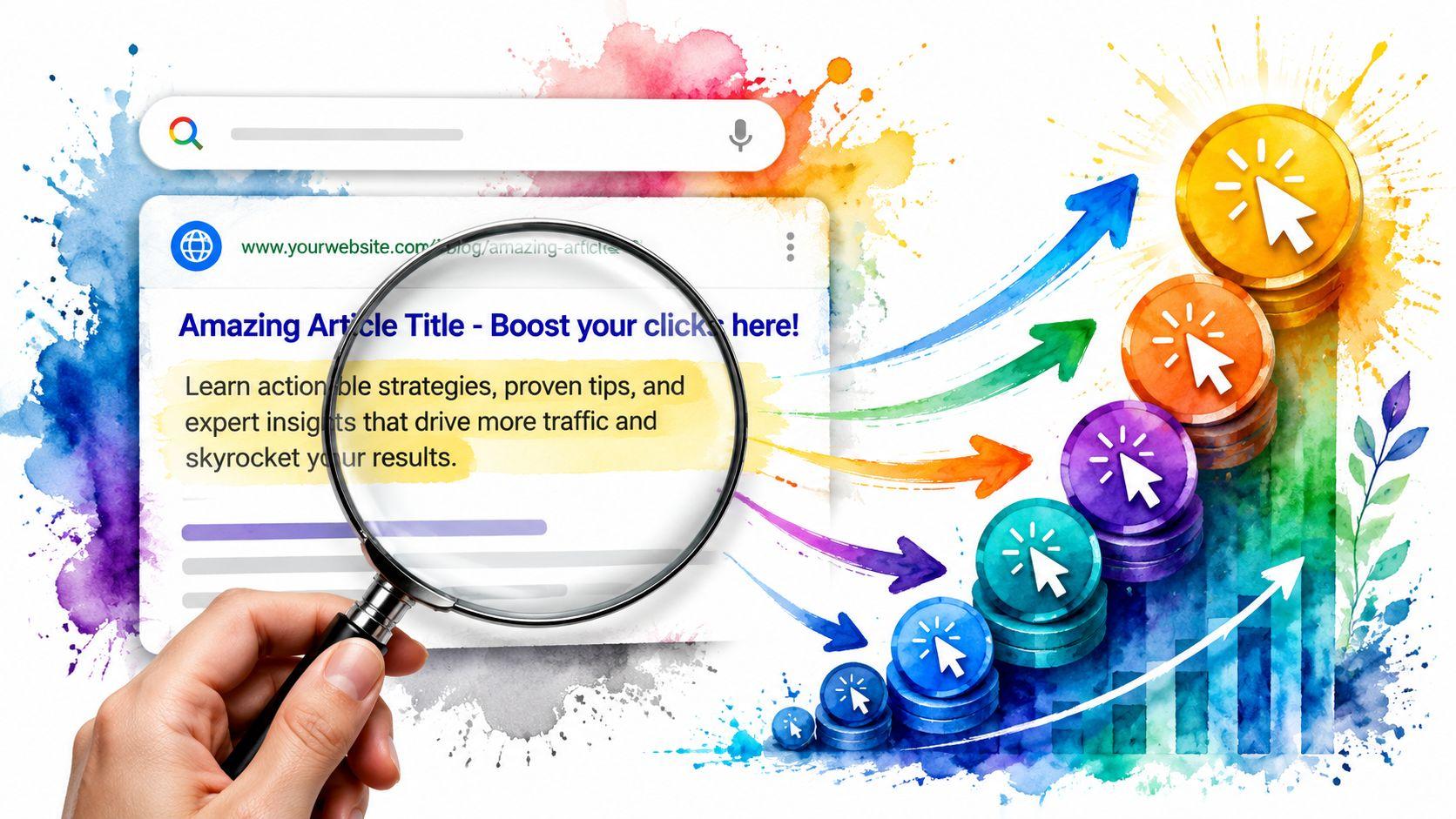
A meta description tag is the short summary of your page that appears under the title in Google search results, and it usually works best when written in about 90 to 160 characters, with many guides recommending roughly 120 to 160 so it doesn't get cut off. Think of it as your page's digital shop window. It gives people a fast reason to choose your result instead of scrolling past it.
If you've ever searched for your business on Google and wondered why one result looks clear and inviting while another looks vague, the meta description is often part of the difference. It's a small piece of text, but it does an important job. It tells a searcher what your page is about before they ever visit your site.
For small business owners, this matters because Google search results are often the first place a customer meets your brand. They haven't seen your service, your reviews, or your pricing yet. They just see your page title, your web address, and that short summary.
When people ask, what is Meta Description Tag, they're usually really asking a more practical question. “What is this thing, and will it help me get more clicks?” The short answer is yes, when it's written well and matches what's on the page.
Your Website's First Impression on Google
A customer searches for “custom birthday cakes near me.” Before they ever visit your site, they make a quick decision based on what shows up in Google. They see your page title, your URL, and a short description underneath. That short description is often pulled from your meta description tag.
In simple terms, the meta description tag is a short summary stored in your page's HTML. It tells search engines what the page is about and can help shape the snippet people read in search results. If you use a tool like Solo AI Website Creator, you will usually enter this in a settings field rather than touching code.
For a small business owner, that summary works like the short message on a flyer in a busy coffee shop window. You have a few seconds to help the right person say, “Yes, this looks relevant.”
What it looks like behind the scenes
In code, it usually looks like this:
<meta name="description" content="Fresh custom cakes, pastries, and desserts baked daily for local pickup and events. Order online today.">
You probably will not edit that code yourself. Still, seeing it once makes the idea clearer. The meta description is a saved text field attached to a page.
Simple rule: Write for the person deciding whether to click.
Why people mix it up with other SEO elements
This part trips up a lot of business owners because several pieces of text appear together in Google, and they each do a different job.
- Page title: The clickable headline in search results.
- Meta description: The supporting summary under the title.
- Page content: The full information on the page after someone clicks.
A helpful way to separate them is to look at the customer journey. The title gets attention. The description gives a quick reason to care. The page itself needs to deliver what the search result promised.
That is why this small tag deserves attention. It is not only a technical setting. It is part of your first impression, and for many small businesses, it is one of the easiest places to improve how your site presents itself in Google.
Why Meta Descriptions Matter for Clicks and SEO
Some business owners hear that meta descriptions aren't a direct ranking factor and assume they don't matter. That's the wrong takeaway. Even if they don't directly push a page higher in rankings, they can still influence whether people choose your result.
Click-through rate, or CTR, means the share of people who see your listing and click it. If your page appears in search but nobody clicks, your ranking alone won't do much for your business.

Research summarized by Moz found that pages with any meta description saw about a 5.8% higher CTR than pages without one, and emotional wording produced about a 2% to 3% CTR improvement. That summary appears in Moz's guide to meta descriptions.
Why that matters to a small business
If you run a bakery, law office, salon, or consulting service, your search result is a mini ad. You're competing for attention in a crowded list. A clear description can help someone quickly decide, “Yes, this is exactly what I need.”
That's useful because searchers often make fast decisions. They scan. They compare. They click the result that feels most relevant and trustworthy.
What a strong description does
A strong meta description helps in a few practical ways:
- Clarifies relevance: It tells people they've found the right page.
- Sets expectations: It previews what they'll get after clicking.
- Encourages action: It gives a reason to visit now instead of later.
- Supports trust: It sounds specific, not generic or sloppy.
Your meta description won't rescue a bad page, but it can make a good page easier to choose.
SEO value without jargon
Here's the plain-English version. SEO helps your site appear in search. The meta description helps persuade people to click once you're there.
That's why this tag matters. It sits right at the point where visibility turns into traffic. For many small businesses, that's one of the most valuable moments in the whole customer journey.
The Anatomy of a Perfect Meta Description
A good meta description isn't magic. It's usually a mix of the right length, clear wording, a relevant keyword, and a reason to click.
Most guidance says to keep it concise because search engines may cut it off. The UK Office for National Statistics says search engines cut off meta descriptions at 160 characters and suggests aiming for 90 to 120 characters. Moz recommends 120 to 160 characters, and Yoast says the visible limit is around 155 characters before truncation. Google also documents the description tag as a supported meta tag in its meta tag guidance.
The four ingredients that matter most
Length that fits
If your description is too long, Google may trim it. If it's too short, you may waste valuable space. Aim for a short, complete summary that gets to the point quickly.
A main keyword used naturally
If your page is about wedding photography in Austin, say that plainly. Don't cram the same phrase in over and over. Use the main topic early, in a natural sentence.
A clear benefit
Tell people what they'll get. Faster service, custom options, local expertise, easy booking, or a free quote all give the searcher a reason to care.
A call to action
This can be subtle. “Book today,” “Get a quote,” “See our menu,” or “Learn more” can all work when they fit the page.
Practical rule: If your description could fit on ten different pages, it's too generic.
Meta Description Best Practices
| Do | Don't |
|---|---|
| Write a unique description for each page | Reuse the same description across your whole site |
| Keep it concise and readable | Stuff it with repeated keywords |
| Put the main topic near the start | Hide the important point at the end |
| Match the page content honestly | Promise something the page doesn't deliver |
| Add a simple action like “Book today” | Leave the reader with no next step |
A simple formula you can reuse
Try this pattern:
What the page is about + who it's for or why it matters + a next step
Example:
“Custom wedding cakes in Bristol for birthdays, weddings, and events. Browse designs and order your cake today.”
If you want more hands-on examples and templates, Solo's guide on how to write meta descriptions is a useful companion.
Real-World Examples for Small Businesses
Theory helps, but examples make this easier. Here's what weak and strong meta descriptions look like in real business situations.

Local bakery example
Before
“We are a bakery offering many products and services for all occasions.”
After
“Fresh sourdough, pastries, and custom cakes from a local bakery in Leeds. Order online or visit us today.”
Why the second one works:
- It names the products clearly.
- It includes a local signal.
- It gives two next steps.
- It sounds like a real business, not filler text.
Freelance photographer example
Before
“Professional photography services for different needs and events.”
After
“Wedding and brand photography in Manchester with natural, story-driven images. View packages and book your date.”
Why this one is stronger:
- It says what type of photography is offered.
- It gives the location.
- It hints at style and value.
- It invites the click with “view packages.”
A short walkthrough can help if you want to see these ideas in action:
Consulting service example
Before
“We help businesses grow with expert consulting solutions.”
After
“Operations consulting for small businesses that need clearer systems and smoother workflows. Book a discovery call.”
This version works because it narrows the offer. “Help businesses grow” is vague. “Clearer systems and smoother workflows” is more concrete and easier to trust.
What all the better examples have in common
They don't try to sound clever. They try to sound useful.
- Specific offer: The reader can tell what the business does.
- Relevant audience: The wording hints at who the page is for.
- Simple action: There's a natural next step.
- Honest match: The description should reflect the page, not oversell it.
When you write your own, start with the service and location if location matters. Then add the main benefit. Finish with a gentle action.
That simple pattern works for more industries than one might anticipate.
How to Add a Meta Description in Solo
If the code side feels intimidating, don't worry. You usually won't need to edit the raw HTML yourself.
For reference, the tag looks like this:
<meta name="description" content="Your page summary goes here.">
Most website platforms give you a field for it in page or SEO settings. The actual job is writing the description, not hand-coding it.

High-performing descriptions are usually unique per page, action-oriented, and aligned with the page content, and they often fit within about 120 to 158 characters to reduce truncation. That guidance is reflected in Mrs Digital's meta length checker overview.
A simple way to do it
If you use Solo AI Website Creator, you can manage meta descriptions through the page's SEO settings instead of editing code directly.
A basic workflow looks like this:
- Open the page you want to edit.
- Find the SEO or page settings area.
- Enter a short description that matches the page.
- Keep it concise and easy to scan.
- Save and publish your changes.
What to write for each page
Not every page should say the same thing. Your homepage, services page, contact page, and booking page each need their own summary.
Use this checklist:
- Homepage: Say who you are, what you offer, and who you serve.
- Service page: Focus on one service and one main benefit.
- Location page: Include the service and place name naturally.
- Contact or booking page: Tell people what they can do next.
If you're stuck on wording, start with a draft that sounds like a short ad for that single page.
If you want a faster starting point, you can use Solo's meta description generator tool to draft options and then edit them so they sound like your business.
Troubleshooting Common Meta Description Issues
Even when you write a good description, you may notice that Google doesn't always show it exactly as written. That's normal.
Google says it may use the page's <meta name="description"> as the snippet only when it thinks that text is more accurate than the on-page content for the search. It also says there is no fixed length limit because snippets are truncated based on device width. That guidance appears in Google's search snippet documentation.
Why is Google showing a different description?
Google may pull a different sentence from your page if it thinks that text better matches the searcher's query. This often happens when your written description is too broad, too generic, or less relevant than the page copy itself.
What to do:
- Be specific: Describe the exact page, not your business in general.
- Match the page content: Make sure the page repeats the same idea clearly.
- Avoid vague copy: Generic phrases give Google less reason to keep your version.
What if I leave the meta description blank?
Google can still generate a snippet from the page content. Sometimes that works out fine. Sometimes it doesn't. If the page is important to your business, writing your own description gives you more control over the message.
How can I test whether mine is good?
Read it out loud. If it sounds stiff, vague, or overloaded, rewrite it. Then search for the page after it's indexed and see whether the snippet looks clear.
You can also use Solo's meta description checker to review length and tighten your wording before publishing.
A good meta description doesn't need to sound clever. It needs to sound relevant.
If you want an easier way to publish pages and manage SEO settings without touching code, Solo AI Website Creator lets you create and update your website with built-in tools for page descriptions, search visibility, and core site setup.