
A professional small business website can cost about $3,000 to $8,000 for a simple brochure site, while custom business websites commonly land in the $10,000 to $50,000+ range. At the same time, many first-time business owners now start close to free with AI tools and only pay more when they need custom features, integrations, or hands-on help.
If you're shopping for a website right now, you've probably seen prices that make no sense together. One person says a website should cost a few hundred dollars. An agency sends a quote that looks more like a car purchase. A friend tells you to just use a template and move on.
Your confusion is reasonable.
The hard part is that most price conversations focus on the launch bill, not the full ownership cost. That misses the bigger question: what you'll spend to get the site live, keep it running, update it, and improve it over the next few years.
How Much Should a Website Really Cost in 2026
A website quote can feel random until you realize you're not always comparing the same thing. One quote might cover design only. Another includes writing, setup, forms, testing, and post-launch support. A third might look cheap because it leaves out the work you'll need later.
That is why the better budgeting question isn't just the upfront build fee. It's the total cost of ownership over the next 24 to 36 months, including maintenance, premium tools, security, and future changes, as noted in this website redesign cost guide.
Why quotes vary so much
Think of website pricing like home construction. "I need a house" is not enough information to get one meaningful price. A studio apartment and a custom home are both places to live, but they require different labor, materials, and planning.
A website works the same way. The price changes based on things like:
- How many pages you need. A simple brochure site is different from a large service library or content-heavy site.
- What the site must do. Booking, payments, member logins, and third-party integrations add technical work.
- Who creates it. DIY tools, freelancers, and agencies package work differently.
- What happens after launch. Security, updates, forms, analytics, and redesigns all affect long-term spending.
Practical rule: If two quotes are far apart, ask what is included after launch. That's usually where the real difference hides.
Many first-time owners also forget about small software costs that stack up over time. For example, if your site depends on contact forms that send submissions reliably, it helps to check the price of form backends before you commit to a setup that looks cheap at first.
A better way to think about budget
Instead of asking, "What's the average professional website design cost?" ask three simpler questions:
- What do I need at launch?
- What will I need to keep paying for?
- What might I add in year two?
That framing is more useful than chasing a single average, because there really isn't one number that fits every business.
Unpacking Website Costs Fixed vs Ongoing Expenses
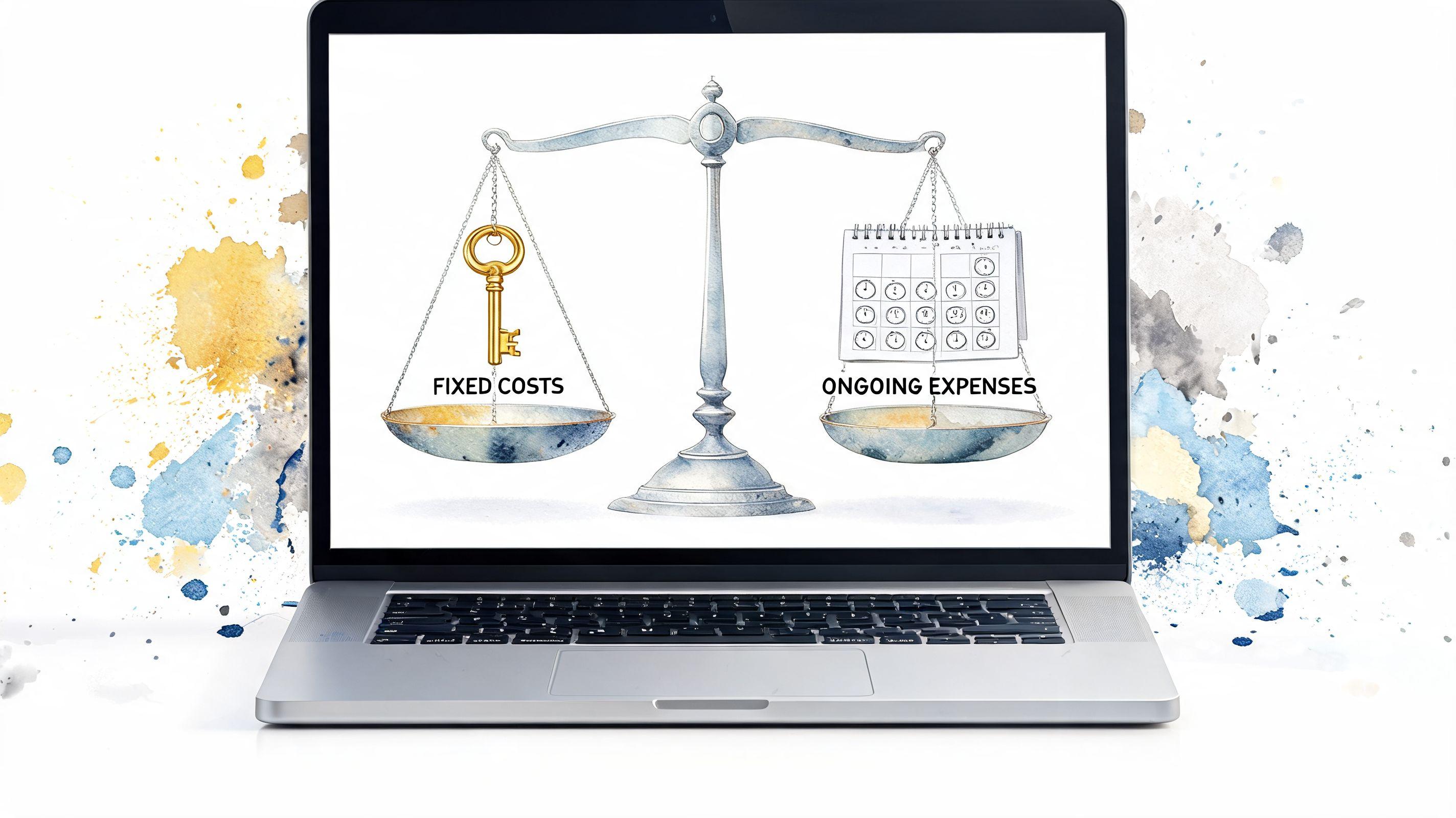
The easiest way to understand professional website design cost is to split it into fixed costs and ongoing costs.
Fixed costs are the one-time costs to create the site. Ongoing costs are the recurring costs to keep it online, secure, and useful. If you mix those together, every quote feels confusing.

Fixed costs are like building the house
When you build a house, you pay for the architect, construction crew, materials, and finishing work. With a website, fixed costs usually include design, development, content setup, testing, and launch.
Typical examples include:
- Design work such as page layouts, mobile formatting, and branding choices
- Development work such as building the pages, setting up the content system, and connecting tools
- Content loading like adding your service descriptions, photos, testimonials, and contact details
- Launch tasks including testing forms, mobile checks, and basic quality assurance
These are the costs that clients typically focus on first because they are visible in the quote.
Ongoing costs are like utilities and upkeep
Once a house is built, the bills don't stop. You still pay for electricity, insurance, repairs, and maintenance. Websites have the same pattern.
Annual operating costs for a small business website can range from $600 to $5,000, with common pieces such as a domain at $12 to $130 per year, hosting at $35 to $600 per year, and SSL certificates at $5 to $150 per year, according to Fireart's website cost breakdown.
That doesn't automatically mean your site will cost the high end of that range. It means a cheap launch price can be misleading if your setup later requires extra maintenance, premium plugins, security add-ons, or feature upgrades.
A low build price and a low ownership cost are not the same thing.
What belongs in each bucket
Here is a simple way to sort costs when you're planning.
| Cost type | Common examples | Why it matters |
|---|---|---|
| Fixed | design, development, page setup, initial copy input, launch testing | Helps you get live |
| Ongoing | domain, hosting, SSL, maintenance, backups, premium tools, future updates | Keeps the site healthy |
If you're unclear about hosting, read this guide on choosing a web hosting service. Hosting is one of the most common places new owners either overspend or buy the wrong thing.
The practical budgeting mistake
A lot of business owners set a launch budget and forget to create a small operating budget. Then six months later, a plugin renewal, domain renewal, maintenance issue, or content update feels like an annoying surprise.
A better approach is to keep two numbers in your plan:
- Launch budget
- Annual ownership budget
That single habit makes website decisions much easier.
Website Cost Ranges Freelancer vs Agency vs AI Creator
The right option depends on more than price. It depends on how quickly you need to launch, how much customization you need, and how comfortable you are making changes yourself.
Market guides for 2025 place a simple brochure site at about $3,000 to $8,000, while custom business websites commonly fall in the $10,000 to $50,000+ range depending on scope and integrations, according to Newform's 2025 website pricing overview. That tells you where professional service work often lands. It doesn't mean every business needs to spend that much.
Comparing Website Creation Options
| Provider Type | Upfront Cost Range | Time to Launch | Best For |
|---|---|---|---|
| DIY platform | Lower upfront cost, usually subscription-based | Fast if you're comfortable doing the work | Owners with time, simple needs, and patience |
| AI creator | Can start near free, then scale with paid features | Very fast | First-time entrepreneurs who want a clean launch without much technical setup |
| Freelancer | Varies widely, often between DIY and agency | Moderate | Businesses that want help but don't need a large team |
| Agency | Often lands in the professional price tiers cited above | Slower, with more process | Companies needing custom UX, integrations, or complex requirements |
DIY works when your needs are simple
DIY tools make sense if you only need a few pages, basic contact details, and a professional appearance. They usually cost less in cash, but more in your own time.
The hidden question is whether you enjoy doing website work. If not, DIY can become expensive in a different way. It takes attention away from sales, clients, and operations.
AI creators reduce setup friction
AI-based tools sit in an interesting middle ground. They can help you launch faster and avoid a lot of piecemeal setup. That's useful when your biggest challenge is getting a real site online, not designing a highly custom digital experience.
If you're comparing modern options, this article on using AI to build a website gives a helpful overview of how the workflow differs from older DIY tools.
If your business needs a website more than it needs a custom web project, speed and simplicity matter.
Freelancers can be a strong middle option
A good freelancer can be ideal for service businesses that want personal help without agency overhead. You may get direct communication, flexibility, and a lower upfront bill than a full studio.
The tradeoff is capacity. One person may be excellent at design but weak on copy, SEO structure, or long-term support. That's not a dealbreaker. You just need to ask better questions before hiring.
Agencies make sense for complexity
Agencies usually become worth considering when the website needs coordination across design, development, integrations, QA, and strategy. If you need custom workflows, special functionality, or lots of stakeholder input, an agency can manage that complexity.
This is the core lesson behind professional website design cost. You're not only paying for visuals. You're paying for the amount of technical and organizational work required to deliver the result.
Website Budget Examples for Small Businesses
Real budgets make this easier to understand than abstract ranges. Here are three common small business situations and how website spending usually plays out in practice.

A useful benchmark comes from a common pricing model for a $10,000 website project, where roughly 30 to 40% goes to design, 50 to 60% to development and integrations, and 10% to launch and quality assurance, based on Codevix's web design cost model. That split helps explain why adding "just one feature" can change the budget more than people expect.
The solo consultant
A consultant usually needs credibility, a clear services page, a contact form, and maybe appointment booking. The smartest spend is often clarity, not complexity.
In this case, the budget often goes toward:
- Strong messaging on the homepage and services pages
- Simple lead capture through contact or booking forms
- A polished mobile experience so prospects can contact you quickly
- Light maintenance after launch
This kind of owner often benefits from a lean launch. A bloated site with too many pages can delay publishing without improving results.
The local restaurant
A restaurant site has different priorities. People need the menu, location, hours, photos, and an easy way to contact or book. If ordering or reservations are involved, setup gets more technical.
The budget here often shifts toward operational features:
- Menu presentation
- Map and location details
- Reservation or booking flow
- Regular content updates for hours, specials, and events
For restaurant owners thinking broadly about building a professional online presence, it's worth comparing whether a custom site is really necessary or whether a faster setup covers the essentials.
The small online boutique
Many owners underestimate complexity at this stage. An online store isn't just pages and branding. It involves product setup, payment processing, shipping rules, customer messages, and testing.
A boutique website budget usually needs room for:
- Product pages and product images
- Checkout and payment configuration
- Policies like returns and shipping information
- More frequent maintenance than a brochure site
If you're trying to map this to your own situation, this guide to small business website cost can help you translate broad ranges into a more realistic business budget.
The more your website has to do for the business, the less useful a "cheap website" label becomes.
A Step-by-Step Guide to Estimate Your Website Cost
Most bad quotes start with a vague request. "I need a website for my business" doesn't give a provider enough detail to price accurately. It also makes it harder for you to compare options fairly.
A better estimate starts with a short business brief.
Start with your main business goal
Write down the one action you most want a visitor to take. Only pick one primary action.
For example:
- Book an appointment
- Call your business
- Submit a contact form
- Buy a product
- Request a quote
That choice shapes the whole site. A business built around bookings needs a different setup than one built around ecommerce or lead generation.
List your launch pages
Next, write the pages you need on day one. Keep the first version small.
A practical starter list might include:
- Home
- About
- Services or Products
- Contact
- One proof page, such as testimonials, reviews, or portfolio
If you keep adding pages just because competitors have them, your cost goes up before your site has even proven itself.
Write down must-have features
Now list the functions your site can't live without. Pricing often changes fastest at this stage.
Your list might include:
- Booking
- Payment collection
- Contact forms
- Photo gallery
- Blog
- Review imports
- Analytics
- Newsletter signup
Ask yourself, "Does this feature help me win customers now, or is it just nice to have?"
Decide who will supply content
This question catches many first-time owners off guard. Who writes the words? Who provides photos? Who uploads testimonials? If the provider does all of that, the quote usually rises.
If you can prepare your own basics before the project begins, you'll usually get cleaner pricing and a faster launch.
Turn your notes into a quote checklist
Send the same short brief to every freelancer, agency, or platform you're considering. Ask each one to confirm:
- what is included at launch
- what is recurring
- what you will manage yourself
- what future changes will cost
That one step removes a lot of pricing confusion.
Smart Strategies to Reduce Your Website Costs
The cheapest website is rarely the smartest choice. The smarter move is to remove waste, reduce unnecessary complexity, and launch with only what your business needs right now.
The broader shift in the market supports that approach. Pricing reports note that many small business projects fall under $5k, and buyers increasingly weigh the tradeoff between a traditional custom build and a faster AI-assisted workflow that bundles hosting, SEO structure, and key forms from day one, according to Web Designer Academy's 2025 pricing report.

Cut scope before you cut quality
If your budget is tight, don't ask for a cheaper version of a complex website. Ask for a smaller version of the right website.
That usually means:
- Launch fewer pages and add more later
- Skip custom animations that don't help sales
- Use one strong call to action instead of several competing ones
- Choose proven layouts over custom experiments
This protects the parts that matter most: clarity, trust, and usability.
Prepare your content before the build starts
Projects get expensive when the provider has to stop and wait for text, photos, or service details. That delay creates rework.
Before you hire anyone, gather:
- Your service list
- Business description
- Contact details
- Brand photos or product photos
- Reviews or testimonials
When those basics are ready, projects move faster and quotes tend to stay more predictable.
Use bundled tools when they match your needs
Some newer platforms lower ownership costs because they include several essentials in one place. Solo AI Website Creator is one example. It offers AI-assisted website creation with features such as custom domain hosting, booking integration, client contact forms, and SEO optimization, which can reduce the need to assemble separate tools for a basic business site.
That doesn't make it the right choice for every business. But if your goal is to get online quickly with professional basics already included, bundled tools can lower both setup friction and future surprise costs.
A quick walkthrough helps if you're comparing this route to traditional workflows:
Your Website Cost Questions Answered
Do I really need a monthly maintenance plan
Not always. A simple site with very few moving parts may only need occasional updates, especially if your platform handles much of the technical upkeep for you.
But if your site uses plugins, booking tools, ecommerce features, or custom integrations, regular maintenance becomes more important. The more systems you rely on, the more likely something needs monitoring.
Is a cheap website always a bad investment
No. A cheap website is bad only when it fails to support the business or creates cleanup costs later.
A lean website can be a smart investment if it is clear, trustworthy, mobile-friendly, and easy to update. A more expensive site can still be a poor investment if it launches late, includes unnecessary features, or is difficult to manage.
Why do agency quotes vary so much for what looks like the same project
Because the visible site is only part of the work. Two sites can look similar on the front end while having very different amounts of planning, content support, integrations, QA, and post-launch service behind the scenes.
When you review a quote, ask what is included beyond design. That's usually where the main difference sits.
If you want to launch without getting trapped in a long custom project, Solo AI Website Creator is a practical option to explore. It helps you create a professional site quickly and includes features like booking, contact forms, SEO support, and custom domain hosting, which can simplify both your launch plan and your ongoing website costs.