
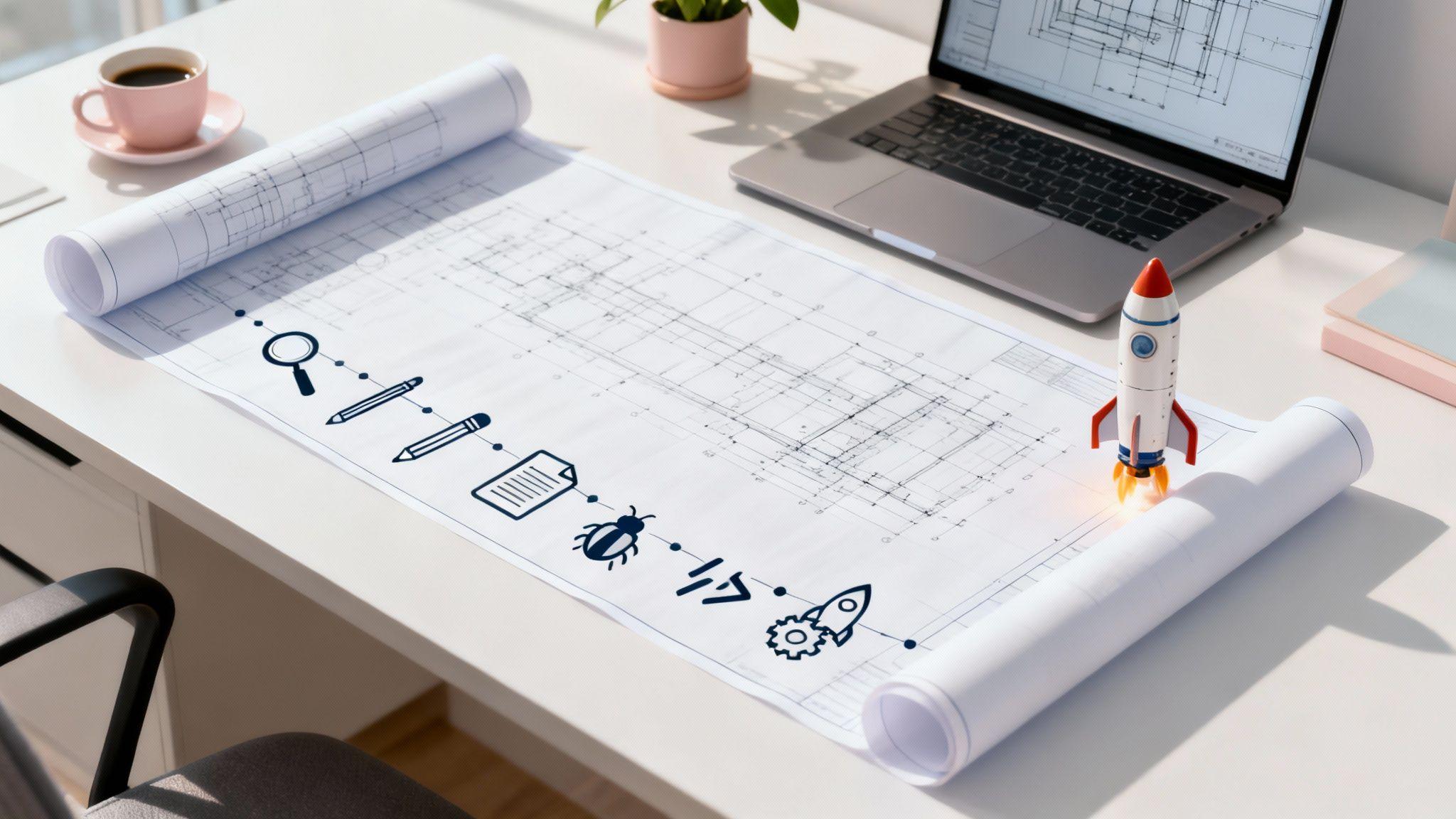
Building a website is like constructing a house. You don't just start nailing boards together; you begin with a detailed blueprint. Each web development stage is a critical step in that blueprint, ensuring your project stays organized, on budget, and on schedule.
From the initial idea to the final launch, following a structured process is what separates a professional, effective website from a digital mess. Skipping a stage is like trying to paint the walls before the drywall is up—it leads to frustration, wasted resources, and a poor final product.
Your Blueprint for a Successful Website

Starting a website build without a clear plan is a fast track to wasting time and money. Understanding each web development stage provides a roadmap that breaks a massive project into small, manageable steps. This clarity is essential for small business owners and freelancers.
This structured approach ensures every decision—from colors to features—is intentional and supports your business goals. It’s also your best defense against "scope creep," the common problem where unplanned features get added, blowing your budget and timeline. Following these phases helps you create a site that not only looks professional but also works perfectly to attract and serve your customers.
From Simple Text to Powerful Tools
The concept of a web development process has evolved significantly. In the early 1990s, Tim Berners-Lee created the web's foundations: HTML, HTTP, and URLs. The first websites were simple, text-based pages for sharing academic information.
Things changed quickly. By 1994, the web had grown to 10,000 servers and 10 million users, thanks to browsers that could display images with text. You can explore the fascinating history of web development on geeksforgeeks.org.
Today, the process is far more sophisticated but also much more accessible. You no longer need to be a coding expert to build a powerful online presence.
This guide walks you through the core stages of modern web development, offering actionable tips for entrepreneurs. You’ll also see how tools like the Solo AI Website Creator can simplify the journey, automating complex tasks like design and SEO to help you launch a professional site in minutes.
Phase 1: Defining Your Website Blueprint
Every successful website begins with a solid plan, long before any design or code is created. This discovery phase is the most important web development stage because it sets the foundation for everything that follows. Before choosing colors or fonts, you must define your website's primary purpose.
Are you generating leads for your service business? Selling products through an e-commerce store? Or showcasing your work in a portfolio? Answering this question provides clear direction and prevents costly mistakes later.
Identifying Your Audience and Goals
With your main objective set, the next step is to identify your target audience. Knowing who you're talking to shapes your messaging, design, and content. For example, a website for a luxury travel agency will have a completely different look and feel than one for a local pet groomer.
Aligning your brand with your audience is key to building a genuine connection. To learn more, check out our guide on how to create a brand that resonates with your ideal customers.
Your Pre-Build Action Checklist
Turn your ideas into a concrete plan with this simple checklist. It ensures you cover all critical points before moving on to the creative phases.
- Define Your Core Objective: What is the #1 action you want visitors to take? (e.g., schedule a call, purchase a product, complete a contact form).
- Identify Your Target Audience: Who is this site for? Get specific about their demographics, interests, and the problems you solve for them.
- List Essential Features: What are the "must-have" functions? This could include a photo gallery, a blog, an online booking system, or customer testimonials.
- Analyze the Competition: Review 2-3 competitor websites. What works well on their sites? More importantly, what are their weaknesses that you can turn into your strengths?
A well-defined plan is your best defense against "scope creep"—that sneaky tendency for a project to balloon beyond its original goals, blowing up your timeline and budget.
For those using the Solo AI Website Creator, this planning phase is automated. You simply answer a few questions about your business, and the AI generates a strategic site structure, layout, and foundational content, building your blueprint instantly.
Phase 2: Designing Your Visual and User Experience
With your plan in place, it's time to bring your vision to life. The design phase is more than just selecting pretty colors and fonts; it's about shaping how your website communicates and feels to your visitors.
Think of it like designing a home. An architect first creates a wireframe—a basic, black-and-white layout showing the placement of rooms, doors, and windows. Next, they develop a mockup, a full-color rendering that includes paint colors, furniture, and finishes. This is the "aha!" moment when the vision becomes clear.
This same step-by-step process is used in web design to move from a basic structure to a full visual concept.

This methodical approach ensures the final look is not just beautiful, but also smart and strategic, long before any code is written.
Crafting an Intuitive Experience
At the heart of great design is User Experience (UX). In simple terms, UX is about making your website easy and enjoyable to use. If visitors can't quickly find what they're looking for, they'll leave. A strong UX design makes navigation feel effortless.
Applying solid user experience optimization principles is what makes a site feel intuitive. To truly understand its importance, learn what is user experience design and how it impacts your business.
Good design is invisible. Your visitors shouldn’t have to think about how to use your website; it should just feel natural. This is the mark of excellent UX and a critical part of this web development stage.
This phase is also when you create your content—the text (copy) and images that tell your story. Your copy should be clear and persuasive, while your visuals must be high-quality, professional, and consistent with your brand.
For business owners who need to move quickly, the Solo AI Website Creator is a powerful tool. Provide a description of your business, and it automatically generates an industry-specific design and all the necessary content. This gives you a professional website in minutes, saving you the time and expense of hiring a designer or copywriter.
Phase 3: Building Your Functional Website
With your design approved and content ready, it's time to build. This is the web development stage where static designs are transformed into a live, interactive website.
Traditionally, this meant developers would write extensive lines of code to build every button, form, and animation. To understand how it works, let's think of your website as having two main parts that work together: the front-end and the back-end.

Front-End: What the User Sees
The front-end is everything a visitor sees and interacts with—the layout, colors, fonts, buttons, and contact forms. Developers use languages like HTML, CSS, and JavaScript to build this visual experience, ensuring it perfectly matches the design mockups and works flawlessly on all devices, from desktops to smartphones. This is also called client-side development.
Back-End: The Engine Room
The back-end is the powerful engine running behind the scenes. This includes the server, the database, and all the application logic that makes your website functional. This is also called server-side development.
When a user submits a form or makes a purchase, the back-end processes the request, stores the data securely, and sends you a notification. It's the technical core that turns your website's features into working functions.
The goal here is simple but critical: build a website that not only looks exactly like the design but also works flawlessly. Every link needs to go to the right place, and every feature has to do its job without a hitch, every single time.
The good news? You no longer need to hire a team of developers. Modern tools can handle this entire web development phase for you.
For example, the Solo AI Website Creator acts as your personal developer. Once you approve the design, the AI writes all the necessary code, connects your forms, and configures your analytics, transforming your design into a fully functional website in minutes. If you're curious about how this works, our guide on how to build a website with AI explains the process. This automation removes the technical barriers, allowing you to launch a professional site without ever touching a line of code.
Phase 4: Testing for a Flawless Launch
Your website is built, the design is sharp, and it looks ready to go live. But before you announce your launch, it's crucial to perform a thorough quality assurance (QA) inspection.
Think of this as the final walkthrough of a new home before you move in. The goal is to find and fix any glitches, broken links, or formatting errors before your visitors do. A smooth, professional experience from day one builds trust and credibility.
Your Simple Pre-Launch Checklist
You don't need to be a technical expert for this part. Simply put yourself in your customer’s shoes and ensure everything works as expected. A single broken link can lose a sale, so this step is essential.
Here’s a quick checklist to guide your testing:
- Link Check: Click every single link on your site—navigation menus, buttons, and in-text links. Confirm they all lead to the correct destination and there are no "404 Not Found" errors.
- Form Functionality: Test every form, such as contact forms, booking systems, or email signups. Fill them out with test information and submit. Did you receive the notification? Did the user see a confirmation message?
- Compatibility Review: Open your website on different devices: a desktop computer, a tablet, and a smartphone. Does the site look great on all screen sizes? Is the text readable? Are buttons easy to tap?
Why Speed and Performance Matter
Beyond functionality, your website must be fast. Website speed is a critical factor for success, not just a bonus feature.
Studies show that 40% of users will abandon a page if it takes more than three seconds to load. A slow website feels unprofessional and drives potential customers to your competitors before they even see what you offer.
You also need to ensure your site can handle a sudden surge in traffic. To learn more about preparing your website for high traffic, this complete guide to load testing in software development is an excellent resource for preventing crashes during peak times.
A fast, reliable website is no longer a luxury; it's a fundamental requirement. Your visitors expect a seamless experience, and a slow site is one of the fastest ways to lose them to a competitor.
The good news? Modern platforms are built for performance. If you build your site with the Solo AI Website Creator, it is automatically optimized for speed and is fully mobile-responsive from the start. This built-in quality control lets you focus on your business, confident that your site will deliver a flawless experience from the moment it goes live.
Phase 5: Launching and Maintaining Your Live Site
After rigorous testing, it's time for the most exciting stage: launch. This phase involves more than just flipping a switch; it's about making your website accessible online and then keeping it secure, healthy, and effective long-term.
Think of it like opening a new physical store. The launch is your grand opening, but ongoing maintenance is required to keep the lights on, the doors unlocked, and the inventory stocked. This involves a few key technical components.
Demystifying Launch Day Technicals
Before your website can be seen online, it needs two things: an address (domain name) and a place to live (hosting).
- Domain Name: This is your website's unique address on the internet, like
yourbusiness.com. It should be memorable and easy to type. - Hosting: This is the service that stores your website's files and makes them available 24/7. It's the digital land where your website is built.
The launch process connects your domain to your hosting server, so when someone types in your web address, they are directed to your new site.
Keeping Your Website Healthy and Secure
Your work isn't done after launch. A website requires ongoing maintenance to perform at its best, just like a car needs regular oil changes. This is a critical web development stage that many business owners overlook.
A website is not a "set it and forget it" project. Ongoing maintenance is what protects your investment and ensures your site continues to be a powerful asset for your business, keeping it safe from security threats and running smoothly for visitors.
Key maintenance tasks include:
- Regular Backups: Creating copies of your site's files and database so you can restore it quickly if anything goes wrong.
- Security Scans: Proactively checking for malware and vulnerabilities that could compromise your site and customer data.
- Software Updates: Keeping your platform and any plugins updated to patch security holes and ensure compatibility.
This ongoing work is essential for protecting your site from hackers and preventing performance issues.
Managing these tasks can feel like a full-time job. That's why managed platforms are so beneficial. The Solo AI Website Creator, for example, handles all this technical heavy lifting for you. It provides secure hosting, manages security protocols, and performs software updates automatically. This frees you to focus on running your business, not managing your website's technical upkeep.
How Long Does The Entire Web Development Process Take?
The timeline depends entirely on the project's scope. A simple informational site can be built in under an hour using a tool like the Solo AI Website Creator. However, a large, custom e-commerce platform with complex features could take 3-6 months to complete.
The key factors influencing the timeline are:
- Project Complexity: A five-page brochure site is much faster to build than a 50-page online store with member portals.
- Feature Requirements: A simple contact form is straightforward, while an integrated booking system that syncs with multiple calendars and processes payments will add significant time.
- Development Method: Using an AI-powered platform is the fastest route. Custom coding from scratch is the most time-consuming.
Can I Build A Website Myself Without Knowing How to Code?
Yes, absolutely. The myth that you need to be a coding expert to build a website is outdated.
Modern tools like the Solo AI Website Creator are designed for non-technical users. They provide a simple, visual interface that allows you to create a professional, fully functional site without writing a single line of code. These platforms handle all the technical work—coding, hosting, and security—in the background, freeing you to focus on your business and content.
What Is The Difference Between Web Design And Web Development?
Let's use the house-building analogy again.
Web design is the work of the architect and interior designer. They create the blueprints, plan the layout, choose the color scheme, and ensure the space is functional and aesthetically pleasing. It’s all about the look, feel, and user experience.
Web development is the work of the construction crew. They take the blueprints and build the physical house—pouring the foundation, framing the walls, and installing plumbing and electrical systems. In web terms, developers write the code that makes the design functional. They ensure that when you click a button, it performs the intended action.
One creates the vision; the other brings that vision to life.
Ready to skip the complex stages and launch your site in minutes? The Solo AI Website Creator handles the design, development, and hosting for you. Get started for free and build your professional online presence today at https://soloist.ai.