

Ever thought about launching your own website but felt overwhelmed by the process? You're not alone. Many solopreneurs find themselves in the same boat, unsure of where to start. But here's the good news: creating your website for free is not only possible, but it's also easier than you might think. With tools like Solo AI, you can have a professional-looking site up and running in no time. Let’s dive in!
Why You Need a Website as a Solopreneur
having a website is essential for anyone looking to grow their business. It’s your online storefront, your portfolio, and your brand's home. Here’s why you should consider creating one:

- Establish Credibility: A well-designed website helps you look professional and trustworthy.
- Showcase Your Work: It’s the perfect platform to display your products or services.
- Connect with Your Audience: A website allows you to engage with potential customers and build relationships.
- Boost Your Visibility: With SEO optimization, your website can attract more visitors and potential clients.
Getting Started with Solo AI
Now that you understand the importance of having a website, let’s talk about how to get started with Solo AI. This free website creator is designed specifically for solopreneurs like you. Here’s how to make the most of it:
Step 1: Sign Up for Free
The first step is simple: sign up for a free account on Solo AI. You’ll be guided through the process, and it won’t take more than a few minutes. Just provide your email and create a password. That’s it!
Step 2: Choose Your Custom Domain
With Solo AI, you can use your custom domain for free. This means you can have a unique web address that reflects your brand. Think about what you want your domain to be. It should be easy to remember and relevant to your business.
Step 3: Select a Template
Once you’re signed up, it’s time to choose a template. Solo AI offers a variety of mobile-friendly and visually appealing templates. Pick one that resonates with your brand and the message you want to convey. Remember, this is your chance to make a great first impression!
Building Your Website
Now comes the fun part: building your website! Here’s how to do it step by step:
Step 4: Customize Your Design
With your template selected, it’s time to customize it. You can change colors, fonts, and layouts to match your brand identity. Don’t be afraid to get creative! This is your space to express who you are and what you do.
Step 5: Add Content
Content is king! Start by adding essential pages like:
- Home: A brief introduction to who you are and what you offer.
- About: Share your story and what makes you unique.
- Services/Products: Detail what you offer and how it benefits your customers.
- Contact: Make it easy for visitors to reach you.
Remember to keep your language simple and relatable. Speak directly to your audience and let them know how you can help them.
Step 6: Optimize for SEO
To ensure your website gets noticed, you need to optimize it for search engines. Solo AI makes this easy with built-in SEO tools. Here are a few tips:
- Use relevant keywords throughout your content.
- Write compelling meta descriptions for each page.
- Ensure your images have alt text.
These small changes can significantly improve your visibility online.
Launch and Promote Your Website
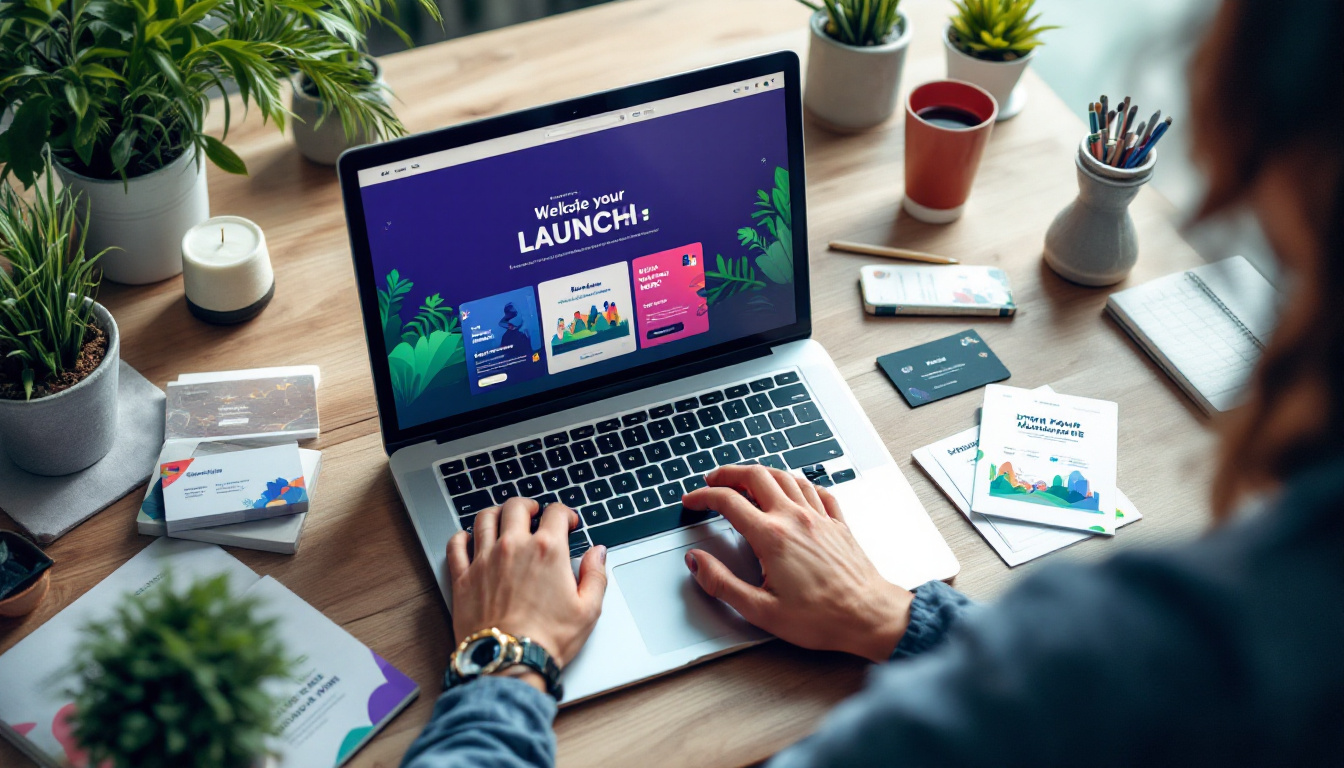
Congratulations! You’ve built your website. Now it’s time to launch it and let the world know. Here’s how:
Step 7: Test Everything
Before you hit that launch button, make sure everything works smoothly. Check all links, forms, and images. A little testing goes a long way in ensuring a great user experience.
Step 8: Share on Social Media
Once your site is live, share it on your social media platforms. Let your followers know about your new online home. Encourage them to visit and provide feedback. This is a great way to start building an audience.
Step 9: Keep Updating
Your website is a living entity. Keep it fresh by regularly updating content, adding new blog posts, or showcasing recent projects. This not only keeps your audience engaged but also helps with SEO.
Final Thoughts
Creating your website for free with Solo AI is an empowering step for any solopreneur. It allows you to establish your brand, connect with your audience, and showcase your work—all without breaking the bank. Remember, the hardest part is just getting started. So take that first step today, and watch your business grow!

Ready to create your website? Sign up for Solo AI and start building your online presence now!
Why does a solopreneur need a website?
A website helps establish credibility, showcase products or services, connect with potential customers, and improve visibility online. It acts as your online storefront, portfolio, and home for your brand.
What pages should a free business website include?
Start with the essentials: a Home page, an About page, a Services or Products page, and a Contact page. These pages give visitors a clear overview of who you are, what you offer, and how to reach you.
How can you make a free website look professional?
Choose a mobile-friendly template and customize the colors, fonts, and layout to reflect your brand identity. Clear messaging, relevant content, and a design that feels consistent across pages make a strong first impression.
How do you optimize a free website for search engines?
Use relevant keywords naturally throughout your content, write compelling meta descriptions for each page, and add alt text to images. These simple SEO steps can improve how easily people find your website online.
What should you do before and after launching your website?
Before launch, test all links, forms, and images to make sure everything works smoothly. After launch, share the site on social media, invite feedback, and keep updating content so visitors stay engaged and search visibility improves.